2 Getting Started
82 Keysight 34980A Mainframe User’s Guide
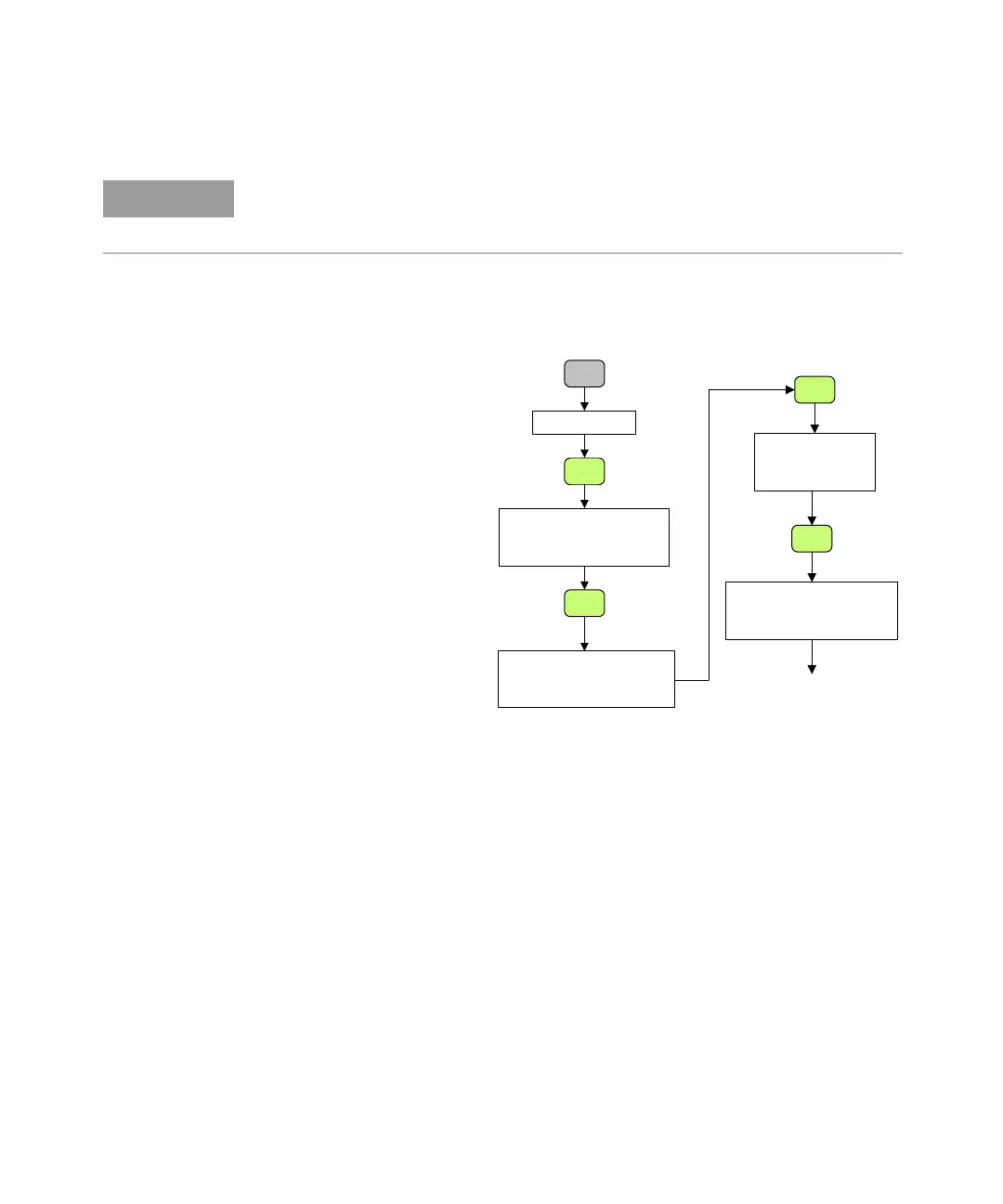
5 Using the flow diagram below, navigate through the 34980A front-panel Utility
menu. At the IO PORT menu, select USB. At the ENABLE USB submenu, select
YES.
6 Press Utility. The 34980A will display a two-line status message, with the
34980A’s connect code for USB.
7 Press Utility one more time to save any changes and exit the Utility menu. If
you made a change, the message REBOOT REQUIRED FOR NEW SETTINGS
will be displayed.
8 Cycle power to the unit. When it reboots, the USB connection will be enabled.
9 Use the Connection Expert utility of the Keysight IO Libraries Suite to add the
34980A and verify a connection. If you have installed any other I/O software,
refer to documentation included with that software.
10 Now you can use various programming environments to control the 34980A.
For an overview on programming instruments via USB, refer to the
Connectivity Guide.
If you installed the Keysight IO Libraries software, this also installed the required
low-level software drivers. Therefore, you do not need to insert the CD when the
Found New Hardware Wizard instructs you to do so.
Remote I/O
I/O PORT
GPIB USB LAN
(Use knob to select USB)
Utility
Utility
Utility
ENABLE USB
NO YES
(Use knob to select YES)
Utility
CONNECT
STRING
XXXXXX
Utility
REBOOT REQUIRED
FOR NEW SETTINGS
Cycle power to the 34980
to complete USB connection
Front Panel Menu
to Configure a
Navigation Flow Diagram
USB Connection



 To Next Page