KICstart Version 1.1.0.x
KICstart User Manual 25
Upon Exiting the Graph screen
If you did not make any changes to the Process Window while viewing the profile, then you will be
returned to the KICstart main screen if you just finished running the profile and the Profile Explorer if you
opened the profile form there.
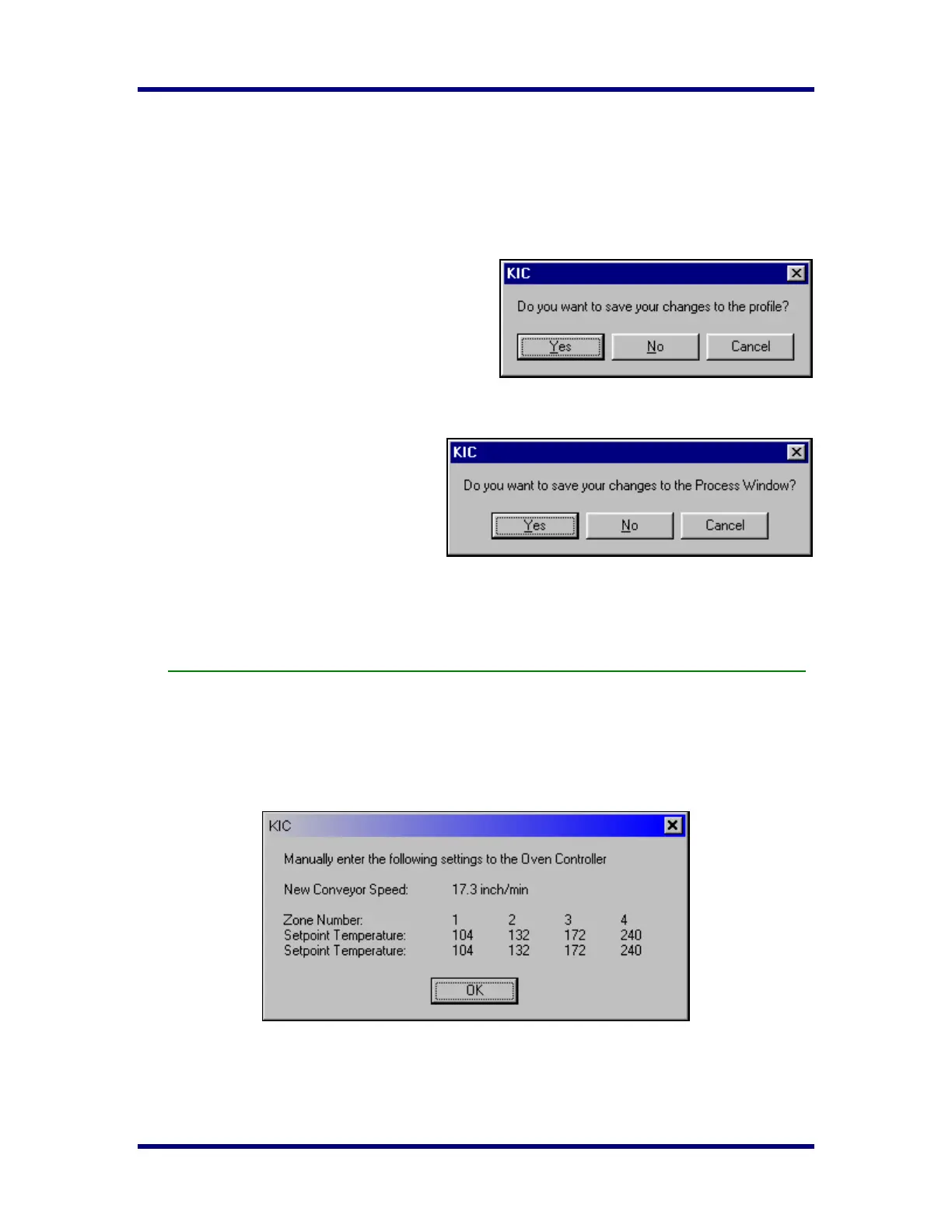
If you made changes to the Process Window while viewing the profile, you can expect to see the following
messages:
Saving changes to the profile:
Any changes to the Description Notes or the Process
Window can be saved with the profile. This will
permanently update this profile with the changes.
Changes to the Process Window saved here only save
the changes with the profile. To save the changes to
Process Window file see next dialog box
Saving changes to the Process Window:
If you have made changes to the Process
Window from the graph screen you can save
these changes when you exit the graph screen.
The Process Window will permanently have
these changes whenever it is used to profile
from this point forward.
The KICstart software will take you to the Edit Process Window screen in order to save the changes that
you have made.
These two dialogs will only appear if changes are made to the description notes or Process Window.
If you have the Manual Prediction option, and have made changes to the predicted set points a
confirmation message is displayed. (See below)
The predicted set points are rounded to the nearest whole number.
These are the predicted oven set points selected by the user.



 To Next Page