Version 1.1.0.x KICstart
12 KICstart User Manual
Saving Process Window
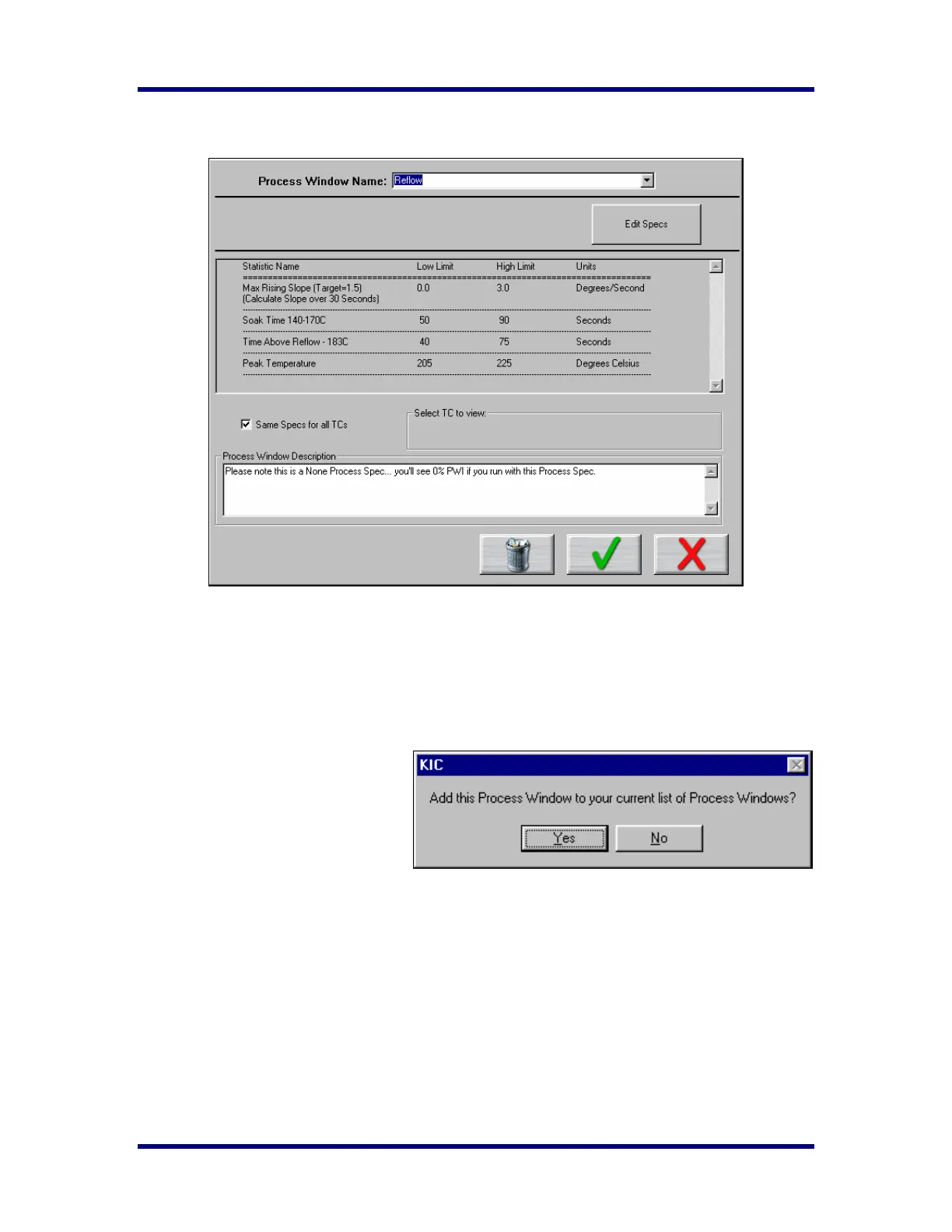
To complete creating a Process Window you must do these things:
• Choose a solder paste from the Solder Paste Menu
• Edit the specs if necessary
• Name the Process Window.
• Save the Process Window.
To save - Click on the Green Check
(Save and Exit) button. A dialog box
will appear asking if you want to add
this Process Window to your list of
Process Windows.
Clicking on Yes will save it and exit to
the KICstart main screen. You can click on No and click on the Red X (Cancel button) to exit without
accepting or saving any changes.



 To Next Page