Version 1.1.0.x KICstart
20 KICstart User Manual
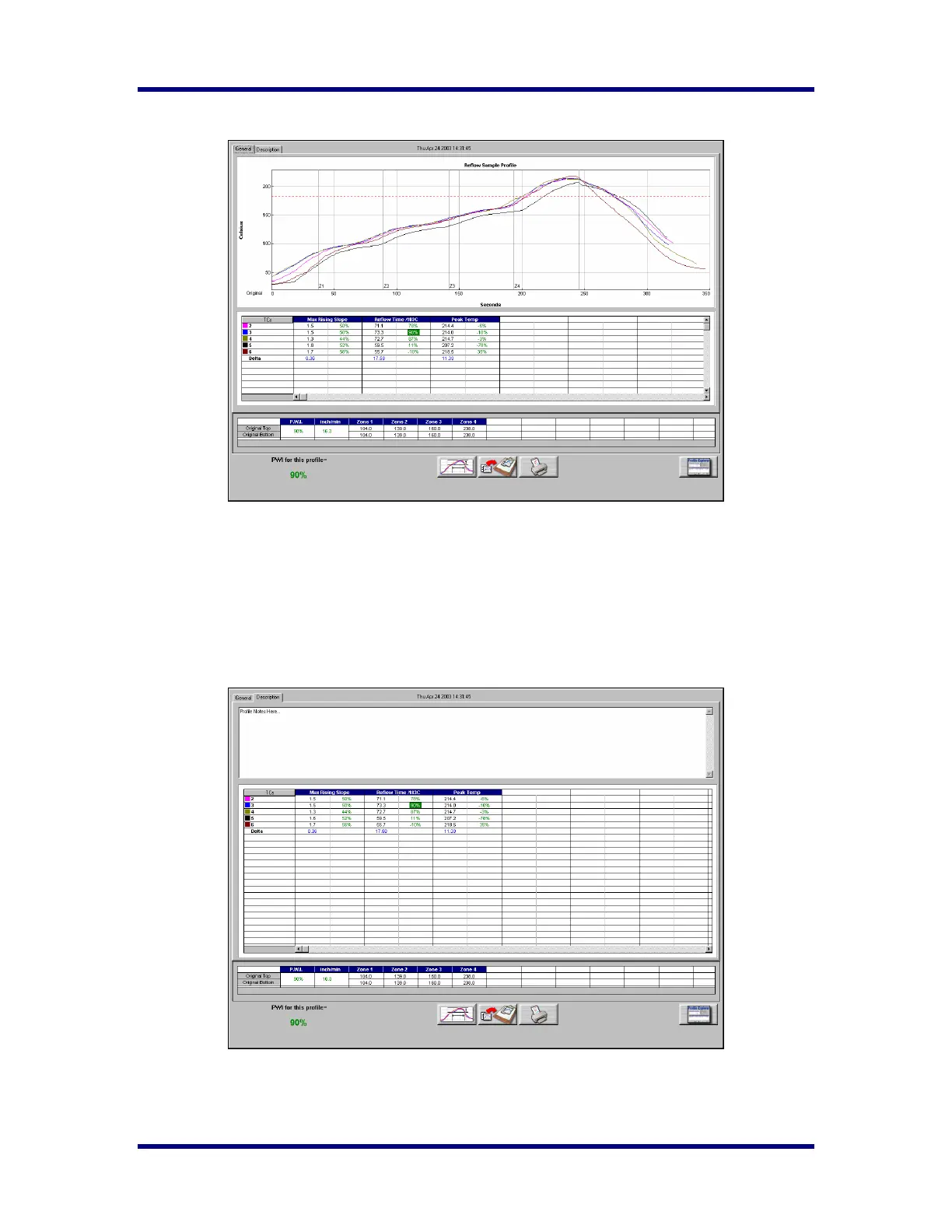
Viewing the profile and statistics
General Tab – Shows graph, statistics, and recipe
By double clicking within specific areas of the General tab, you can change the view.
Graph View – Place the cursor over the graph area and Double-click to enlarge the graph.
Statistics View – Place the cursor over the Statistics table and Double-click to enlarge the Statistics.
Graph Controller – Click on the TCs column header to activate the Graph Controller. See instructions on
page 23.
Graph Pointer – Place the cursor in the graph area and Right-click to activate the Graph Pointer. See
details on page 24.
Description Tab – Shows Description notes, statistics, and recipe



 To Next Page