KICstart Version 1.1.0.x
KICstart User Manual 27
Wave Solder Profiling Using the KICstart Profiler
The KICstart profiler can be used to measure wave solder profiles. Profiling wave solder machines using
the KIC start profiler is very similar to profiling a solder reflow oven. The KICstart software will guide
you through the profiling process.
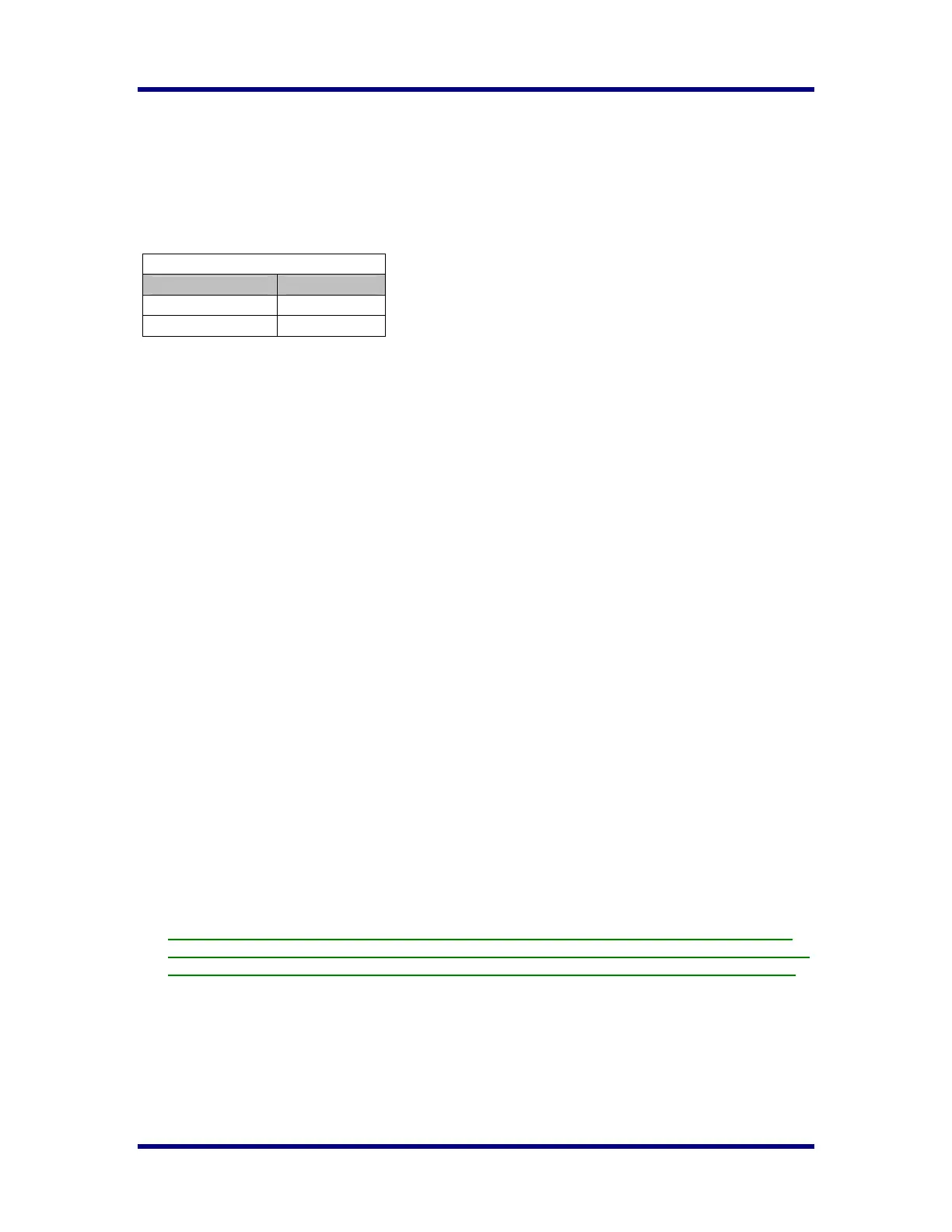
Hardware- KICstart Sample Rates for Wave
KICstart PROM Version 7.0
Application Type Samples/Sec
Wave Solder-Off
4
Wave Solder-On
10
KICstart software
This section will outline the steps necessary to setup and run a wave solder profile using the KICstart and
KICstart software. This section is written assuming the user has a basic understanding of the KICstart
software before attempting to profile a wave solder machine.
Global Preferences
Unit of Measure - Wave solder machines generally use the Fahrenheit scale for preheat and solder pot
temperature measurements. If necessary change the temperature units to Fahrenheit.
Maximum Product Temperature at Start of Profile – This setting will determine the maximum product
temperature before the software will allow the user to start a profile. If any of the thermocouples connected
to the KICstart or your product measure above this setting, the software will not allow the user proceed.
The user will be prompted with a message stating that one of the selected TCs is not reading valid
temperatures. You will have to wait till the thermocouple or the object your thermocouples are connected
to cools below this temperature setting before the KICstart will allow you to proceed. This software
feature helps the user to collect consistent profile data by always beginning the profile with the same or
nearly the same product temperatures.
The KICstart software also uses this setting to determine the profile start - temperature trigger value. The
profile start – temperature trigger is always set 2ºC above the “Maximum product temperature at start of
profile”. The default setting is 40°C.
Process Window
You can enter your unique process specifications. Choose: “Edit Specs”, enter your process specifications,
when finished; select the Green check button.
If you have followed the above directions, you should be looking at the Process Window screen. If you are
satisfied with the settings type a descriptive name in the top field and select the Green check button. Select
Yes when prompted to save the Process Window file.
Note: When running wave solder profiles with the wave on, the KICstart utilizes two Wave TCs in
addition to the Air TC to collect wave specific data. The Wave TCs will connect to channels #2, 3 on
the KICstart profiler. See the “Connecting Wave TCs” section of this manual for details, page 31.



 To Next Page