KICstart Version 1.1.0.x
KICstart User Manual 23
Graph Controller
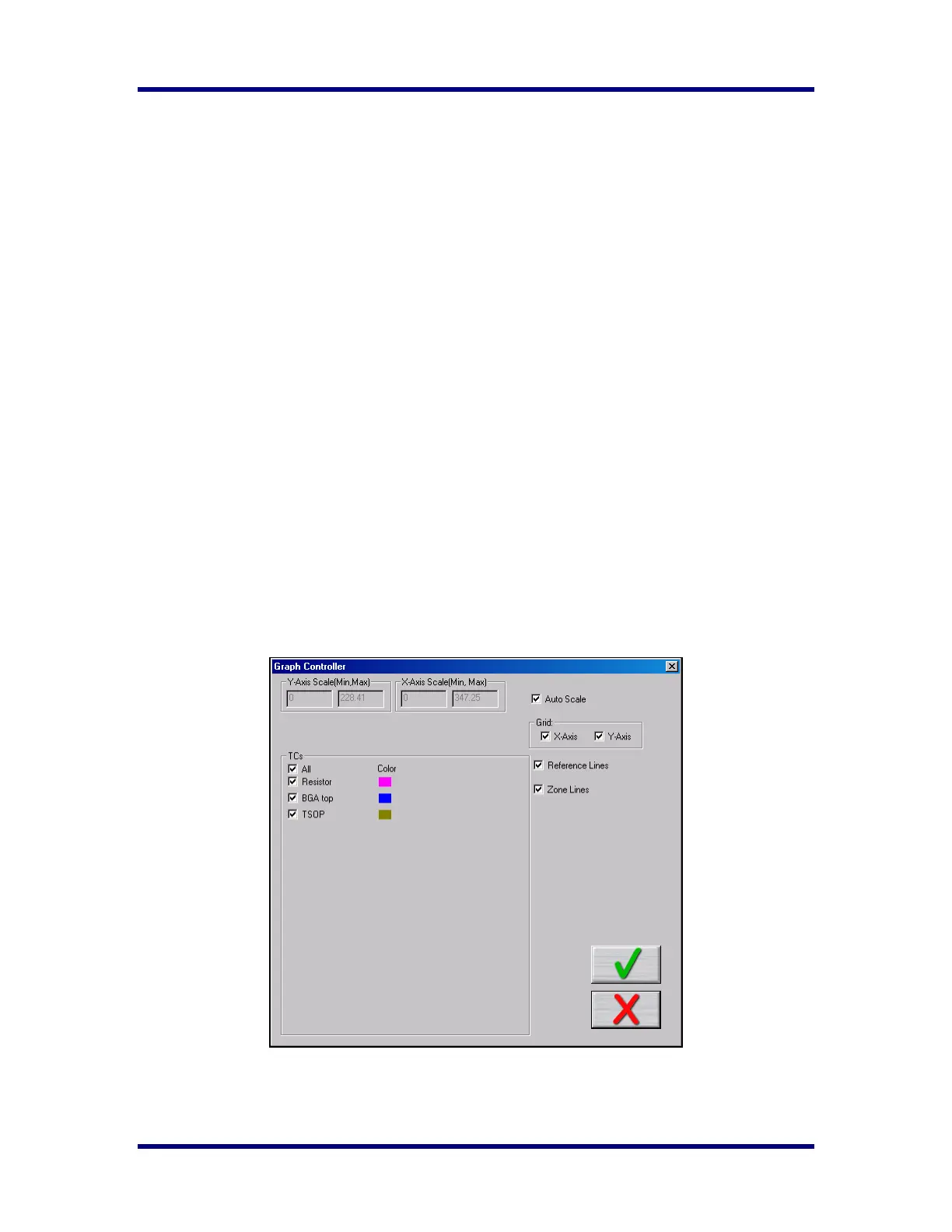
The Graph Controller allows the user to modify the view of the KICstart-profile graph. To open the Graph
Controller, Left-click on the TC column header in the Statistics table or Double-Left –click, anywhere just
outside the profile graph.
Auto Scale – The Auto Scale feature will automatically adjust the X, and Y axis scales to fit all of the data
in the profile graph. When the Auto Scale feature is disabled, the user must manually input the minimum
and maximum scale settings for the X, and Y axis scale of the profile graph.
Selecting Thermocouples to View
The TCs section is a list of the thermocouples used for the profile. By selecting All you are selecting that
all the thermocouples used for the original profile will be displayed on the profile graph. In the event that
you wish to view the profile without a particular or multiple thermocouples, you can deselect individual
thermocouples, or deselect the All check box, and choose only the thermocouples you wish to view.
Deselecting Thermocouples
If a thermocouple has become disconnected during the profile, the profile results may be affected to due
above normal peak temperatures and such. This situation may cause the profile PWI value to be artificially
inflated due to bad data. In the event a single or multiple thermocouples become disconnected from the
product during the profile, you can deselect the affected thermocouple(s). The KICstart software will
recalculate the PWI, and update the profile statistics based on the remaining thermocouples selected. You
must select at least one product thermocouple.
Grid – Enables/disables the view of the X, and Y-Axis scales.
Reference Lines – Enables the view of Reference Lines displayed on the profile graph. These lines
represent any temperatures referenced in the selected Process Window.
Zone Lines – Enables the view for the oven zone lines on the profile graph.



 To Next Page