PAS SERIES Maintenance 7-3
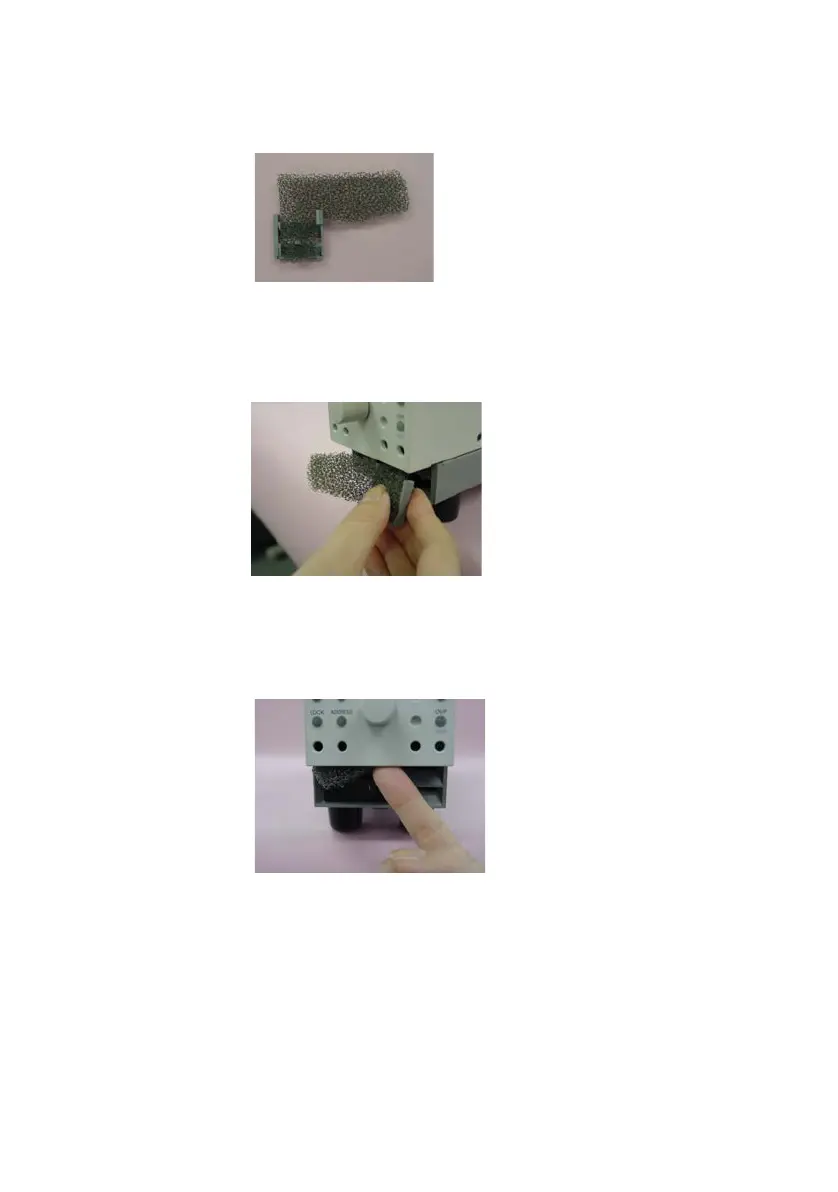
3. Attach the dust filter to the louver.
Be sure the direction of the louver and dust
filter is correct.
Fig.7-2 Attaching the dust filter
4. Bend the filter and hold it with your fingers. Then, attach the
louv
er to the panel.
Fig.7-3 Attaching the Louver
5. Press the filter to the back side of the panel with your finger
so that
the entire section below the panel is covered.
Fig.7-4 Setting the filter









 To Next Page