3-4 A-61316 September 2004
Selecting the
Connection mode
(PR/PC)
Images are scanned and output to the Video Laser Printer or through the
PC interface. You can use the PR/PC key to switch between Printer
mode and PC mode if you are connected to a PC.
PC mode ― when the display is switched from Multi-Print to PC,
connection to the PC is valid.
PR mode
― when the display is switched from PC to Multi-Print,
connection to the Printer is valid.
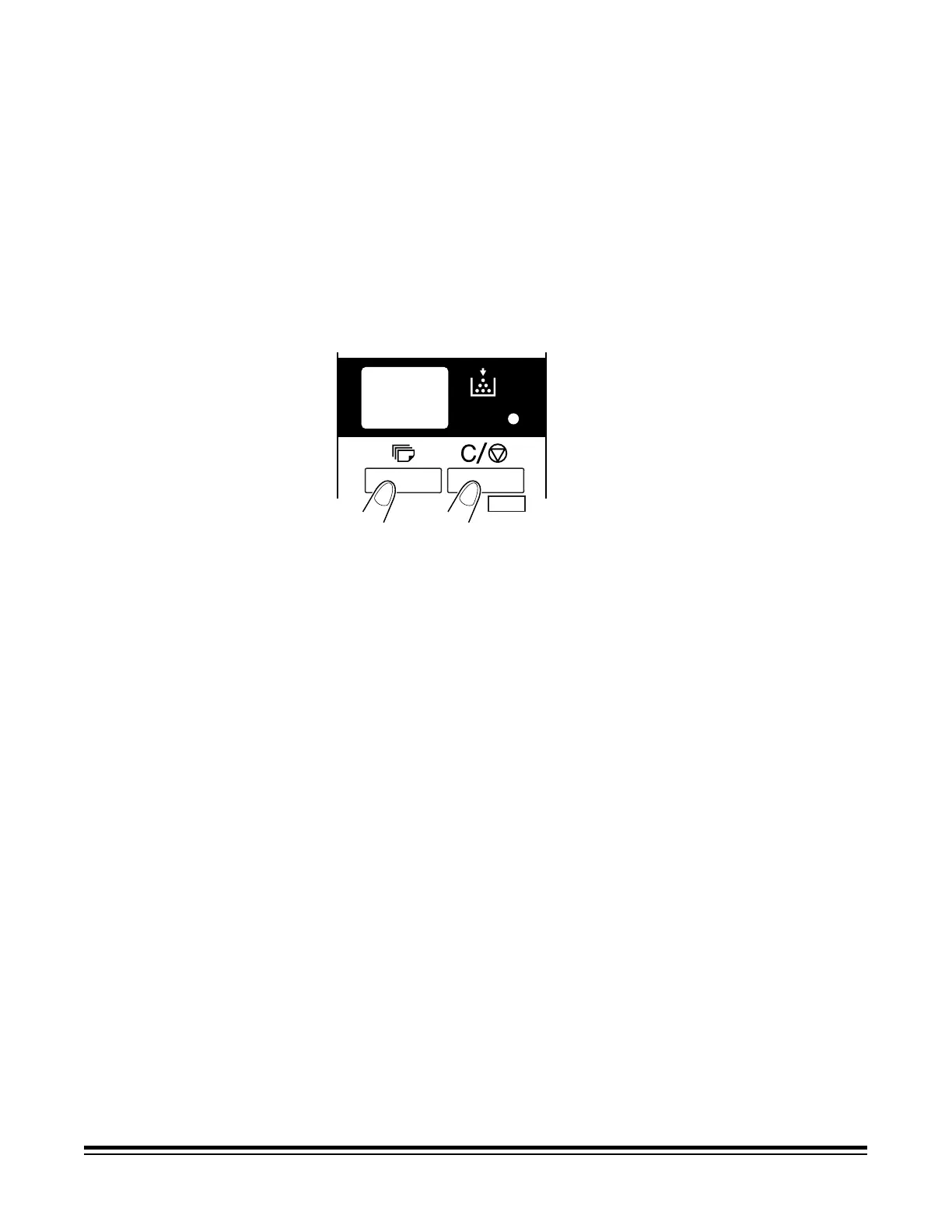
To change modes:
• Hold down the Shift key and the PC/PR key together for more than
one second.
PC/PR
Shift











 To Next Page