3-22 A-61316 September 2004
Entering and exiting
the User mode
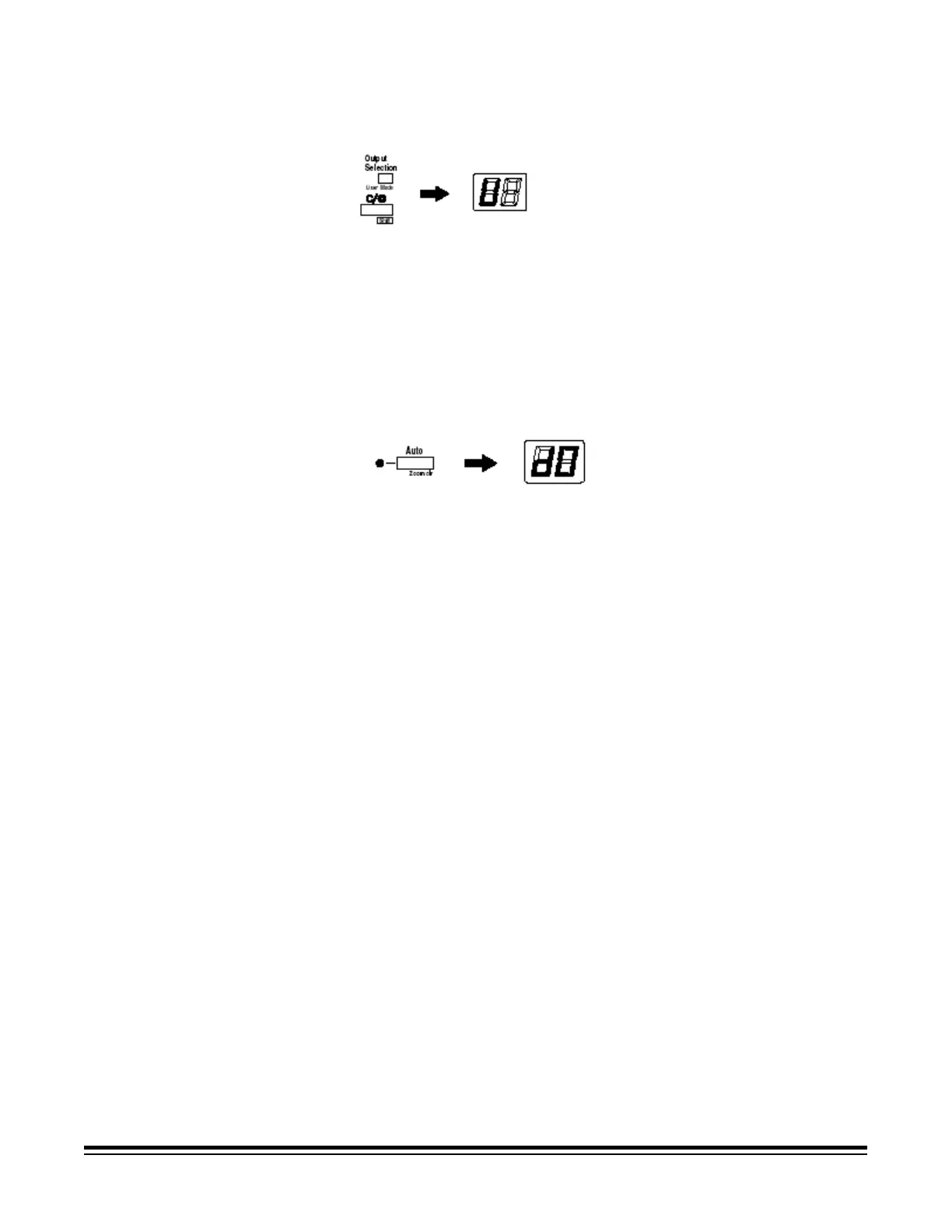
1. Hold down the Shift key and Output Selection key at the same time.
The Multi-Print Display displays a “U”.
2. Press the Exposure Adjustment key (Darker or Lighter) to select the
specific function: U2, U6 or U7.
• Pressing the Darker key scrolls through the functions in the
following order: U, U1, U2, U3, etc.
• Pressing the Lighter key scrolls through the functions in the
following order: U8, U7, U6, U5, etc.
3. Press the Exposure Mode key to display d(*). The asterisk
indicates the current setting value.
4. Press the Exposure Adjustment key (Darker or Lighter) to select the
specific setting value.
• Pressing the Darker key scrolls through the setting values in the
following order: d0, d1, d2, etc.
• Pressing the Lighter key scrolls through the setting values in the
following order: d5, d4, d3, etc.
5. Press the Start key to validate the setting value.
NOTES:
• If the Exposure Mode key is pressed, the setting value is not validated
and the User mode initial screen (U) appears.
• If a new function is to be set, start the procedure over beginning with
Step 2.
6. Press the Clear key to exit User mode.











 To Next Page