A-61635 December 2010 3-13
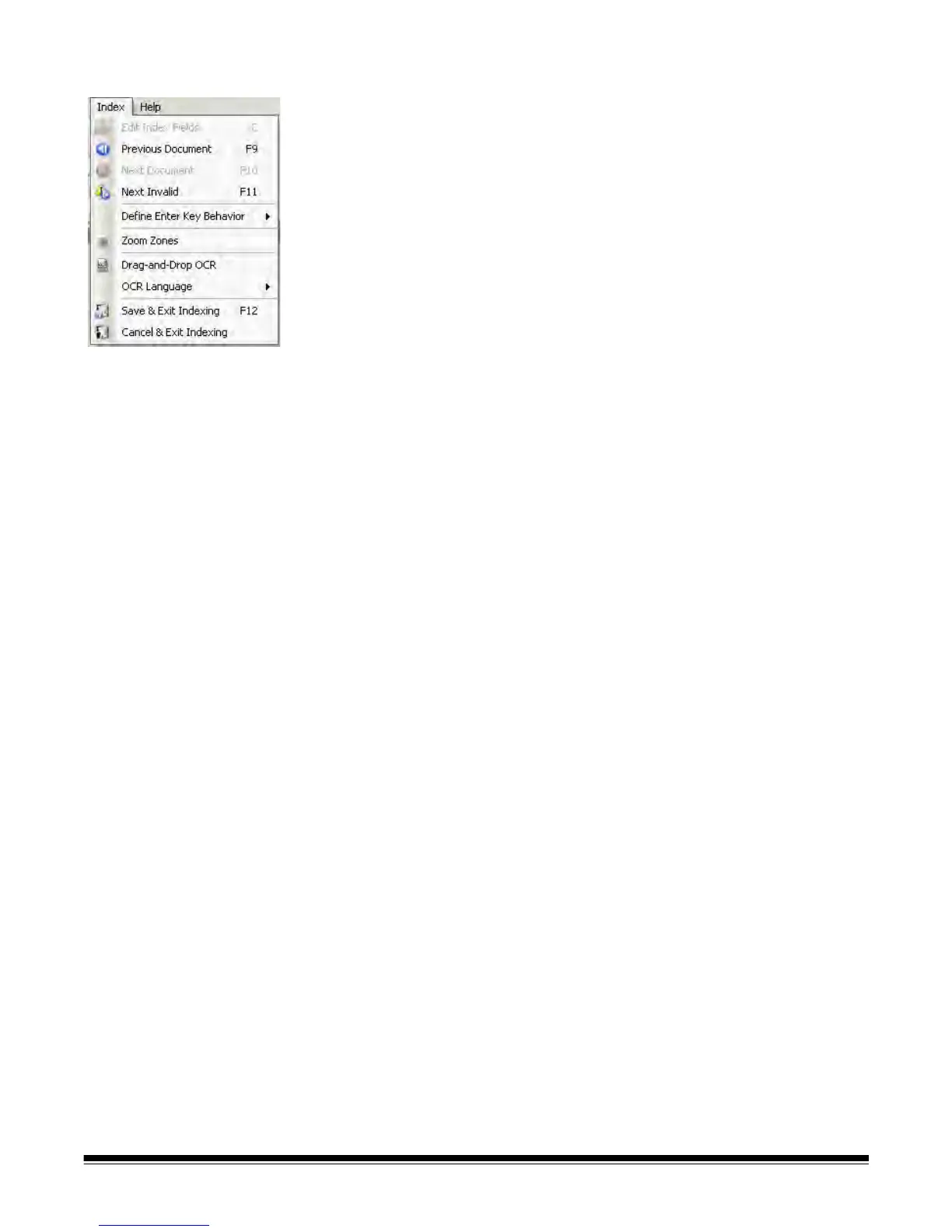
Index menu The Index menu contains the following options:
Edit Index Fields — provides access to the index fields at the batch and
document levels. Keyboard shortcut: E.
Previous Document — displays the index information for the previous
document. Keyboard shortcut: F9.
Next Document — displays the index information for the next document.
Keyboard shortcut: F10.
Next Invalid — displays the index information for the next document in which
an index is invalid. Keyboard shortcut: F11.
Define Enter Key Behavior — allows you to assign an action that you want
the software to take when you press Enter. Options are: go to the Next
Document, go to the Next Invalid document or Save & Exit Indexing.
Zoom Zones — allows you to draw a rectangle around a portion of the image
that you want zoomed for display when editing index fields. This zoom setting
is saved per index field. As a result, you can define a zoom zone for each
index field and the image display automatically zooms to the appropriate part
of the image when that field is edited.
Drag-and-Drop OCR — allows you to populate an index field by drawing a
region on the image. OCR is performed within the region, and the value is
automatically put into that index field. After selecting the tool, draw a rectangle
around the index data to be captured.
NOTE: To properly create OCR special language-specific characters (e.g., «
or ¸) or MICR code characters, select the appropriate language or
MICR font from the drop-down list.
OCR Language — allows you to setup what language will be used for the
OCR function.
Save & Exit Indexing — exits indexing and saves any changes you made to
the batch. Keyboard shortcut: F12.
Cancel & Exit Indexing — exits indexing without saving any changes you
made to the batch.



 To Next Page