A-61635 December 2010 4-93
Kodak i800 Series
Scanners
This section provides scanner-specific information for the Kodak i810, i820,
i830 and i840 Scanners.
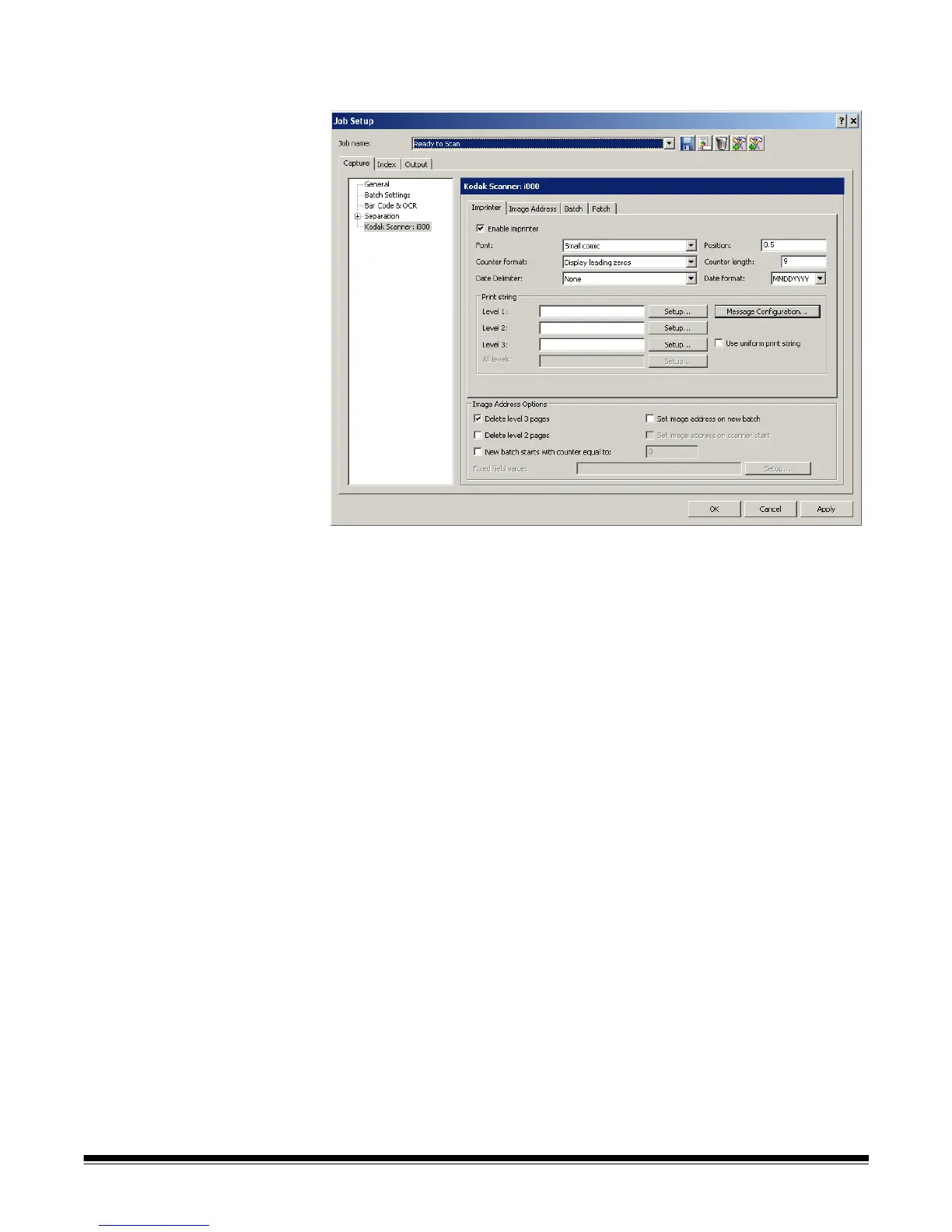
Imprinter tab Enable imprinter— enables the print functionality.
Font — two different character sizes, referred to as Large and Small, are
available. Information is printed on each document in one of the two
orientations: Comic or Cinema. You can choose:
• Large Comic
• Large Cinema
• Small Comic
• Small Cinema
• Large Comic 180
• Large Cinema 180
• Small Comic 180
• Small Cinema 180
Counter format — allows you to configure the format of the counter when the
width of the value is less than the field width. Select one of the following
formats from the drop-down list:
• Display leading zeroes "004"
• Do Not Display: "4"
• Display As Spaces: " 4"



 To Next Page