English
64
•
Status Messenger Error Message appears
»»
Refer to “Check print status from your PC” on page 25 and “Status
messages, LCD messages and LED behaviors” on page 65.
•
Paper handling
»»
Refer to “Print media” on page 26 and “Status messages, LCD
messages and LED behaviors” on page 65 (status message: Paper
Jam).
•
Pages are printed, but there are problems with:
– Print quality
»»
Refer to “Improving the print quality” on page 71.
•
Network problems
If you need additional help, the Funai Solutions Center offers the most-
up-to-date driver, manuals, the latest FAQs and troubleshooting tips.
Visit our website at www.kodakverite.com/support
•
Alignment problems
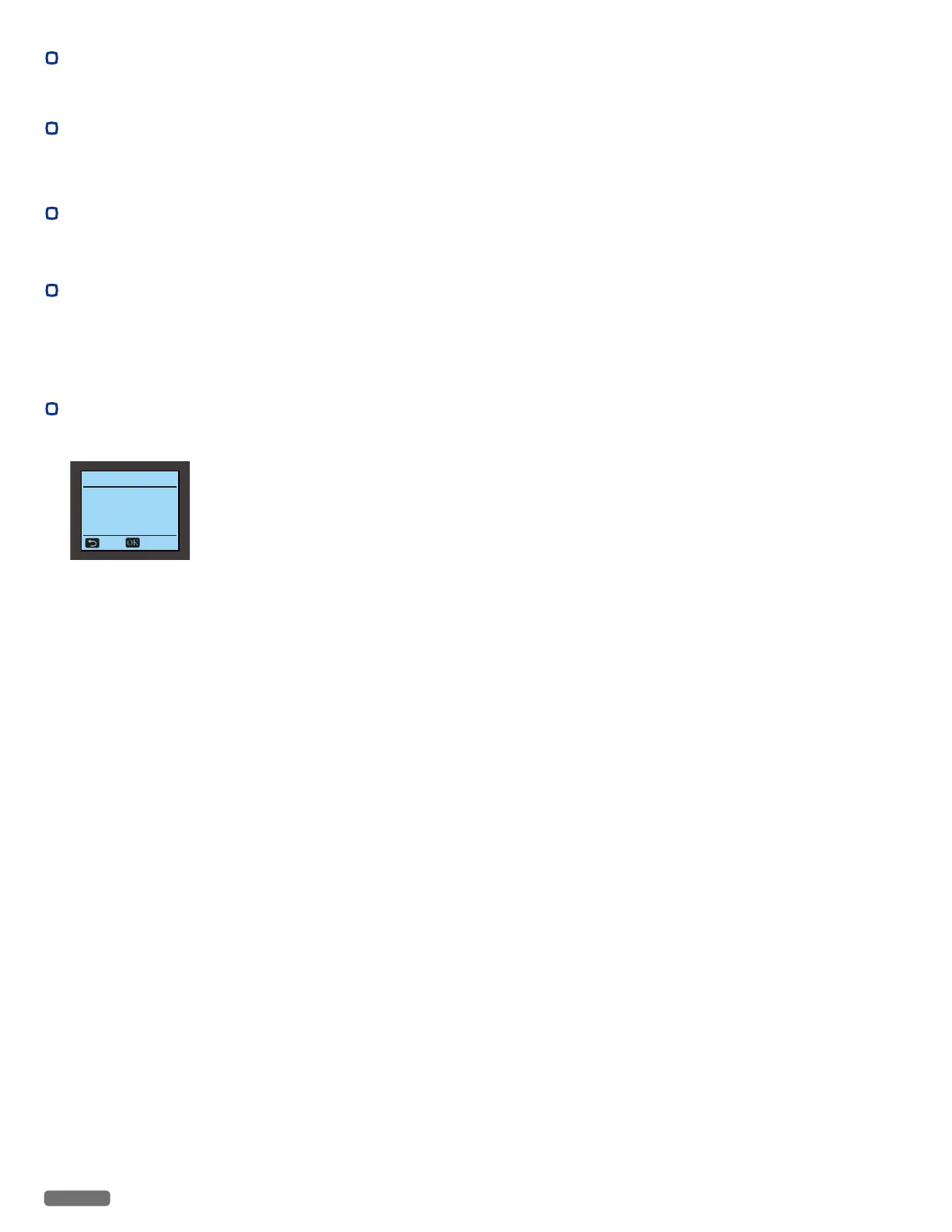
If the following message is displayed on the LCD during alignment,
make sure whether the alignment pattern is a printing failure or not.
Cartridge Setup
Test scan failed.
Place test print on
lower right corner of
scanner, and close lid.
Back Scan
If the message is displayed repeatedly:
- Load a plain and unmarked Letter or A4-size paper. The unit
will read any markings on used paper, which could cause the
alignment error message to reappear.
- Open the Ink Door, then remove and reinstall the Ink Cartridges.
»»
Refer to “Cartridge Setup” on page 43.
Continued on next page.


 To Next Page