CVS-841/851 Chapter 5
Basic Operation
5.2.8 Changing the display position in the 3-division screen
Use the following procedure to change the display position.
MENU
(1) Press the MENU key and select Display. The Display sub menu will be shown.
(2) Select “User 3” and press the Right arrow key to select the User 3 sub menu.
(3) Select a desired display mode among the following options.
a. H (1) / H (2) / L
b. H (2) / H (1) / L
c. L / H (1) / H (2)
d. L / H (2) / H (1)
e. H (1) / L / H (2)
f. H (2) / L / H (1)
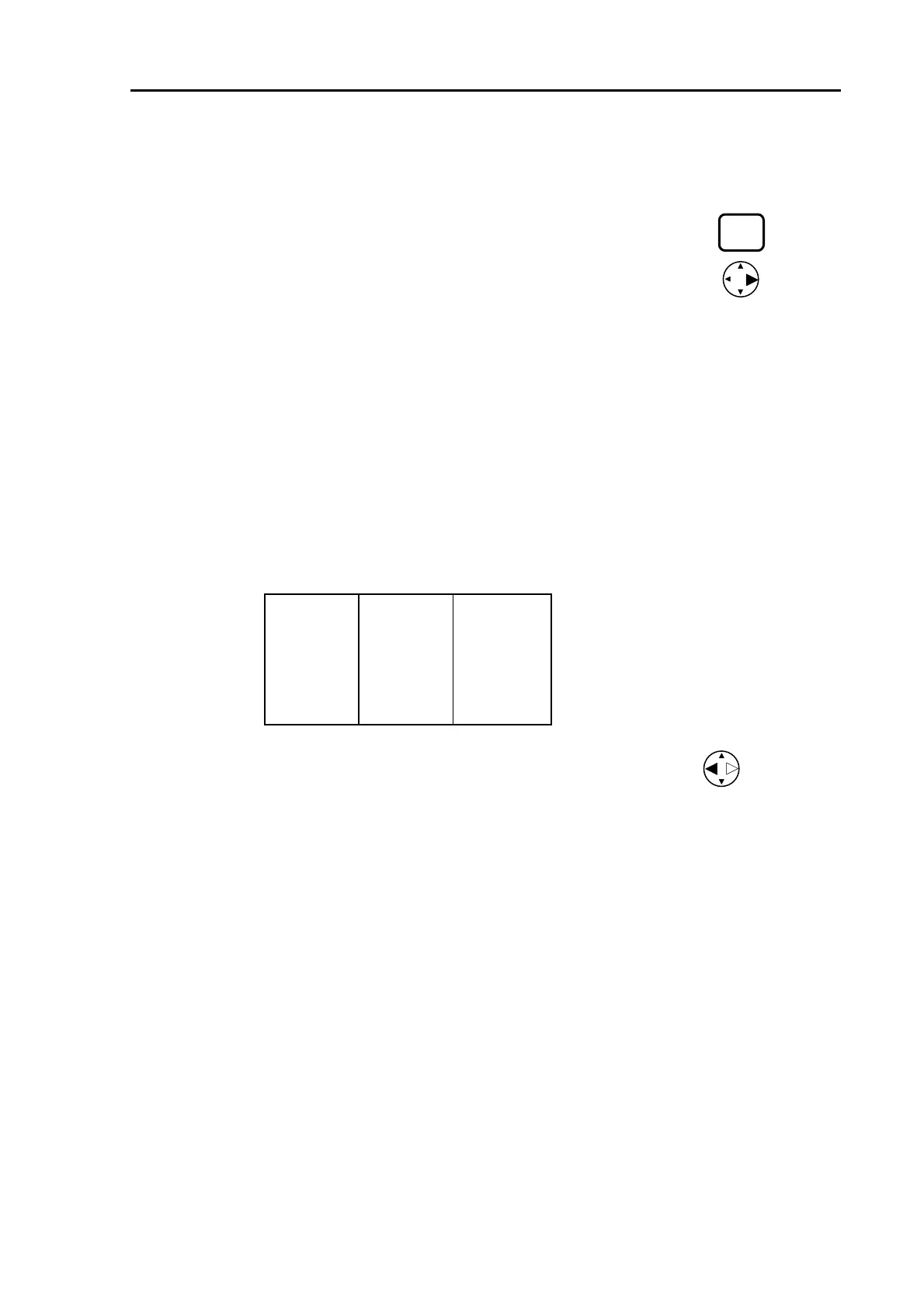
The following is an example of the 3-division screen, “a”.
H (1) H (2) L
(4) Press the MENU key or press the Left arrow key three times to exit the menu.
93132682-00 5-9



 To Next Page