4.1
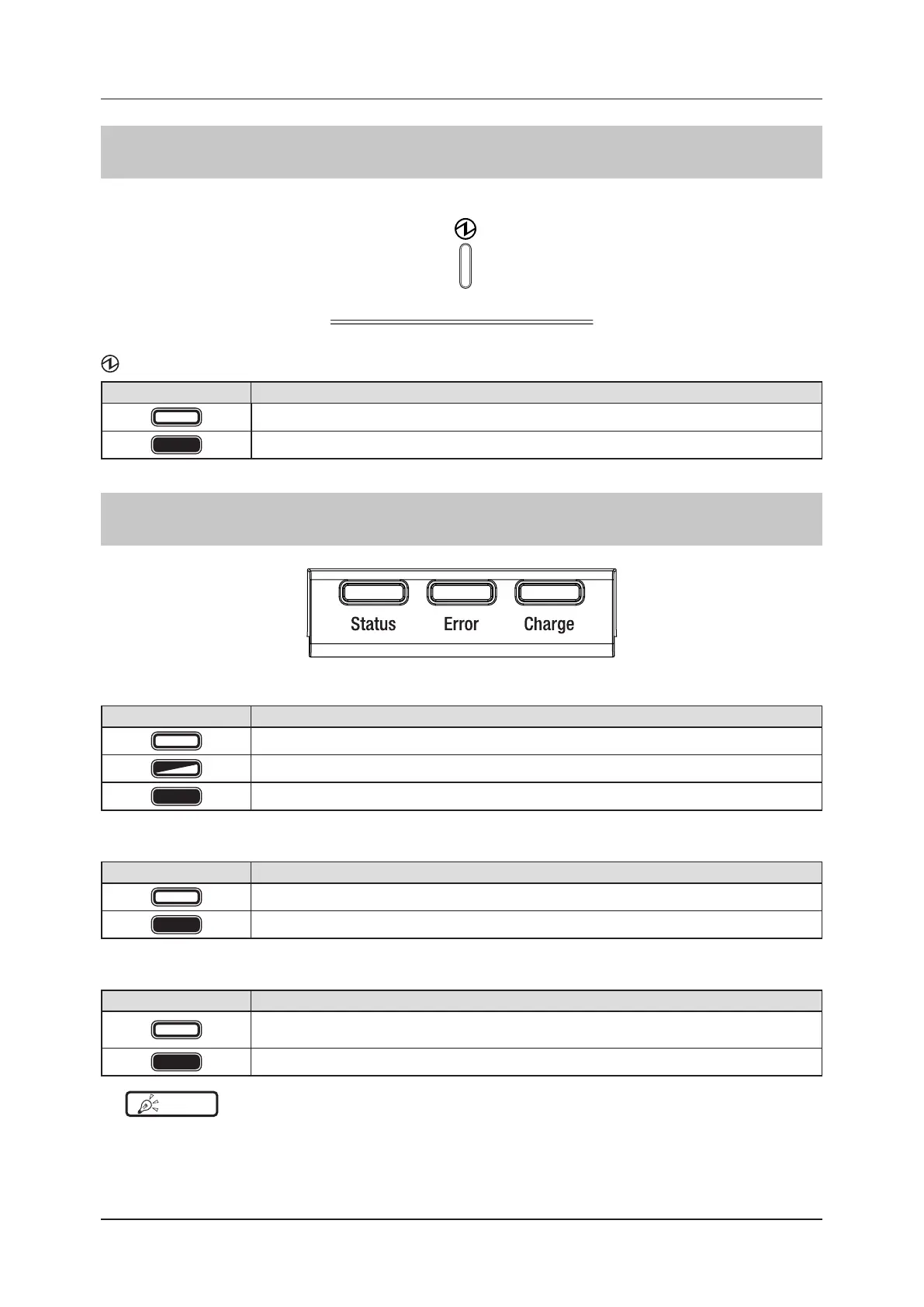
LED display of respective devices
100
4.1.10 Generator Interface Unit 3
: Power LED (blue)
Display pattern Status
Shutdown condition
Operating
4.1.11 AeroDR Battery Charger
Status : Status LED (green)
Display pattern Status
Shutdown condition
Operating
Registration processing of the inserted DR Detector is complete
Error : Error LED (orange)
Display pattern Status
Shutdown condition or operating normally
Error occurred
Charge : Feeding LED (blue)
Display pattern Status
Shutdown condition or standing by for insertion of the DR Detector
Battery charged during DR Detector insertion
DR Detector battery charging
HINT
•••••••••••••••••••••••••••••••••••••••••••••••••••••••••••••••••••••••••••••••••••••••••••••••••••••
• Because the charger dedicated for charging does not perform registration processing of the DR Detector, the status
LED always ashes slowly.
•••••••••••••••••••••••••••••••••••••••••••••••••••••••••••••••••••••••••••••••••••••••••••••••••••••••••••••••••••••



 To Next Page
 Loading...









