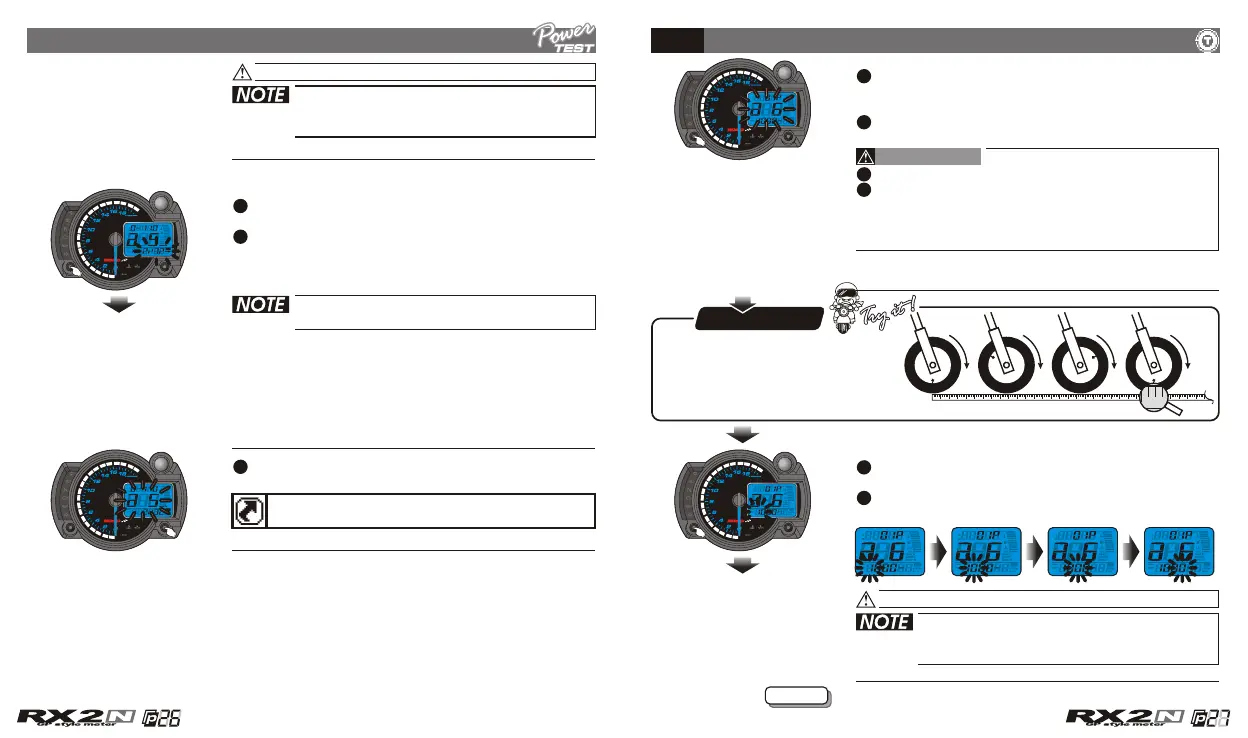
Now the target distance value is flashing!
The target distance timer setting range:
1/32~20/32 mile (50~1,000 M).
Setting unit: 1/32 mile (50 M).
Press the Adjust button to select the other
setting screens.
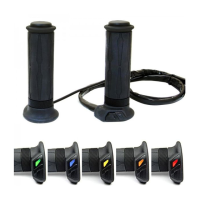
Press the Select button to return to a 5 setting
screen.
EX. Now the target distance timer setting is
changed from 1/32 mile (50 M) to 2/32 mile
(100 M).
When you leave this screen, the setting
is finished.
If you just want to make this function setting, you could
press down the Select button for 3 seconds to back to
the main screen.
The target speed timer / target distance timer setting
5-5
5-6
Tire circumference and sensor point setting
CAUTION!
Please measure the tire circumference.
The speed displayed on the meter will be
affected by the setting, please make sure the
setting number is correct before you make
the setting.
In a 6 screen, press the Select button to enter
the tire circumference and sensor point setting
screen.
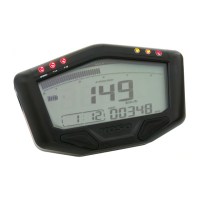
EX. Now the tire circumference setting is 1,000
mm, and the sensor point is 1.
EX. You want to set the circumference at
1,300 mm.
Press the Select button to move to the digit
you want to set.
Now the setting value is flashing!
The tire circumference setting range:
300~2,500 mm.
Setting unit: 1 mm.
130 cm
P.S.P.S.
You could define the valve as
the starting point and the
terminal point to measure the
wheel circumference with a
measuring tape.
Next page
CDI & FI CDI & FI


 To Next Page