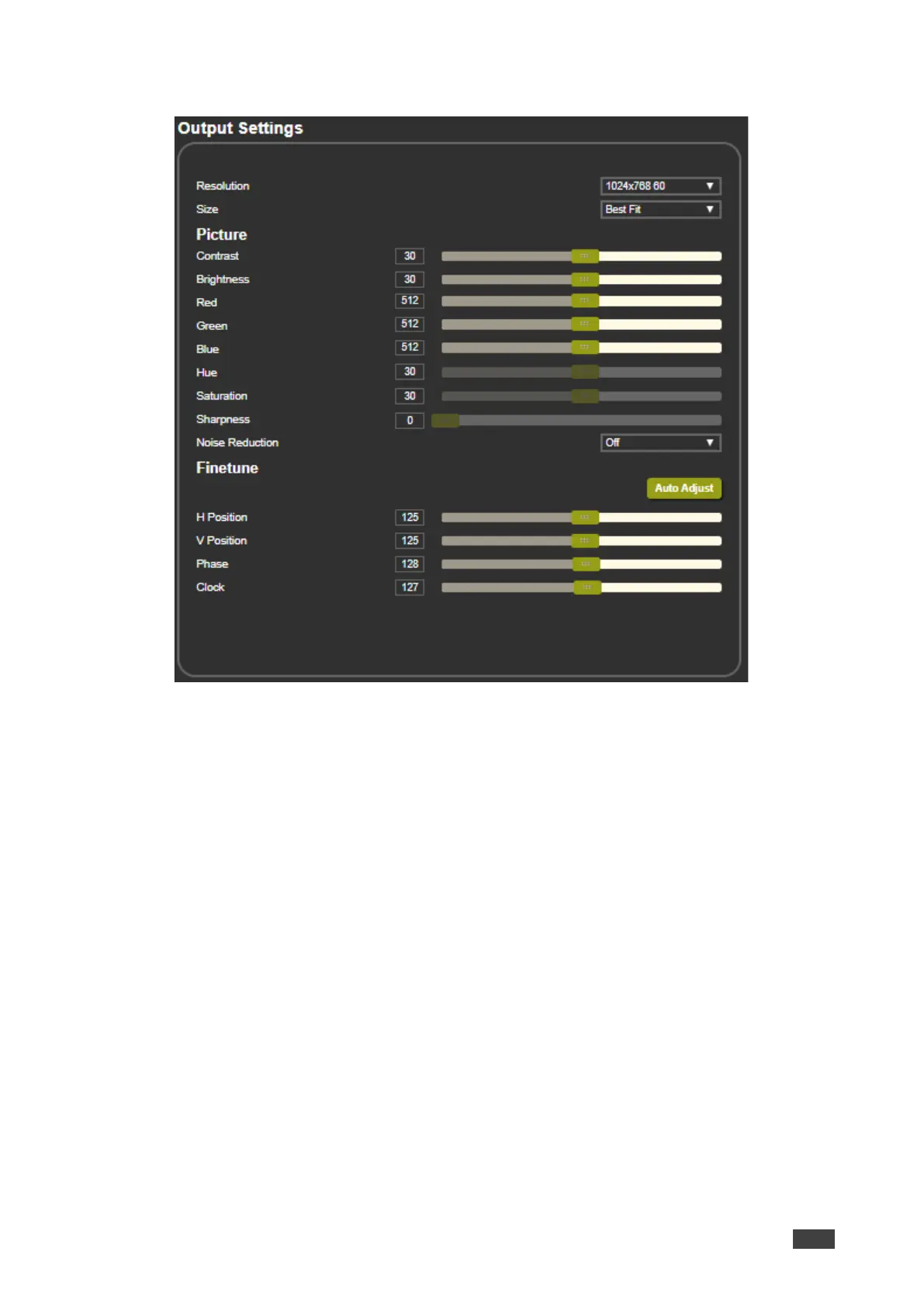
▪ For the PC input:
Figure 20: The Output Settings Page – PC IN is the Input
2. In the Resolution drop-down box, select the required output resolution or:
▪ Native HDBT – Set the output resolution to match the native resolution of the device
connected to HDBT OUT.
▪ Native HDMI – Set the output resolution to match the native resolution of the device
connected to HDMI OUT.
3. In the Size drop-down box and select the video size on the display:
▪ Over Scan
▪ Best Fit (default)
▪ Full
▪ Pan Scan
▪ Letter Box
▪ Under 2
▪ Under 1
▪ Follow In



 To Next Page