VS-211XS, VS-411XS – Using Embedded Web Pages
Adjusting Audio Output Volume
You can adjust the VS-411XS output volume.
To adjust the audio output volume:
1. Click Operation on the Navigation List.
The Operation page appears (Figure 18).
2. Use the Output Volume slider to adjust the volume or enter audio level value in the text
box below the slider.
3. View audio mute status / (unmute/mute) or click to change the status.
The audio signal remains mute when decreasing the volume and unmutes automatically
when increasing the volume.
The output audio volume is adjusted.
Viewing and Adjusting General Settings
To view and adjust general settings:
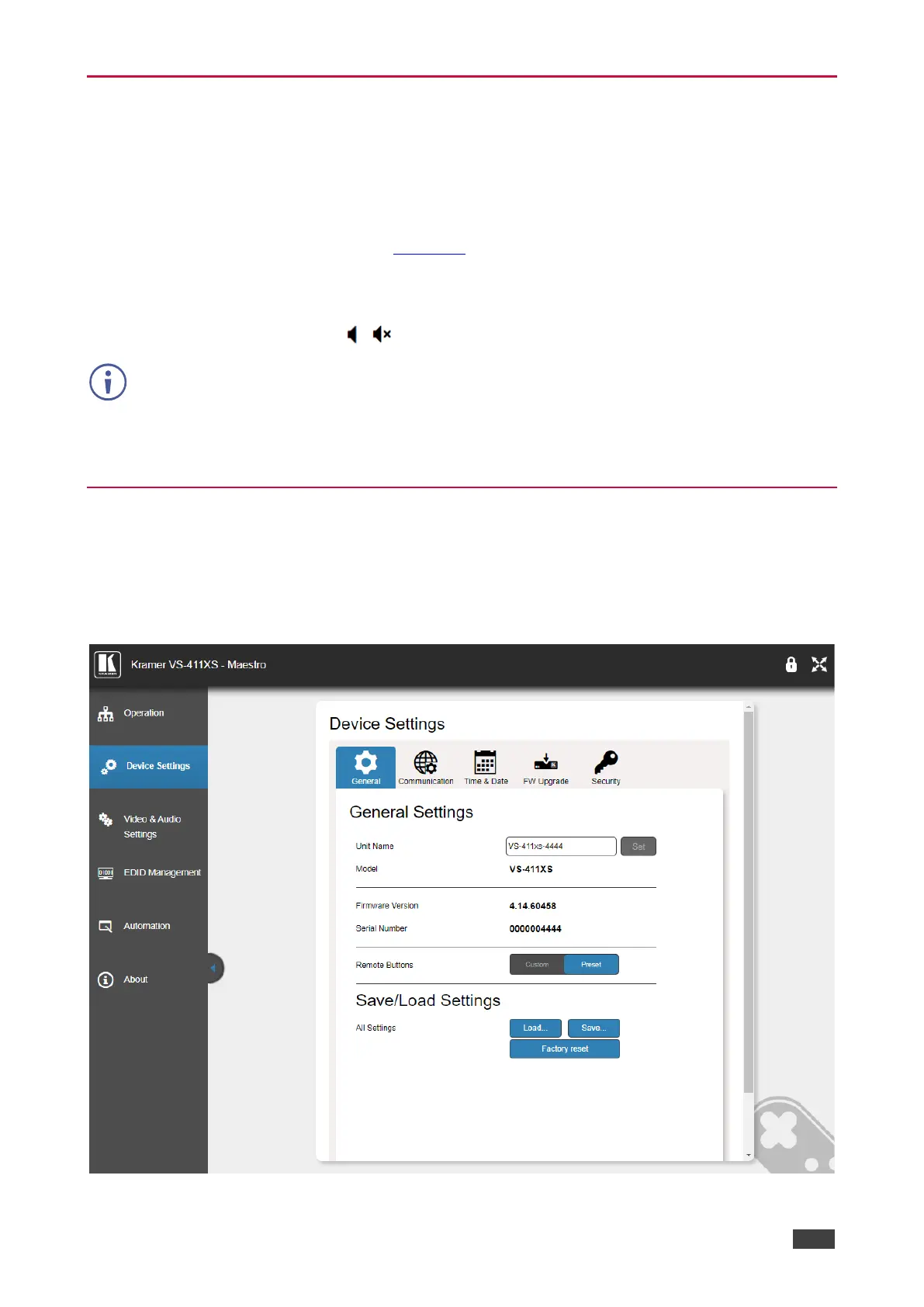
1. Click Device Settings on the Navigation List.
The General tab in the Device Settings page appears.
Figure 19: Device Settings Page – General Settings



 To Next Page