Setting Time and Date
You can set a device time and date manually or Sync the device time and date to any server
around the world.
To set device time and date manually:
1. In the Navigation pane, click Device Settings.
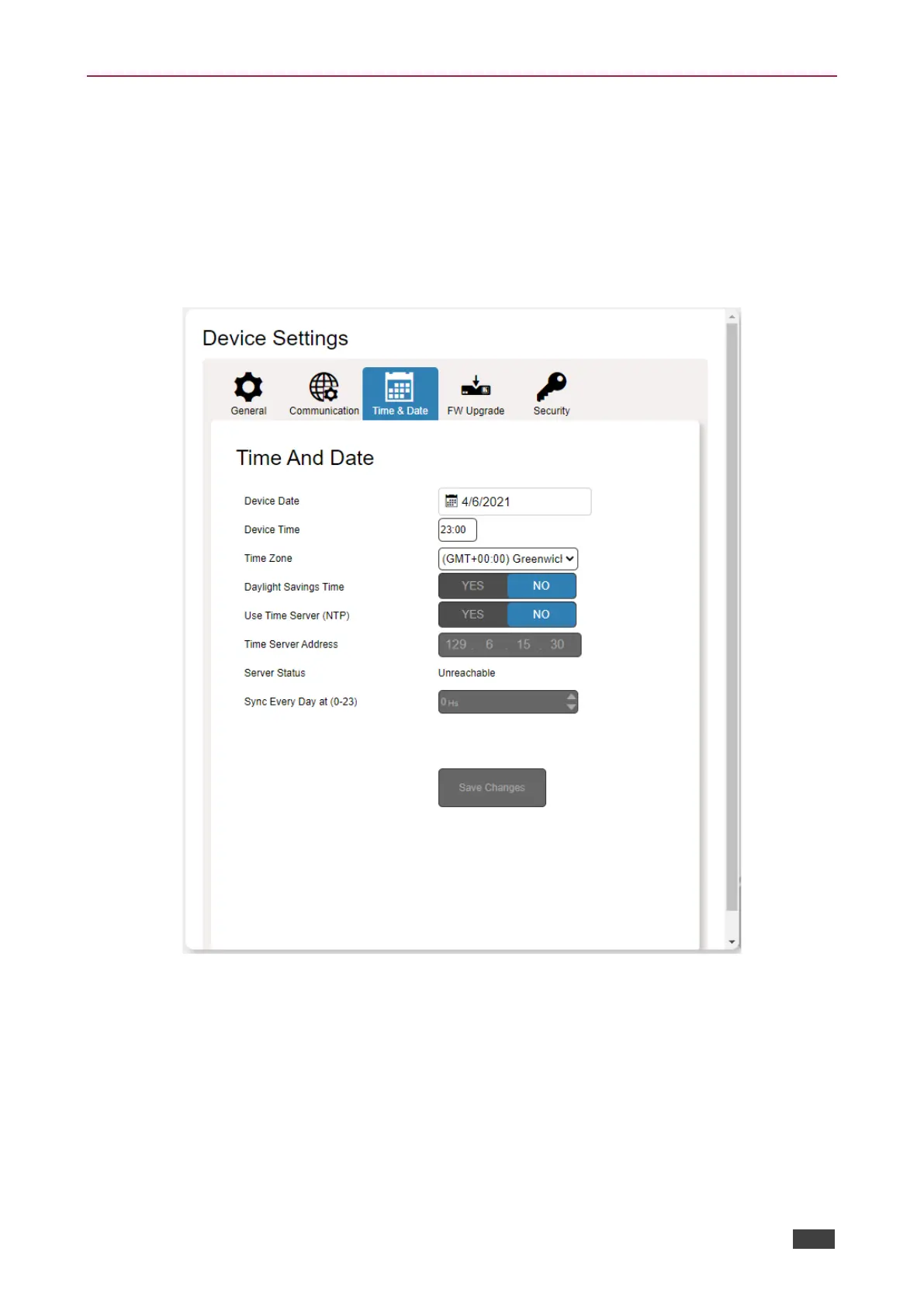
2. Select the Time & Date tab. The Time & Date tab appears.
Figure 25: Device Settings Page – Time and Date Tab
3. Next to Use Time Server (NTP), click NO. Device time & date fields are enabled and
network fields are disabled.
4. Set the device date and time manually.
5. Select the time zone.
6. Click Save Changes.
The devices date and time are set.



 To Next Page