Configuring Device Control and Automation
Use the Automation page to access built-in Kramer Maestro V1.5 room control and
automation. Maestro is a powerful built-in tool that enables you to configure triggers for room
control and automation scenarios without the need for complicated programming. To use
Maestro control and automation, you need to define triggers that, upon an event, will execute
scripts which include a sequence of actions (commands, which can appear in different
scenarios) that will be carried out via any defined ports.
Download the Kramer Maestro User Manual from the Kramer web site at
www.kramerav.com/downloads/VS-211XS or www.kramerav.com/downloads/VS-411XS to
learn how to use Kramer Maestro.
Note that all the ports, actions and triggers that are relevant to VS-411XS are included in the
Kramer Maestro, as well as ports, actions and triggers that are relevant to other Kramer
devices.
Configuring Ports
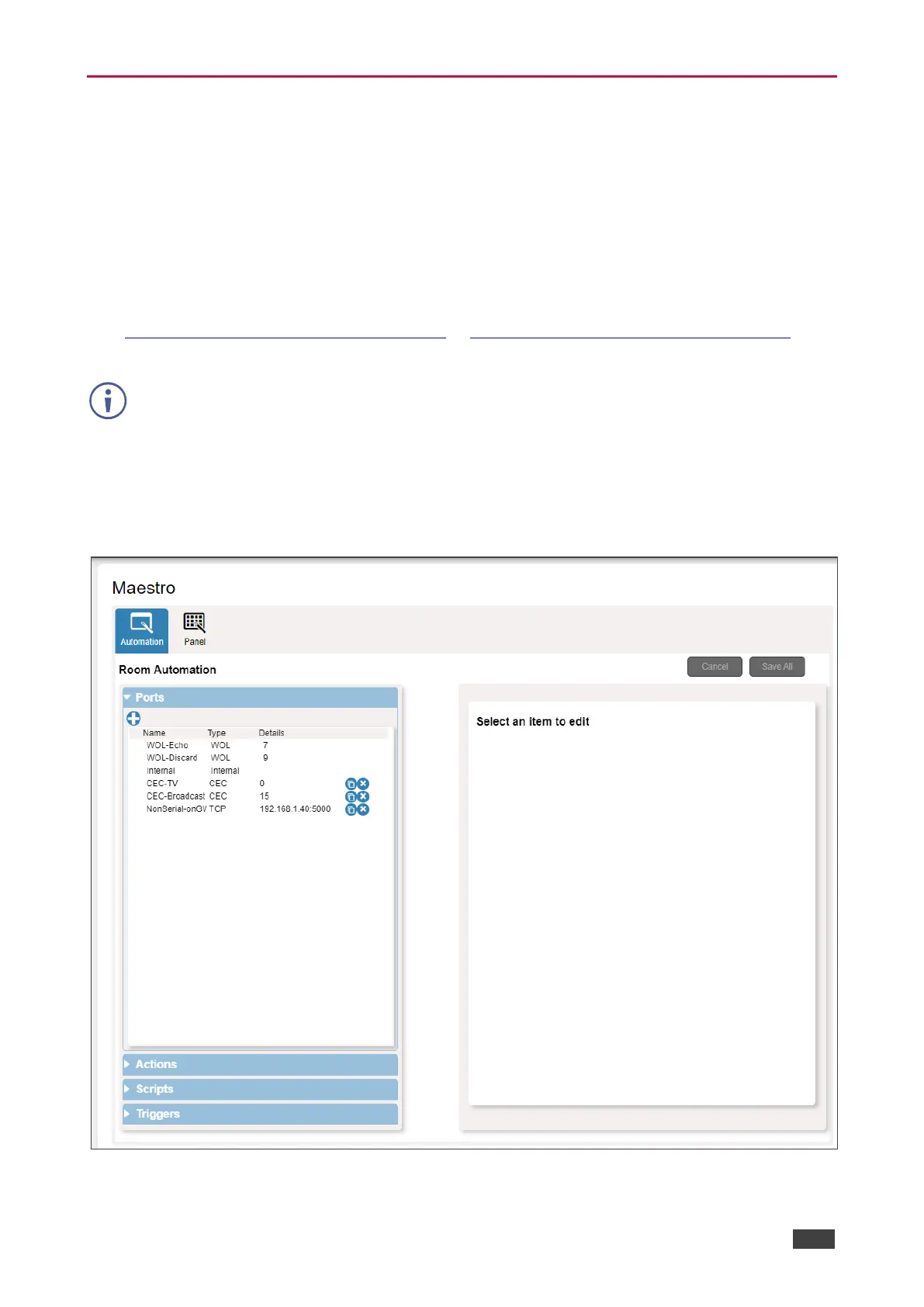
Maestro enables configuring the ports used to control specific room devices.
Figure 39: Automation Page – Ports List



 To Next Page