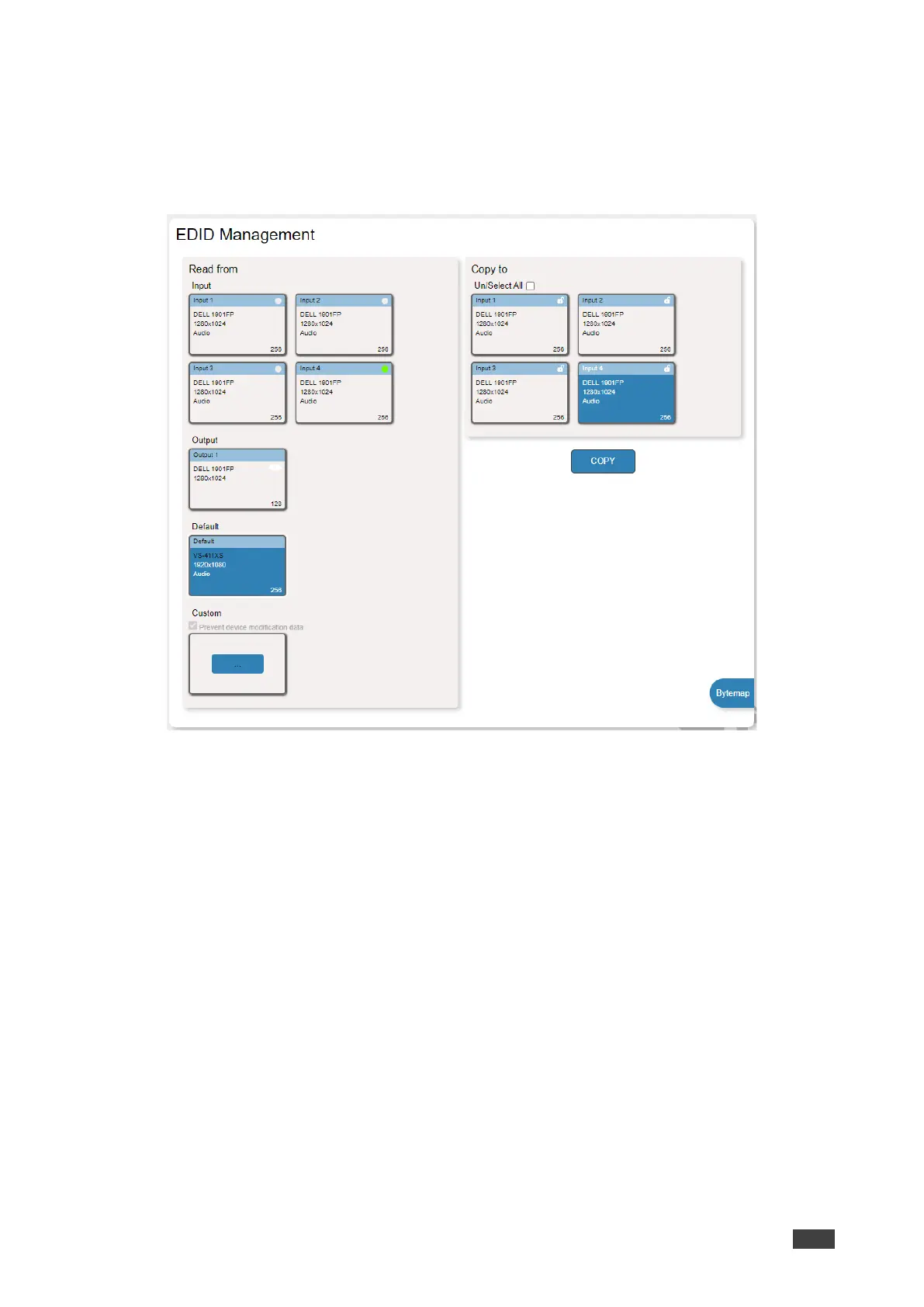
To read the EDID from the default EDID:
1. In the Navigation pane, click EDID Management.
2. Click Default.
3. Select one or more inputs.
Figure 38: EDID Management Page – Copying Default EDID
4. Click COPY.
The default EDID is copied to the selected inputs.
To import a customized EDID file:
1. In the Navigation pane, click EDID Management.
2. Click Custom. The Windows Browser opens.
3. Select the custom EDID file and click Open. The file is selected.
4. Select one or more inputs and click COPY.
The custom EDID file is copied to the selected inputs.



 To Next Page