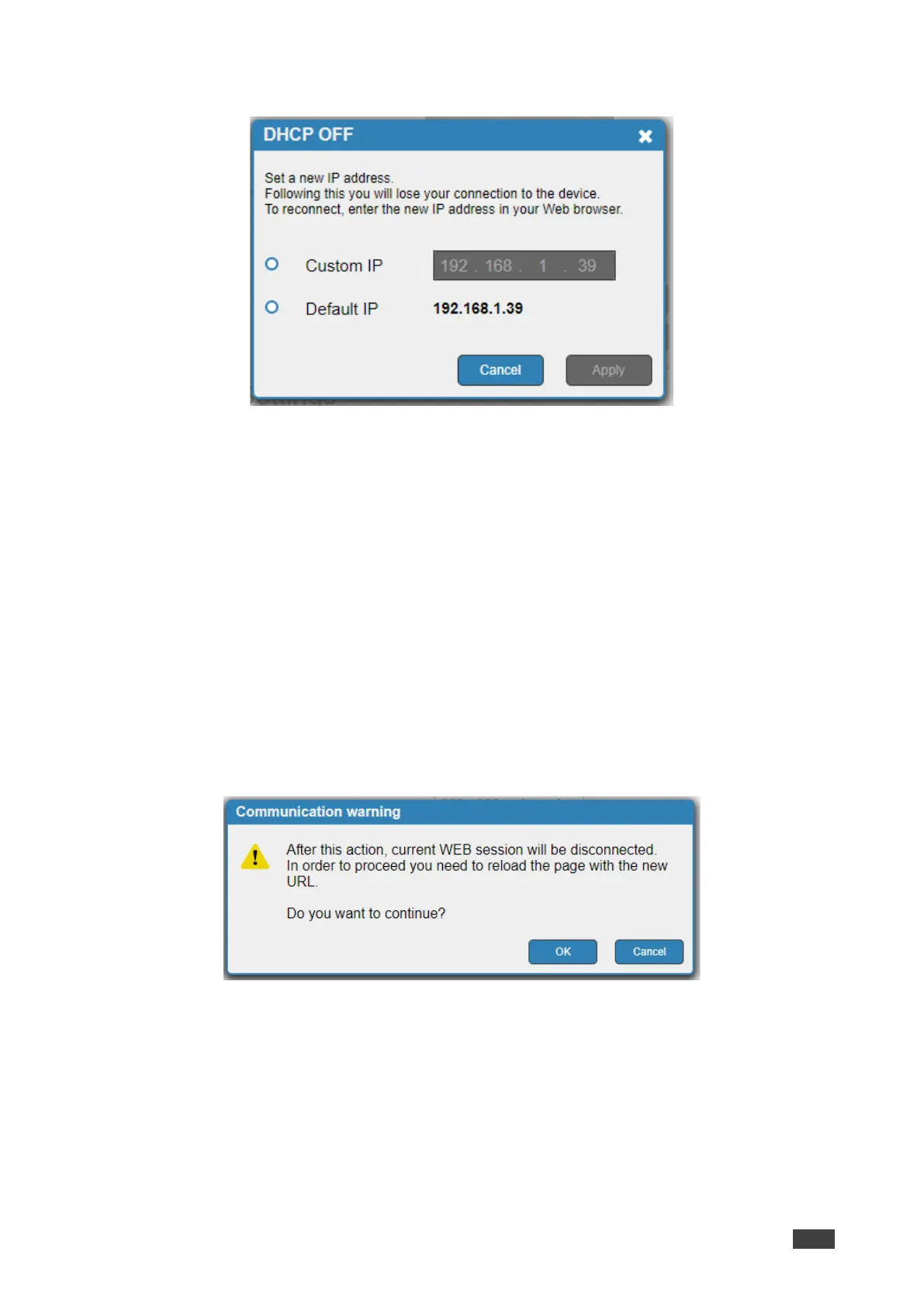
3. Click OFF next to DHCP. The DHCP message appears.
Figure 23: Communication Tab-DHCP OFF Message
4. Check Custom IP (and enter the address) or Default IP.
5. Click Apply. The webpage reloads.
6. Enter the required IP settings.
7. Click Set.
DHCP is disabled.
Enabling DHCP
To enable DHCP
1. Click Device Settings on the Navigation List.
2. Select Communication tab.
3. Click ON next to DHCP. A communication warning appears.
Figure 24: Communication Tab – Communication Warning Message
4. Click OK.
DHCP is enabled.



 To Next Page