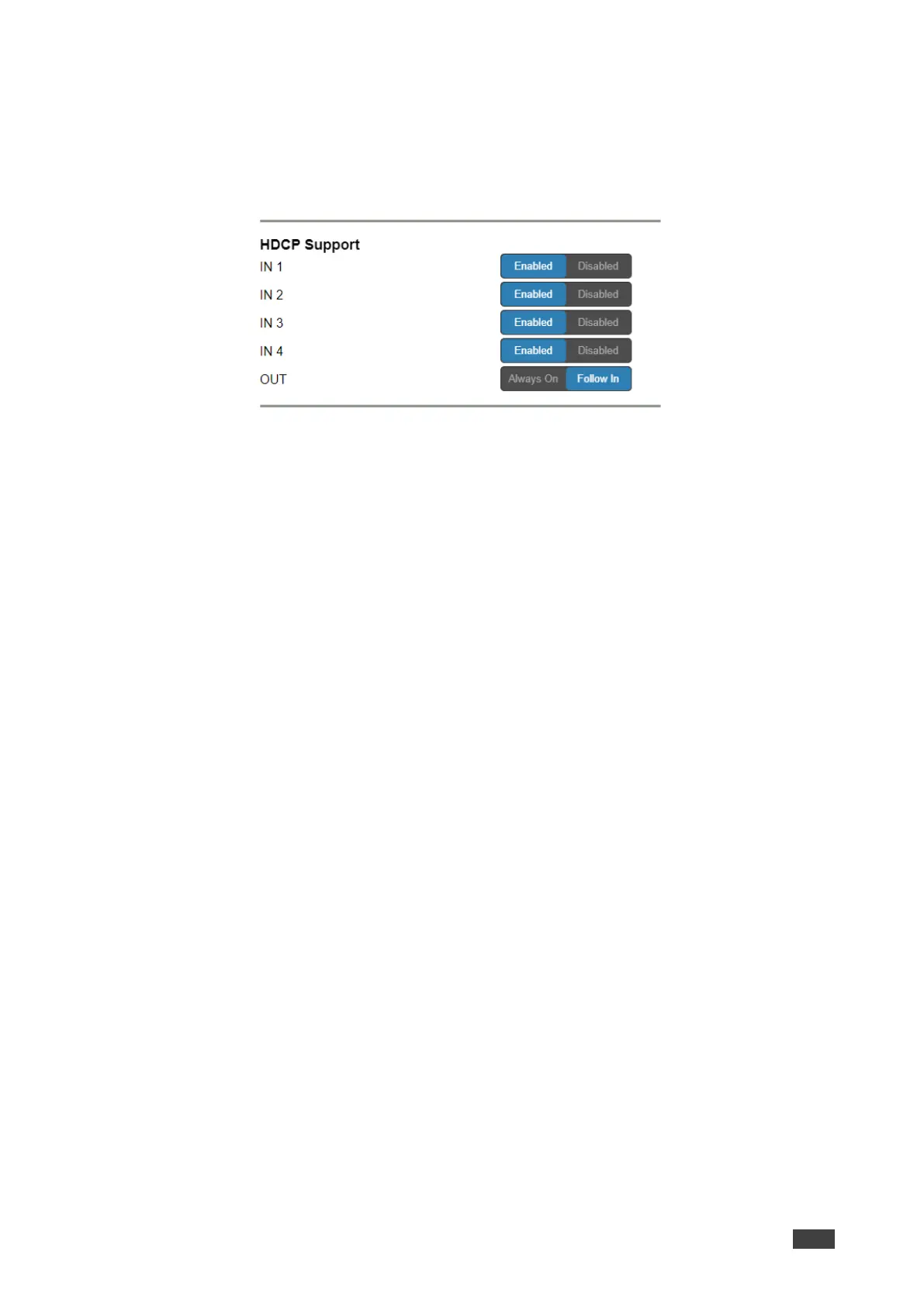
To set input HDCP support:
1. In the Navigation pane, click Video & Audio Settings.
The Video & Audio Settings page appears.
2. Click Enabled (default)/ Disabled for each input.
Figure 34: Video & Audio Settings – HDCP Support
Input HDCP support is set.
To set output HDCP support:
1. In the Navigation pane, click Video & Audio Settings.
The Video & Audio Settings page appears.
2. Click Always On /Follow In (default).
Output HDCP support is set.



 To Next Page