Krautkramer DM4E / DM4 / DM4 DL Issue 05, 01/01 4-5
Switching the instrument on and off Basics of operation
4.3 Switching the instrument on
and off
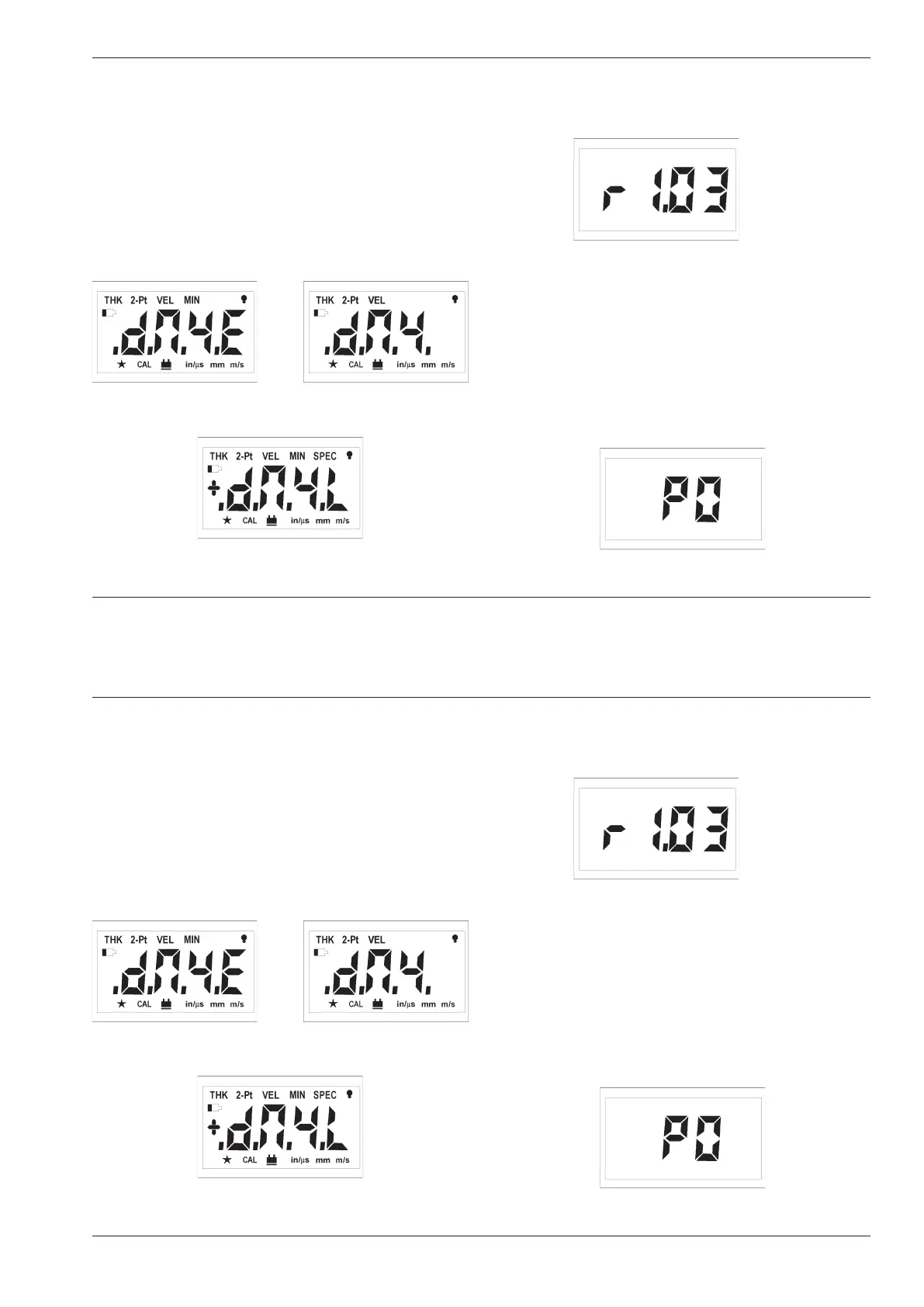
Indications after switching on
– Press c to switch the instrument on.
All display symbols and display possibilities appear,
then the instrument version appears:
After this, the version number for the software ap-
pears, for example:
The following indications are dependent on the con-
nected probe.
Dialog probes
If you have connected a dialog probe, the instrument
will subsequently carry out the automatic probe zero
(refer to Page 4-8). The following display will briefly
appear:
Software
version
(Release)
1.03
DM4E
DM4
DM4 DL
Krautkramer DM4E / DM4 / DM4 DL Issue 05, 01/01 4-5
Switching the instrument on and off Basics of operation
4.3 Switching the instrument on
and off
Indications after switching on
– Press c to switch the instrument on.
All display symbols and display possibilities appear,
then the instrument version appears:
After this, the version number for the software ap-
pears, for example:
The following indications are dependent on the con-
nected probe.
Dialog probes
If you have connected a dialog probe, the instrument
will subsequently carry out the automatic probe zero
(refer to Page 4-8). The following display will briefly
appear:
Software
version
(Release)
1.03
DM4E
DM4
DM4 DL



 To Next Page