6-6 Issue 05, 01/01 Krautkramer DM4E / DM4 / DM4 DL
Operation of the Data Logger (DM4 DL only) Storing the measurement values
this the display will jump back to file number 1. The
display F.ALL will appear after selection of the small-
est file number (1); after this, the display will jump to
the highest file number.
– When the required file is displayed, acknowledge
with f.
The active memory location number is briefly dis-
played, i.e. the first free memory location (L.NNN) of
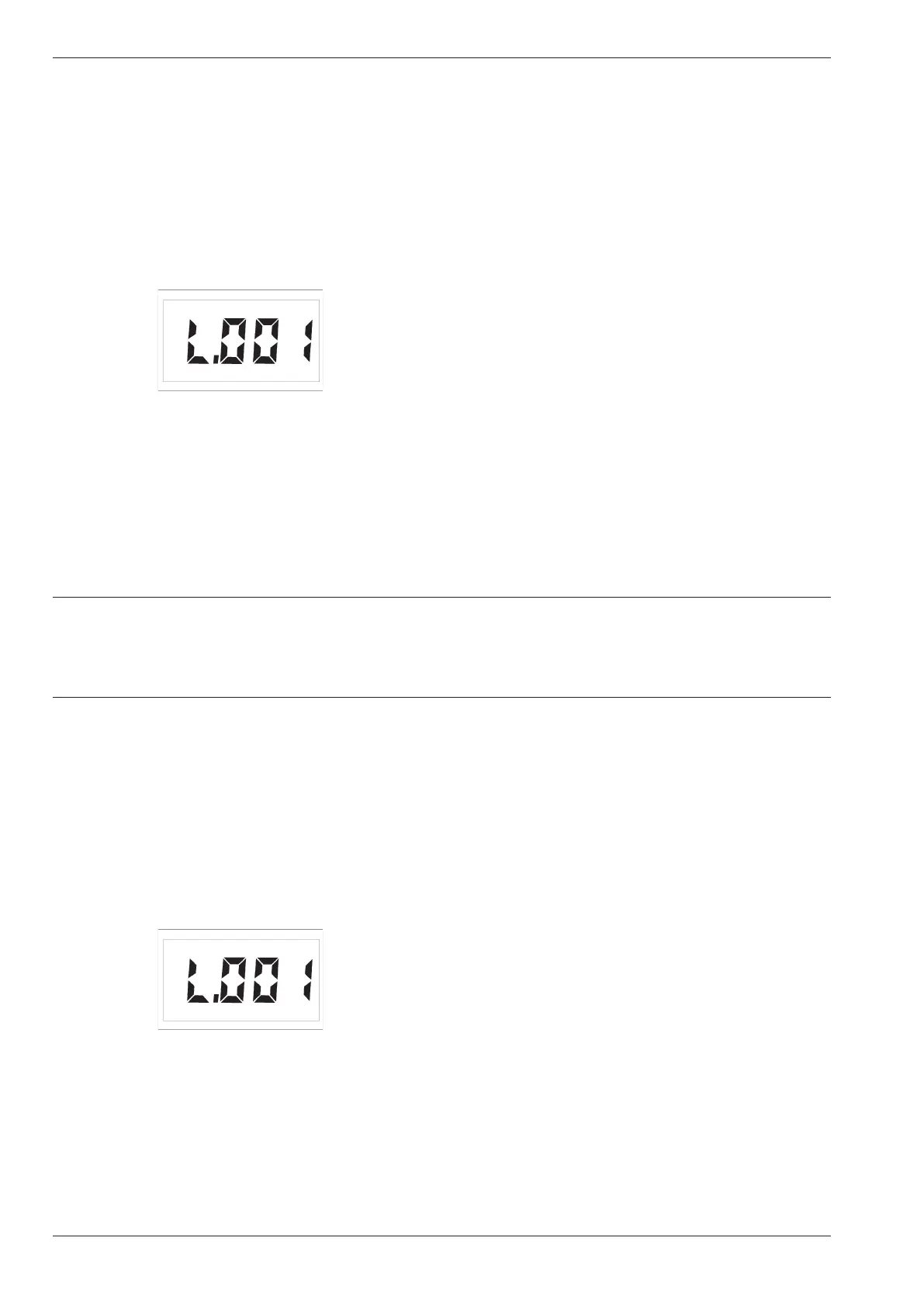
the selected file, e.g. when the file is empty:
That means the first measurement value on memory
location number 1 is allocated.
After this, the DM4 DL switches back into the ready-
for-measurement state.
Storing measurement values in the se-
lected file
When you have selected a file in which there are free
storage locations, measurement values can be stored
in the Data Logger.
You are able to store measurement values in all mea-
surement modes. The following settings are stored:
• Diffence values in the DIF mode
• Upper and lower alarm limits
• Probe data with dialog probes
Operation:
– Carry out your thickness measurement.
– When the measurement value which you wish to
store is displayed, press s.
The measurement value is stored in the selected file in
the Data Logger. The active memory location number
is briefly displayed, e.g. L.001.
You can store the measurement values by pressing s
until all memory locations are allocated.
6-6 Issue 05, 01/01 Krautkramer DM4E / DM4 / DM4 DL
Operation of the Data Logger (DM4 DL only) Storing the measurement values
this the display will jump back to file number 1. The
display F.ALL will appear after selection of the small-
est file number (1); after this, the display will jump to
the highest file number.
– When the required file is displayed, acknowledge
with f.
The active memory location number is briefly dis-
played, i.e. the first free memory location (L.NNN) of
the selected file, e.g. when the file is empty:
That means the first measurement value on memory
location number 1 is allocated.
After this, the DM4 DL switches back into the ready-
for-measurement state.
Storing measurement values in the se-
lected file
When you have selected a file in which there are free
storage locations, measurement values can be stored
in the Data Logger.
You are able to store measurement values in all mea-
surement modes. The following settings are stored:
• Diffence values in the DIF mode
• Upper and lower alarm limits
• Probe data with dialog probes
Operation:
– Carry out your thickness measurement.
– When the measurement value which you wish to
store is displayed, press s.
The measurement value is stored in the selected file in
the Data Logger. The active memory location number
is briefly displayed, e.g. L.001.
You can store the measurement values by pressing s
until all memory locations are allocated.



 To Next Page