Krautkramer DM4E / DM4 / DM4 DL Issue 05, 01/01 6-5
Storing the measurement values Operation of the Data Logger (DM4 DL only)
6.3 Storing the measurement values
In order to store measurement values, you must firstly
select a file in which it is to be stored.
File selection
Operation:
You are in a measurement mode(THK, MIN or DIF).
– Press f.
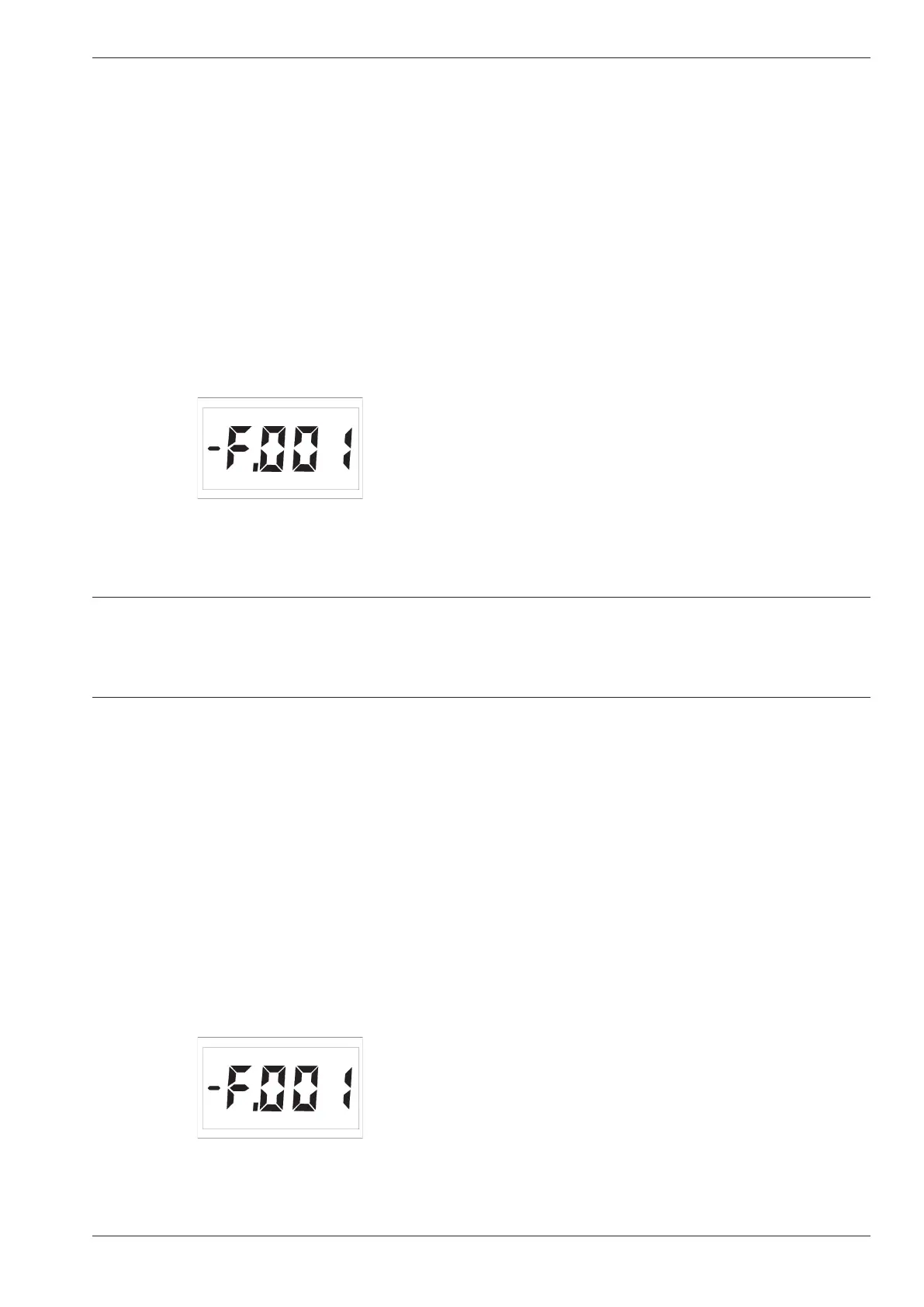
The active file is displayed when the Data Logger is
first used:
You will see the following information in addition to the
file number:
-F.NNN Empty file, contains no measurement value
F.NNN File which already contains measurement
values but is not full
+F.NNN File full, cannot store further measurement
values.
(NNN = File number)
H Note:
– The Data Logger is not configurated when C.ALL
appears. Refer to Chater 6.2 Setting the number of
files.
Press u or d, if you wish to select another file. You
must select a file which has at least one free memory
location.
H Note:
You can scroll through the existing files with d u.
After selecting the highest file number with u the
display F.ALL will appear (all files). You will need this
setting for clearing the files (refer to Page 6-12). After
Krautkramer DM4E / DM4 / DM4 DL Issue 05, 01/01 6-5
Storing the measurement values Operation of the Data Logger (DM4 DL only)
6.3 Storing the measurement values
In order to store measurement values, you must firstly
select a file in which it is to be stored.
File selection
Operation:
You are in a measurement mode(THK, MIN or DIF).
– Press f.
The active file is displayed when the Data Logger is
first used:
You will see the following information in addition to the
file number:
-F.NNN Empty file, contains no measurement value
F.NNN File which already contains measurement
values but is not full
+F.NNN File full, cannot store further measurement
values.
(NNN = File number)
H Note:
– The Data Logger is not configurated when C.ALL
appears. Refer to Chater 6.2 Setting the number of
files.
Press u or d, if you wish to select another file. You
must select a file which has at least one free memory
location.
H Note:
You can scroll through the existing files with d u.
After selecting the highest file number with u the
display F.ALL will appear (all files). You will need this
setting for clearing the files (refer to Page 6-12). After



 To Next Page