6-4 Issue 05, 01/01 Krautkramer DM4E / DM4 / DM4 DL
Operation of the Data Logger (DM4 DL only) Setting the number of files
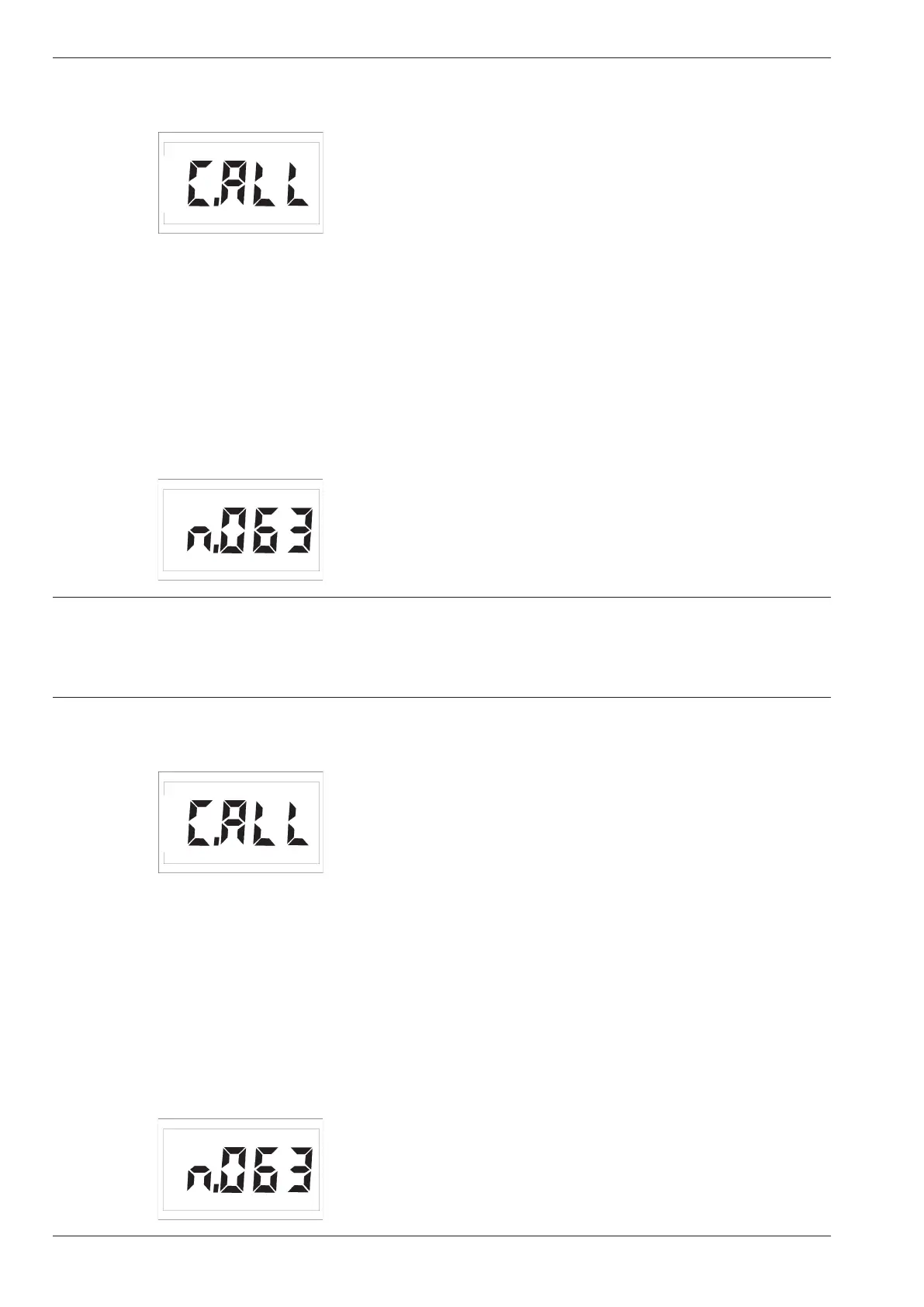
The following display appears when the Data Logger
is empty:
H Note:
If the memory is not empty, the file number will be
displayed (e.g. F.001). In this case you must firstly
clear the memory. Refer to Page 6-12 of this chapter,
Clearing the complete memory.
When C.ALL appears you can then configure the
Data Logger.
– Press u or d in order to enter the required
number of files, e.g.:
Example:
With a set number of 64 files you have 80 memory
locations available per file (refer to the table in Chapter
11.3)
– Acknowledge with f .
The display CONF appears for about 12 seconds.
The Data Logger configures the memory.
After this, the DM4 DL switches back to its selected
measurement mode. The Data Logger is now config-
ured. You can store your measurement values.
6-4 Issue 05, 01/01 Krautkramer DM4E / DM4 / DM4 DL
Operation of the Data Logger (DM4 DL only) Setting the number of files
The following display appears when the Data Logger
is empty:
H Note:
If the memory is not empty, the file number will be
displayed (e.g. F.001). In this case you must firstly
clear the memory. Refer to Page 6-12 of this chapter,
Clearing the complete memory.
When C.ALL appears you can then configure the
Data Logger.
– Press u or d in order to enter the required
number of files, e.g.:
Example:
With a set number of 64 files you have 80 memory
locations available per file (refer to the table in Chapter
11.3)
– Acknowledge with f .
The display CONF appears for about 12 seconds.
The Data Logger configures the memory.
After this, the DM4 DL switches back to its selected
measurement mode. The Data Logger is now config-
ured. You can store your measurement values.



 To Next Page