5-2 Issue 05, 01/01 Krautkramer DM4E / DM4 / DM4 DL
5.1 Basic settings
Setting the display backlight
You can switch the display backlight on and off. You
can also select an automatic backlight. With this, the
display backlight is switched on when you couple the
probe or when a key is pressed. The display blanks 5
seconds after the last instrument activation.
Operation:
– Keep pressing m until l is displayed.
– Press c.
– Select the required setting with d u
OFF
ON
AUTO
– Press c again to exit the function.
The selected setting is retained when you switch the
instrument off.
Operation Basic settings
Setting the units of measure and resolution
You can determine which units of measure you wish to
use as well as the resolution of your instrument.
Units of measure: Millimeter or Inch
Resolution: 0.01 mm 0.001 in
0.1 mm 0.01 in
Operation:
– Make certain that the thickness mode (THK) is
selected.
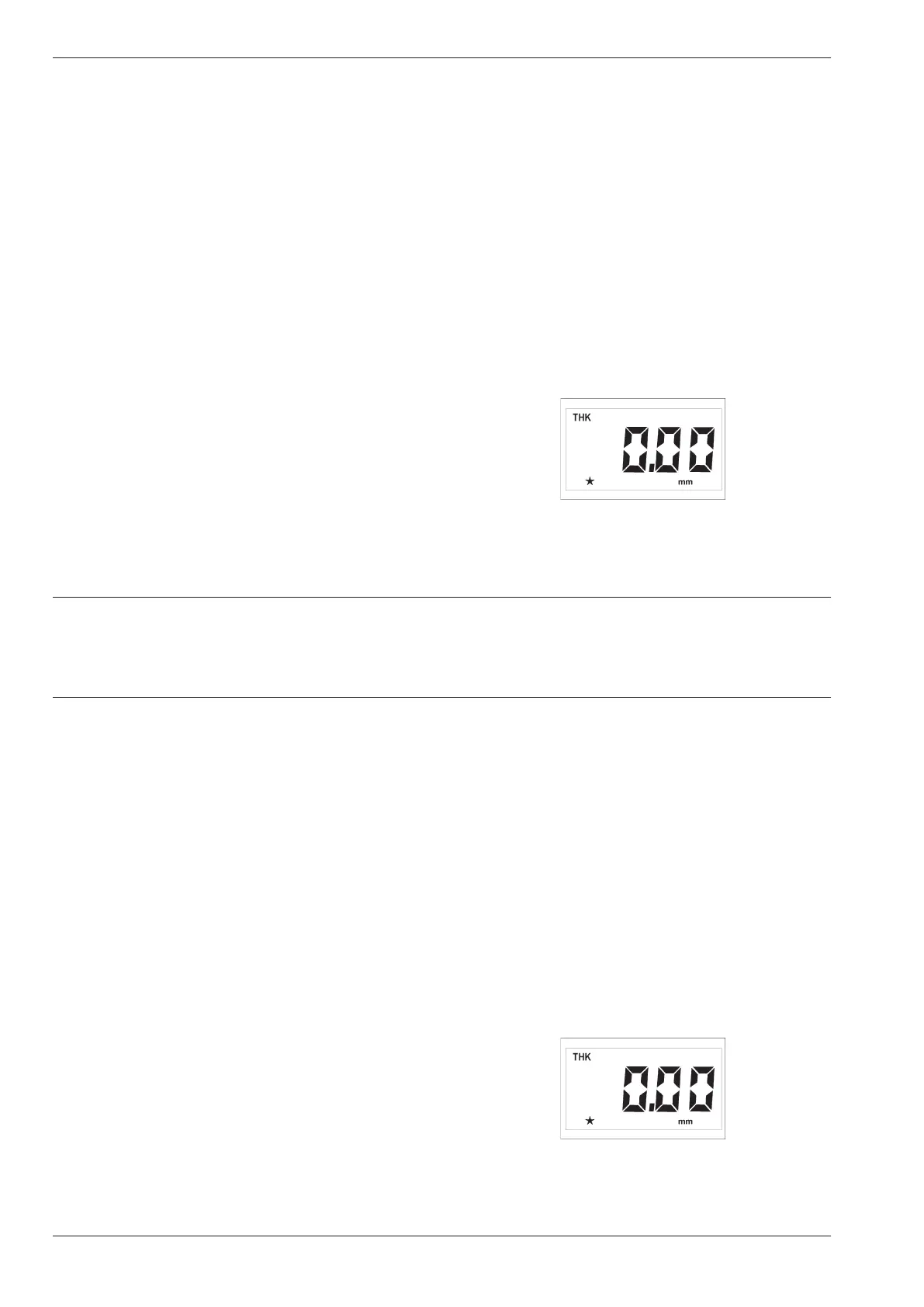
You see the basic setting or the setting last selected:
– If you press d and u simultaneously the following
setting possibilities will appear after each other:
5-2 Issue 05, 01/01 Krautkramer DM4E / DM4 / DM4 DL
5.1 Basic settings
Setting the display backlight
You can switch the display backlight on and off. You
can also select an automatic backlight. With this, the
display backlight is switched on when you couple the
probe or when a key is pressed. The display blanks 5
seconds after the last instrument activation.
Operation:
– Keep pressing m until l is displayed.
– Press c.
– Select the required setting with d u
OFF
ON
AUTO
– Press c again to exit the function.
The selected setting is retained when you switch the
instrument off.
Operation Basic settings
Setting the units of measure and resolution
You can determine which units of measure you wish to
use as well as the resolution of your instrument.
Units of measure: Millimeter or Inch
Resolution: 0.01 mm 0.001 in
0.1 mm 0.01 in
Operation:
– Make certain that the thickness mode (THK) is
selected.
You see the basic setting or the setting last selected:
– If you press d and u simultaneously the following
setting possibilities will appear after each other:



 To Next Page