5-16 Issue 05, 01/01 Krautkramer DM4E / DM4 / DM4 DL
Operation Additional functions in the DM4 and DM4 DL
You can now carry out your measurements. The differ-
ence between the entered nominal value and the cor-
responding thickness value is immediately displayed.
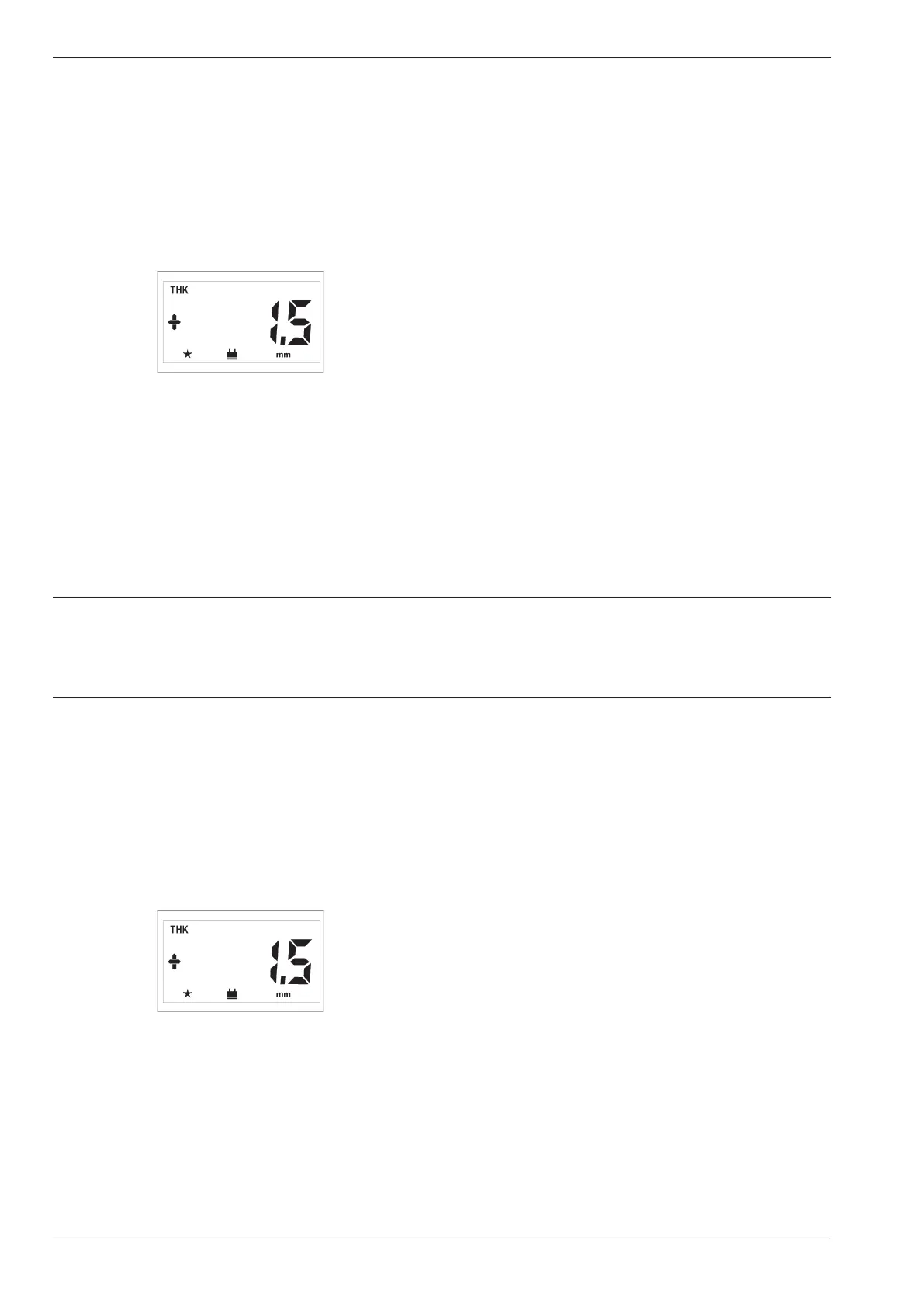
Example:
Entered value: 4.0 mm
Measured value: 5.5 mm
Displayed value:
The measured value is 1.5 mm larger than the nominal
value.
With a smaller value, a minus sign is displayed before
the measurement value.
Setting the bandpass filter: FLTR
You can optimize the amplifier for the probe frequency
with the FLTR function. You suppress parasitic oscil-
lations with it.
The basic setting is HI and is suitable for probes with
a frequency from 2 MHz to 10 MHz.
Operation.
– Press m until SPEC is displayed.
– Press d or u until FLTR appears.
– Press c.
The active setting appears:
• HI (High)
for probe frequencies from 2 - 10 MHz
or
• LO (Low)
for probe frequencies from 300 kHz - 2 MHz.
– Select the required setting with d or u and
press c in order to exit the function.
5-16 Issue 05, 01/01 Krautkramer DM4E / DM4 / DM4 DL
Operation Additional functions in the DM4 and DM4 DL
You can now carry out your measurements. The differ-
ence between the entered nominal value and the cor-
responding thickness value is immediately displayed.
Example:
Entered value: 4.0 mm
Measured value: 5.5 mm
Displayed value:
The measured value is 1.5 mm larger than the nominal
value.
With a smaller value, a minus sign is displayed before
the measurement value.
Setting the bandpass filter: FLTR
You can optimize the amplifier for the probe frequency
with the FLTR function. You suppress parasitic oscil-
lations with it.
The basic setting is HI and is suitable for probes with
a frequency from 2 MHz to 10 MHz.
Operation.
– Press m until SPEC is displayed.
– Press d or u until FLTR appears.
– Press c.
The active setting appears:
• HI (High)
for probe frequencies from 2 - 10 MHz
or
• LO (Low)
for probe frequencies from 300 kHz - 2 MHz.
– Select the required setting with d or u and
press c in order to exit the function.



 To Next Page