5-8 Issue 05, 01/01 Krautkramer DM4E / DM4 / DM4 DL
Operation Calibrating the instrument
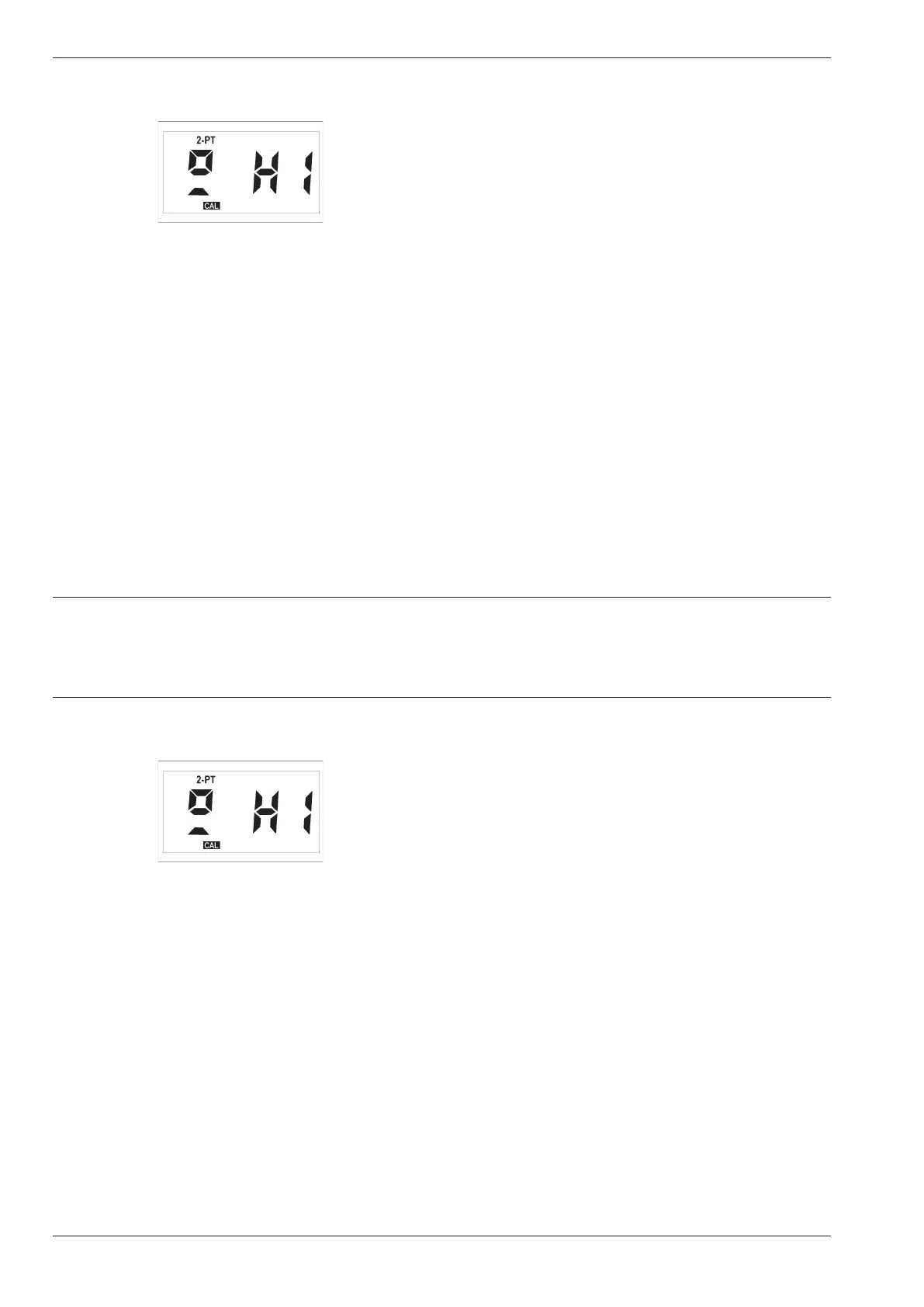
The following display appears:
Now calibrate the instrument to the larger thickness of
the calibration block. Proceed as described above.
– After this, press c in order to exit the 2-PT function.
– Check the calibration and, if required, carry out the
calibration one more time.
– To do this, press m again first.
A Attention:
Check that only the status indicator symbol 2-PT is
displayed, no other status indicator symbol must ap-
pear on the display.
– After this, press c to restart the calibration pro-
cess.
With the modes THK and MIN the 2-PT indication re-
mains at the top of the display giving an indication
about the current 2-point calibration of the instrument.
Automatic probe zero adjustment and 1-point calibra-
tion are now deactivated. Therefore, after a 2-point
calibration the PO indication for the automatic probe
zero adjustment no longer appears after the instru-
ment has been switched on.
Switching off 2-point calibration
Of course you can switch the 2-point calibration off
again in order to activate the automatic zero point
compensation and the 1-point calibration.
– Press m until the 2-PT function is displayed.
– Press c.
– Set the function OFF with d or u.
– Press c once again.
The 2-point calibration is now deactivated, the 2-PT
indication does not appear any more.
5-8 Issue 05, 01/01 Krautkramer DM4E / DM4 / DM4 DL
Operation Calibrating the instrument
The following display appears:
Now calibrate the instrument to the larger thickness of
the calibration block. Proceed as described above.
– After this, press c in order to exit the 2-PT function.
– Check the calibration and, if required, carry out the
calibration one more time.
– To do this, press m again first.
A Attention:
Check that only the status indicator symbol 2-PT is
displayed, no other status indicator symbol must ap-
pear on the display.
– After this, press c to restart the calibration pro-
cess.
With the modes THK and MIN the 2-PT indication re-
mains at the top of the display giving an indication
about the current 2-point calibration of the instrument.
Automatic probe zero adjustment and 1-point calibra-
tion are now deactivated. Therefore, after a 2-point
calibration the PO indication for the automatic probe
zero adjustment no longer appears after the instru-
ment has been switched on.
Switching off 2-point calibration
Of course you can switch the 2-point calibration off
again in order to activate the automatic zero point
compensation and the 1-point calibration.
– Press m until the 2-PT function is displayed.
– Press c.
– Set the function OFF with d or u.
– Press c once again.
The 2-point calibration is now deactivated, the 2-PT
indication does not appear any more.



 To Next Page