5-12 Issue 05, 01/01 Krautkramer DM4E / DM4 / DM4 DL
Operation Thickness measurement
Carrying out the measurement
– Make certain that the instrument is in the MIN mode
(if necessary press m).
– Couple the probe onto the test object.
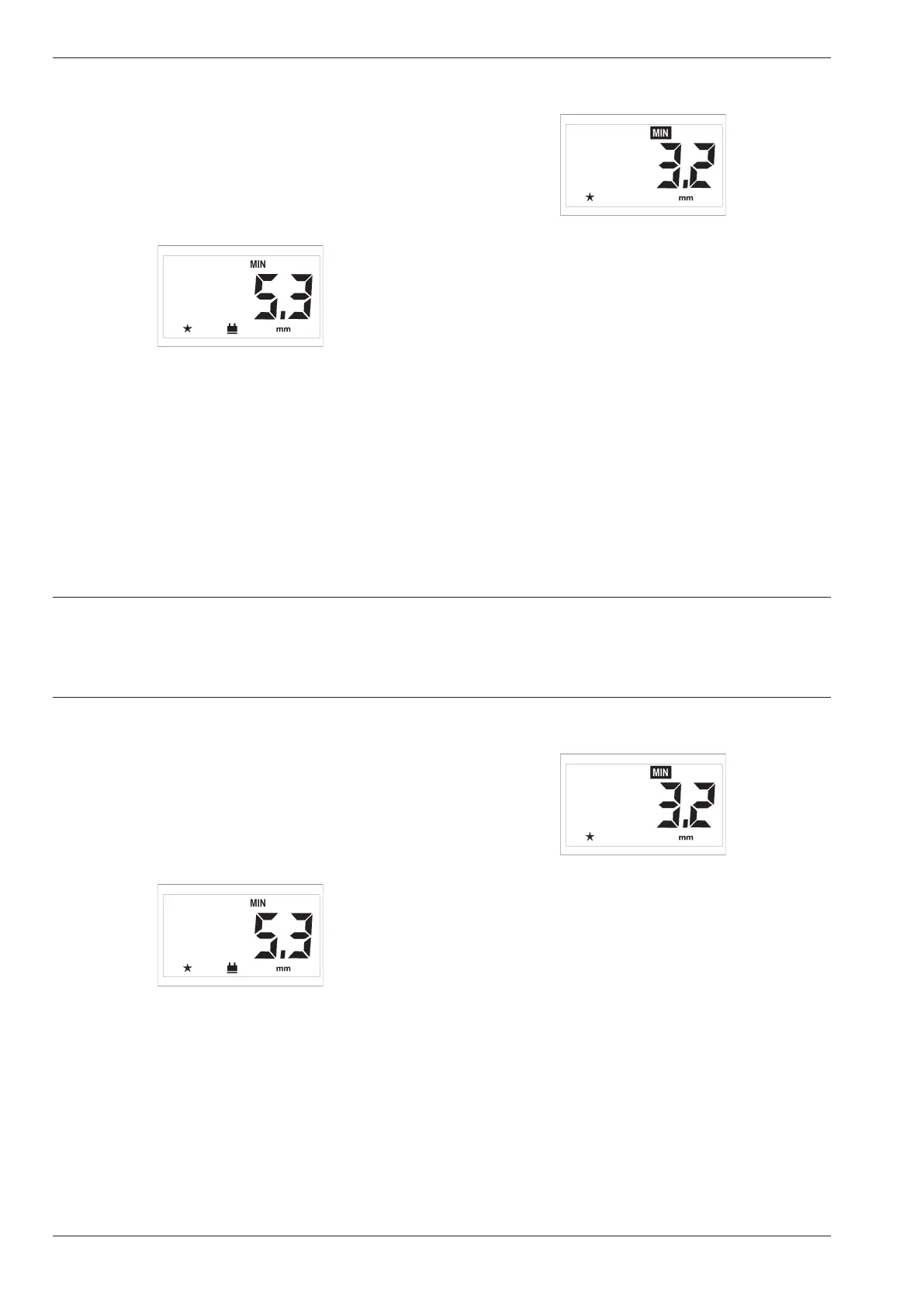
The coupling symbol appears at the same time as the
measured thickness value, e.g.:
– Move the probe slowly over the range you wish to
measure.
The display refresh rate is 4 times per second; you
see the current measurment value.
– Decouple the probe.
The smallest value in the measurement sequence is
displayed. The MIN indication on the display flashes
during the time-out.
For example:
If you couple the probe during the time-out the mea-
surement sequence will then be continued; the mea-
sured minimum thickness is retained.
When the time-out has finished the MIN indication
stops flashing. You can then start a new measurement
sequence.
5-12 Issue 05, 01/01 Krautkramer DM4E / DM4 / DM4 DL
Operation Thickness measurement
Carrying out the measurement
– Make certain that the instrument is in the MIN mode
(if necessary press m).
– Couple the probe onto the test object.
The coupling symbol appears at the same time as the
measured thickness value, e.g.:
– Move the probe slowly over the range you wish to
measure.
The display refresh rate is 4 times per second; you
see the current measurment value.
– Decouple the probe.
The smallest value in the measurement sequence is
displayed. The MIN indication on the display flashes
during the time-out.
For example:
If you couple the probe during the time-out the mea-
surement sequence will then be continued; the mea-
sured minimum thickness is retained.
When the time-out has finished the MIN indication
stops flashing. You can then start a new measurement
sequence.



 To Next Page