5
1.0 GETTING STARTED
The DPF3103 digEQ MASTER is a Dual Channel digital processor that provides 31
band Graphic Equalisation, 3 band Parametric Equalisation, Variable High and Low
Pass Filters, Shelving EQ, Gating and Compression/Limiting. RTA and Digital Delay
are options.
The unit is easy to use but there are a few things to know in order to get started.
KEYBOARD LOCK:
If the keyboard is locked, a Padlock symbol appears on the screen and you cannot
edit any data. Press and hold ENTER key, pressing ESCAPE will unlock and lock the
keyboard.
DATA WHEEL:
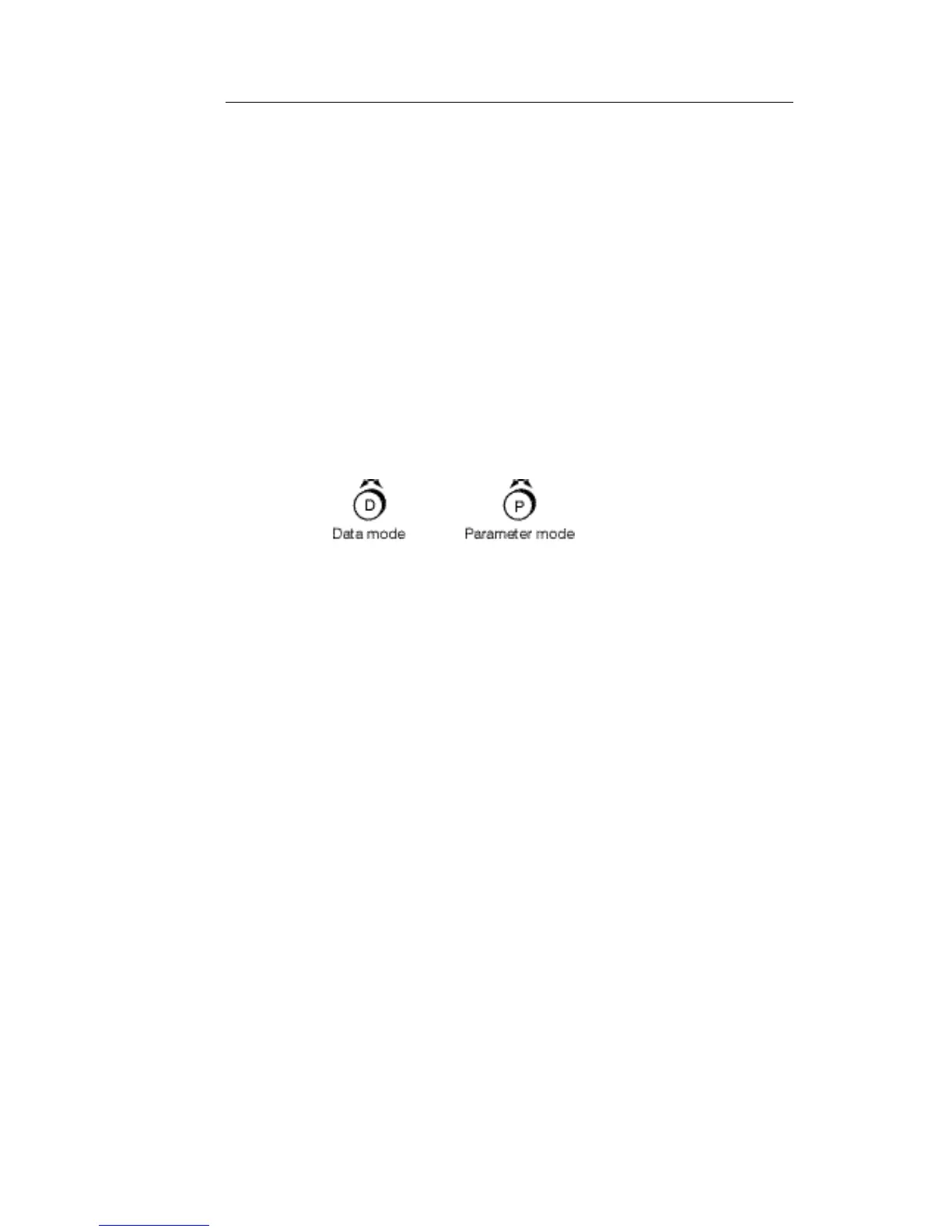
The DATA WHEEL has two operating modes, Parameter & Data modes. Push the
wheel to switch between the two modes. For instance when editing the Graphic EQ,
Parameter mode will move around the frequencies and Data mode will Cut or Boost.
VIEWING AND EDITING MAIN PROCESSORS:
The main processors are selected by pressing the function buttons to the right of the
screen. You are automatically in edit mode for the program number displayed to the
left of the screen. If you change any data, affecting the audio, the EDIT light will come
on. If you wish to leave this program an on screen message will ask you to store or
discard the changes.
Refer to Section 4.0 'Description of Controls' for STORE, RECALL & COMPARE
procedures.
EDITING BUTTONS:
The buttons directly below the screen give direct access to the 31 ISO frequencies in
Graphic mode. In Parametric mode the blue coloured buttons access the Frequency,
Gain and Bandwidth for each of the three Parametric bands and also the High & Low
Pass Frequency & Slope. In Shelving EQ mode the blue buttons at each end give
access to Frequency and Gain.
In DYNAMICS and UTILITIES pages use the PARAMETER (
) buttons to select
each of the parameters and the DATA WHEEL to edit them.
FLAT:
To return all faders and curves to zero, press FLAT/REF and then ENTER.
LEVELS:
The DPF3103 has been optimised for +4dBu input and output levels.



 To Next Page