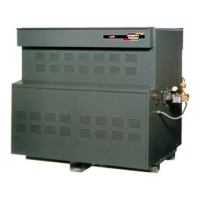
The FT Series Floor Standing, Combination Boiler
Page 57
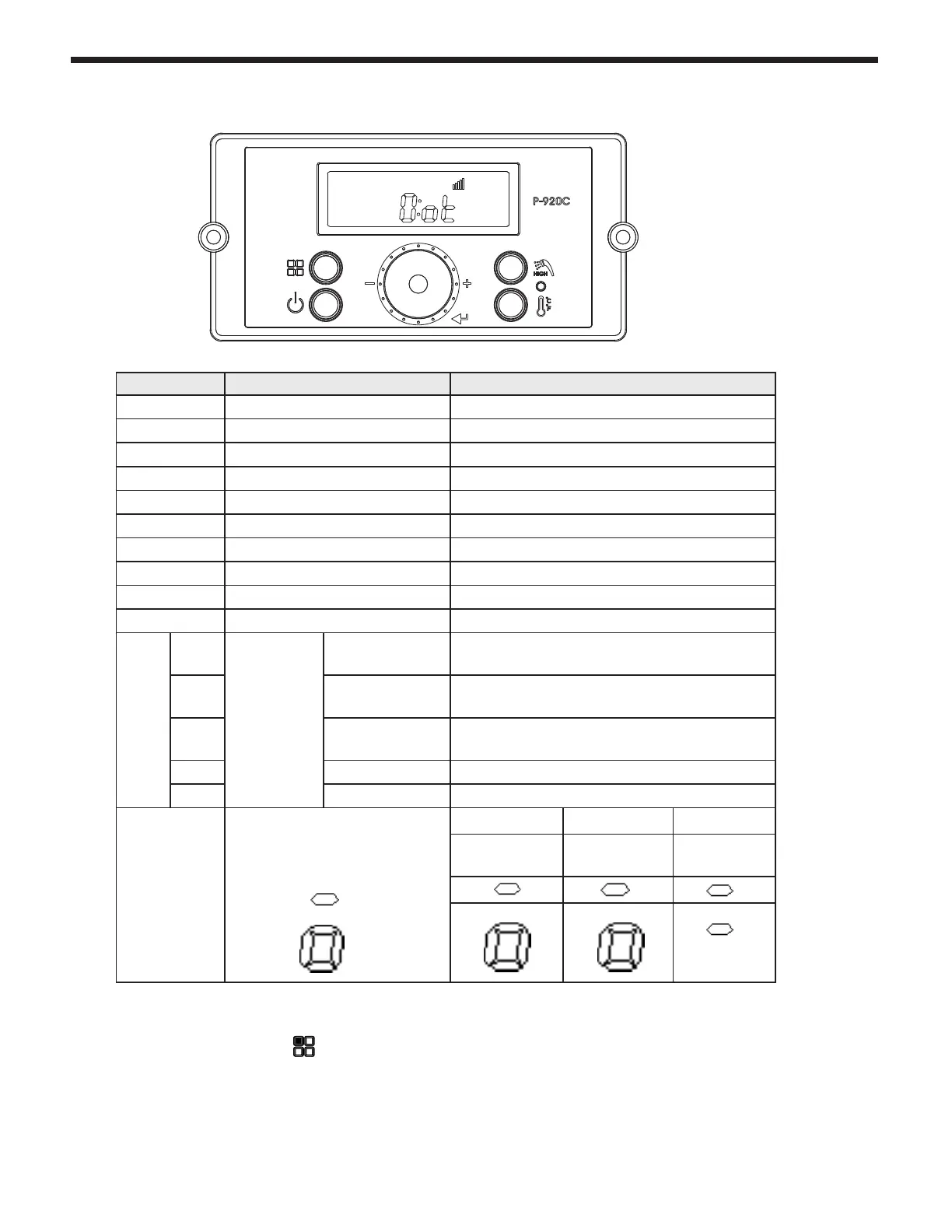
5.4 Status Display Mode
Digital Display Status Display Parameter Description
O:ot Outdoor temperature Current Outdoor temperature
A: Li or A: GA Flow unit Current ow value(Li: L/m, GA: GPM)
b: It CH Return Water Temperature Current Return Water Sensor Temperature
C: Fr Fan rpm Current fan rpm value
d: Lc Lock mode Lock mode ON/OFF
E: oP OP temperature Current OP temperature
F: dH DHW temperature Current DHW temperature
H: Eh Exhaust temperature Current Exhaust temperature
I : St Storage Temperature Current Storage Temperature
J: oH Overheat temperature Current Overheat temperature
L: rt
1: PH
Burner
Operation
Time
Supply power
time
Supply power time x 100 hour
2: rh
Burner
operation time
Burner operation time x 1 hour
3: rH
Burner
operation time
Burner operation time x 1,000 hour
4: It Ignition cycles Ignition cycles x 10 times
5: IH Ignition cycles Ignition cycles x 10,000 times
P: Ou
Displays output condition for
internal primary pump and
three way valve.
- O
- On
1st Icon 2nd Icon 3rd Icon
Internal
Pump
CH
Pump
Not Used
To change any of the above listed Status Parameters,
Press and Hold Button B
to get into the Status Display Mode.
Rotate Dial E until you nd the Parameter that you wish to change. Tap Dial E to enter that Parameter.
All other modes except d:Lc (Lock mode) are to display current status, therefore you need to check the
current setting and press button to exit.



 To Next Page