PLMNL0286 REV. B, Effective Date: 06/06/19 39 FiberMINI
®
with Auto Focus (AF) Operation Manual
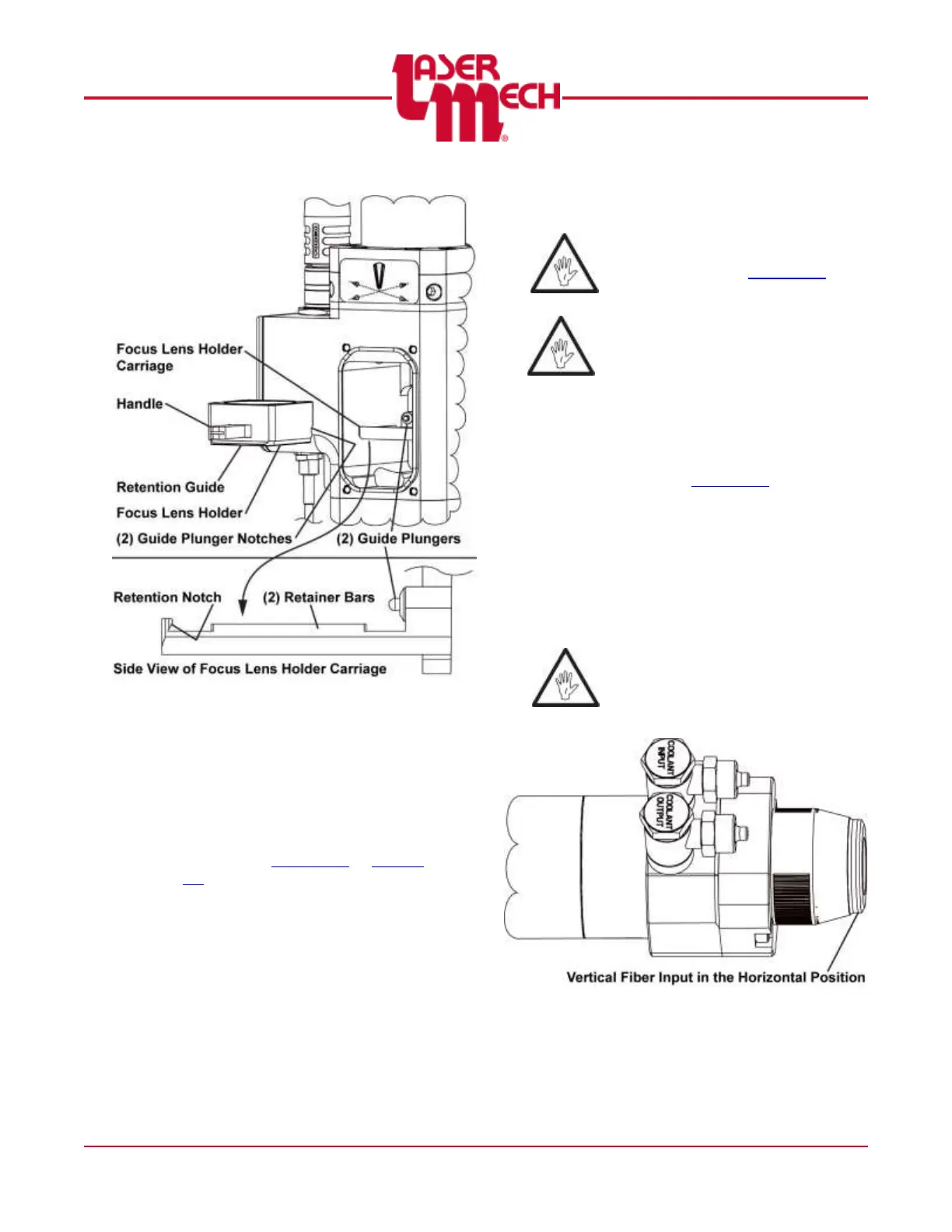
Figure 49
For steps 10 and 11 see Figure 48.
10. Align the focus lens holder door so the
(4) captive M3 SHCS are in line with
the M3 tapped holes in the head.
11. Tighten the (4) captive M3 SHCS.
12. Center the beam in the tip orifice
according to Section 2.5 or Section
2.6.
5.6 Servicing the Collimator
Before opening any part of the head,
clean off the dust and/or process
debris according to Section 5.1.
Always wear powder free gloves or
finger cots when handling optics and
optic holders.
To remove the collimator assembly:
See Figure 51.
1. Clean the outside of the head
according to Section 5.1.
2. Position the head so the fiber input is
HORIZONTAL. See Figure 50.
Take great care to ensure the
optics remain clean. Wipe any
excess debris from the head
before servicing.
The head is orientated with
vertical beam input, whenever it is
possible, rotate the head to
HORIZONTAL to prevent debris
from falling onto the optics.
Figure 50


 To Next Page