LAUNCH
X-431 PRO5 User Manual
9
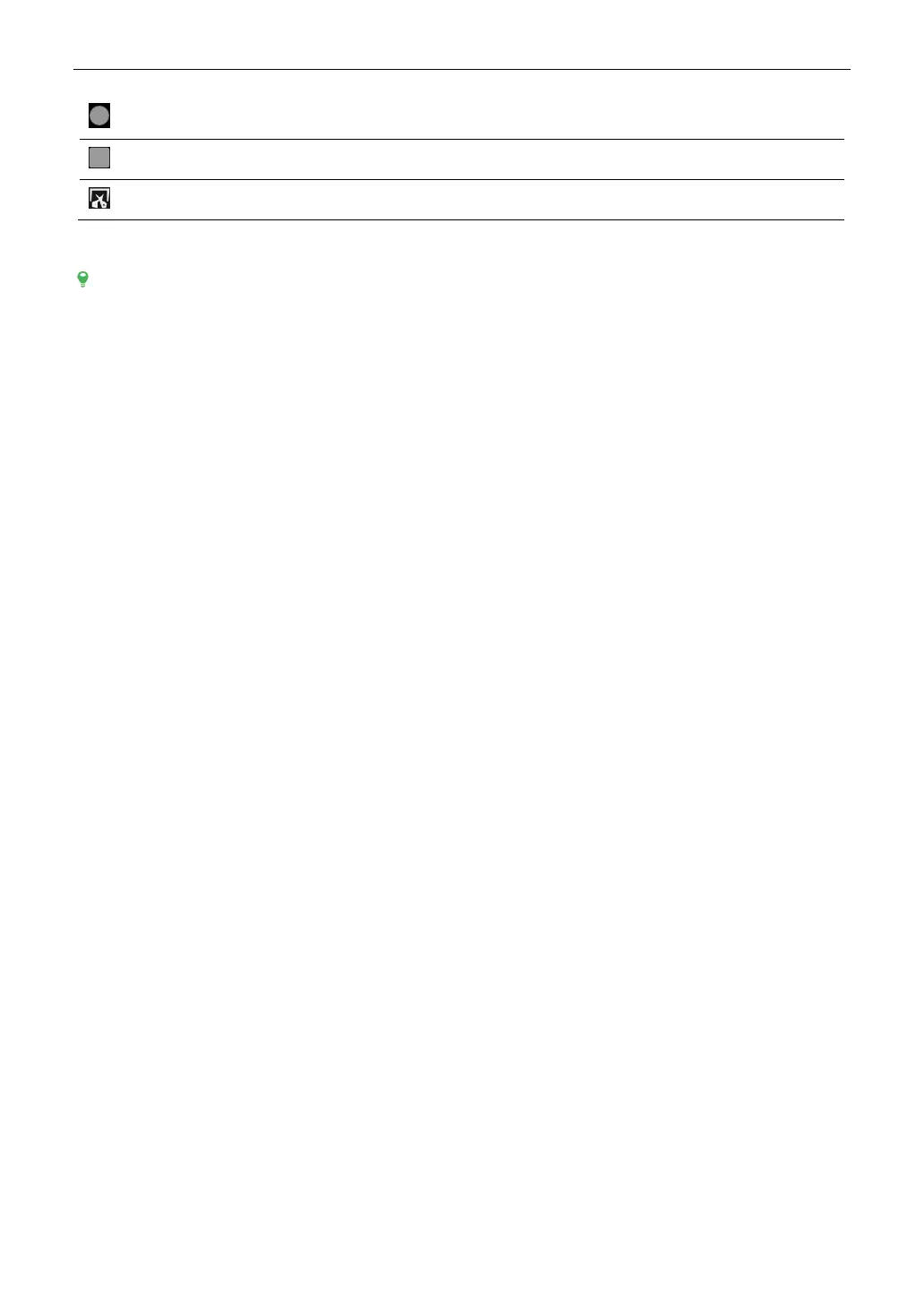
HOME
Tap it to navigate to the Android’s home screen.
Recent Apps
Tap it to view the recently launched applications.
Screenshot
Tap it to capture the current screen.
2.6 Adjust Brightness
Tips: Reducing the brightness of the screen is helpful to conserve the battery power.
1. On the home screen, tap Settings -> Display -> Brightness level.
2. Drag the slider to adjust it.
2.7 Change System Language
The tool supports multiple system languages. To change the language of the tool, please do the following:
1. On the home screen, tap Settings -> System -> Language & input -> Languages.
2. Tap Add a language, and then choose the desired language from the list.
3. Tap and hold the desired language and drag it to the top of the screen and then release it, the system will change
into the target language.
2.8 Set Standby Time
If no activities are made within the defined standby period, the screen will be locked automatically and the system
enters sleep mode to save power.
1. On the home screen, tap Settings -> Display -> Advanced -> Sleep.
2. Choose the desired sleep time.



 To Next Page