LAUNCH
X-431 PRO5 User Manual
41
C. Offline list
Tap it to display all diagnostic feedback logs which have not been submitted successfully due to network failure.
Once the handset gets a stable network signal, it will be uploaded to the remote server automatically.
5.5 Diagnostic History
Generally once a vehicle diagnosis is performed, the tool will record the every details of diagnostic process. The
History function provides direct access to the previously tested vehicles and users can resume from the last
operation, without starting from scratch.
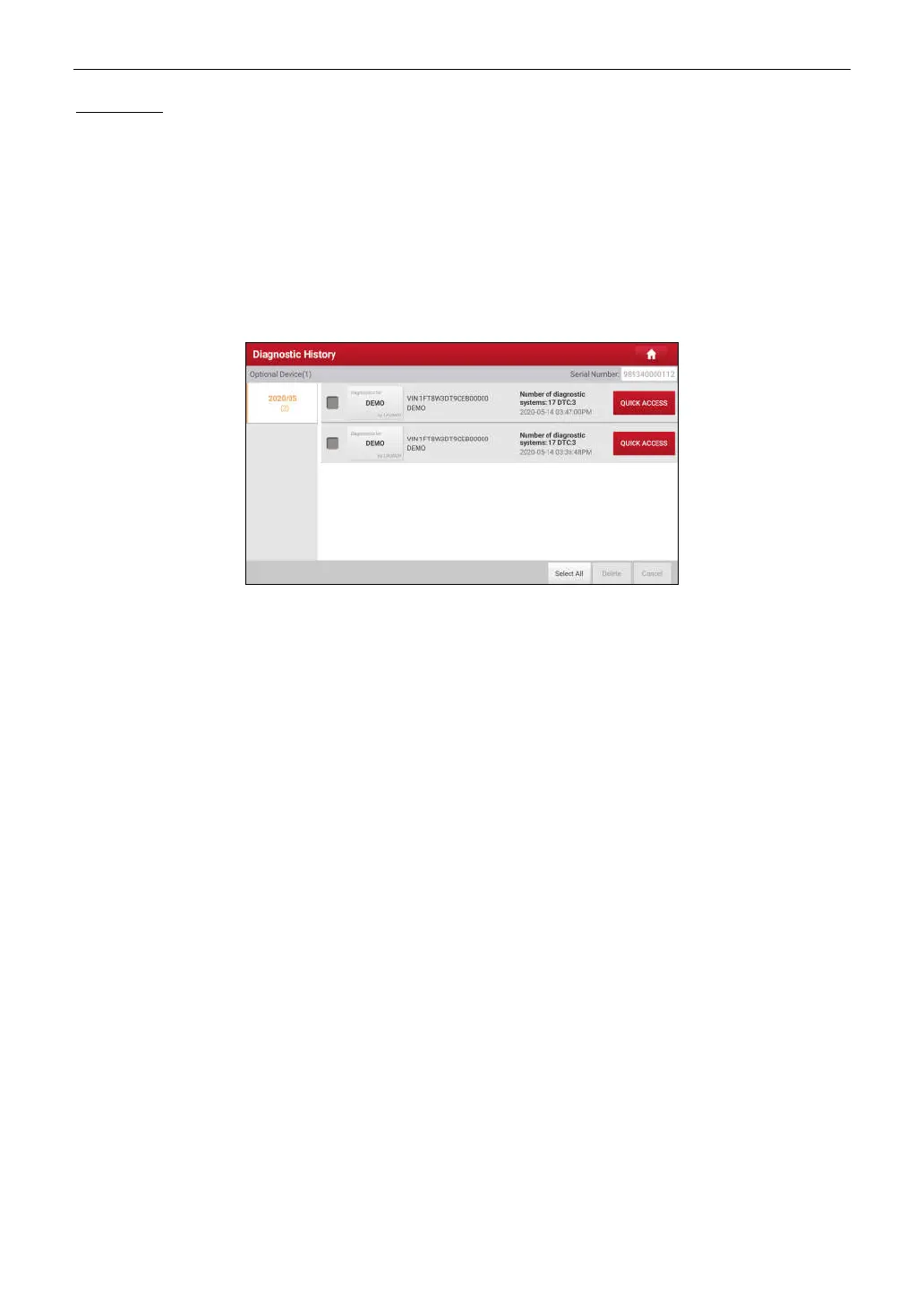
Tap
Diagnostic History
on the Job menu screen, all diagnostic records will be listed on the screen in date
sequence.
• Tap certain vehicle model to view the details of the last diagnostic report.
• To delete certain diagnostic history, select it and then tap
Delete
. To delete all historical records, tap
Select All
and then tap
Delete
.
• Tap
Quick Access
to directly navigate to the function selection page of last diagnostic operation. Choose the
desired option to proceed.



 To Next Page