LAUNCH
X-431 PRO5 User Manual
58
10.6 My News
This option allows you to receive some commercial and promotional activity messages.
10.7 Data Stream Sample
This feature allows you to manage the recorded data stream sample files.
10.8 My Order
This item allows you to check the status of all your orders.
10.9 Subscription Renewal Card
This item is used to check the status of the subscription renewal card.
Input the 12-digit subscription renewal card number. Tap
Search
to get the search result.
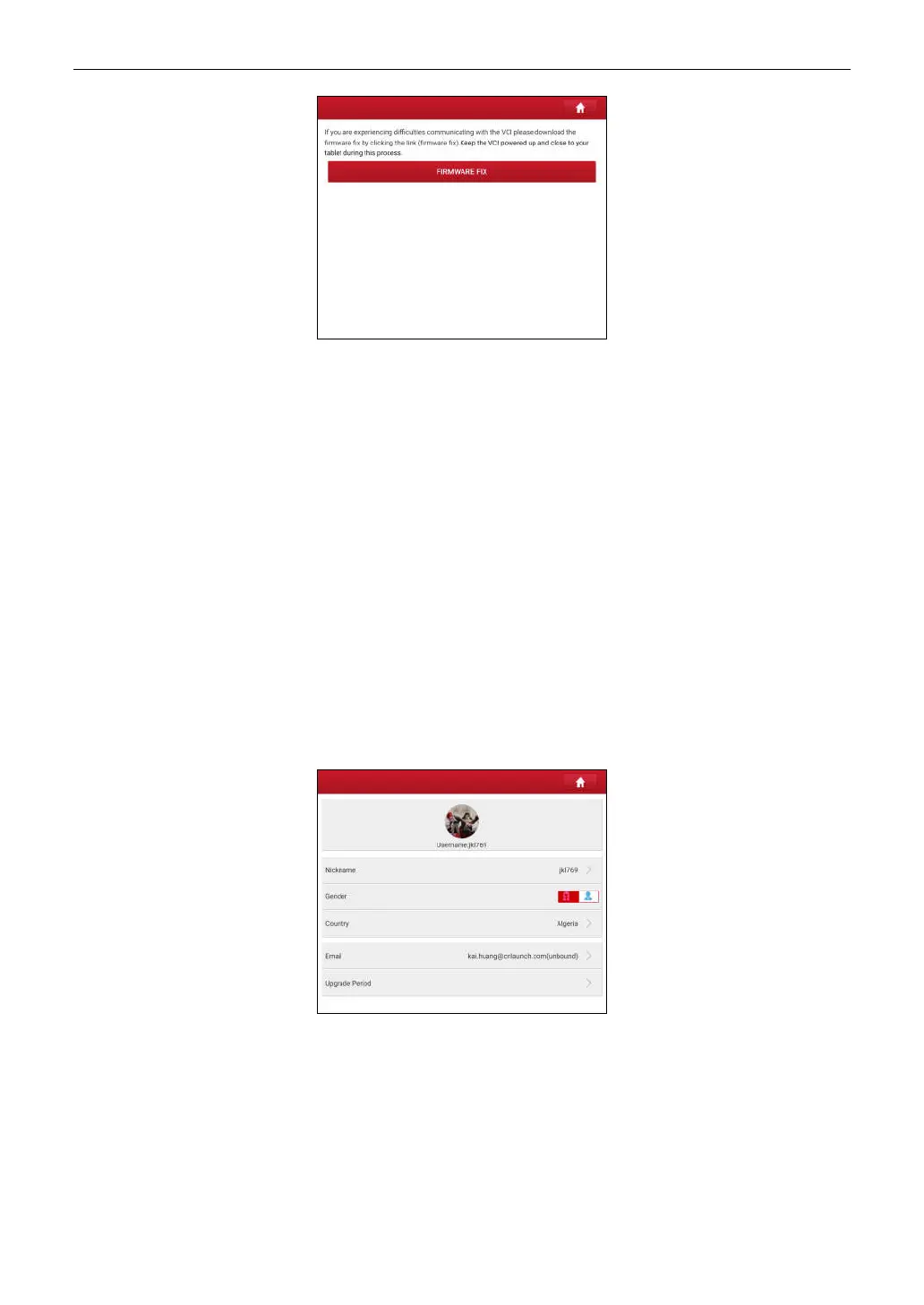
10.10 Profile
Use this item to view and configure personal information.
• Tap the user image to change it.
• Tap > next to
Upgrade Period
to check the due date of all diagnostic software.
10.11 Change password
This item allows you to modify your login password.
10.12 Settings
It enables you to make some application settings and login/logout etc.



 To Next Page