LAUNCH
X-431 PRO5 User Manual
14
Testing can be resumed from the previous operation without starting from scratch.
Remote Diagnose
This helps repair shops or mechanics to diagnose a remote vehicle, and launch instant
messages, allowing for improved efficiency and faster repairs.
Feedback To feed back the recent 20 diagnostic logs to us for issue analysis.
ADAS
This function enables users to perform ADAS (Advanced Driver Assistance System)
calibration operations. The ADAS calibration software is disabled by default. Before
using this function, users must activate the ADAS function using the ADAS Activation
Card.
Mall
An online diagnostic software store. This module enables you to subscribe some extra
software or service functions that are not integrated in the tool online.
Vehicle Coverage To view all the vehicle models that the tool covers.
Maintenance
Abundant maintenance data are available, which helps repair professionals diagnose
and repair vehicles efficiently, accurately and profitably.
User Info
To manage VCI, my reports, change password, configure Wi-Fi printer, system
settings and logout etc.
Other Modules Includes Videoscope, product manual, FAQ and some system Apps etc.
4.2.3 Diagnostics toolbar
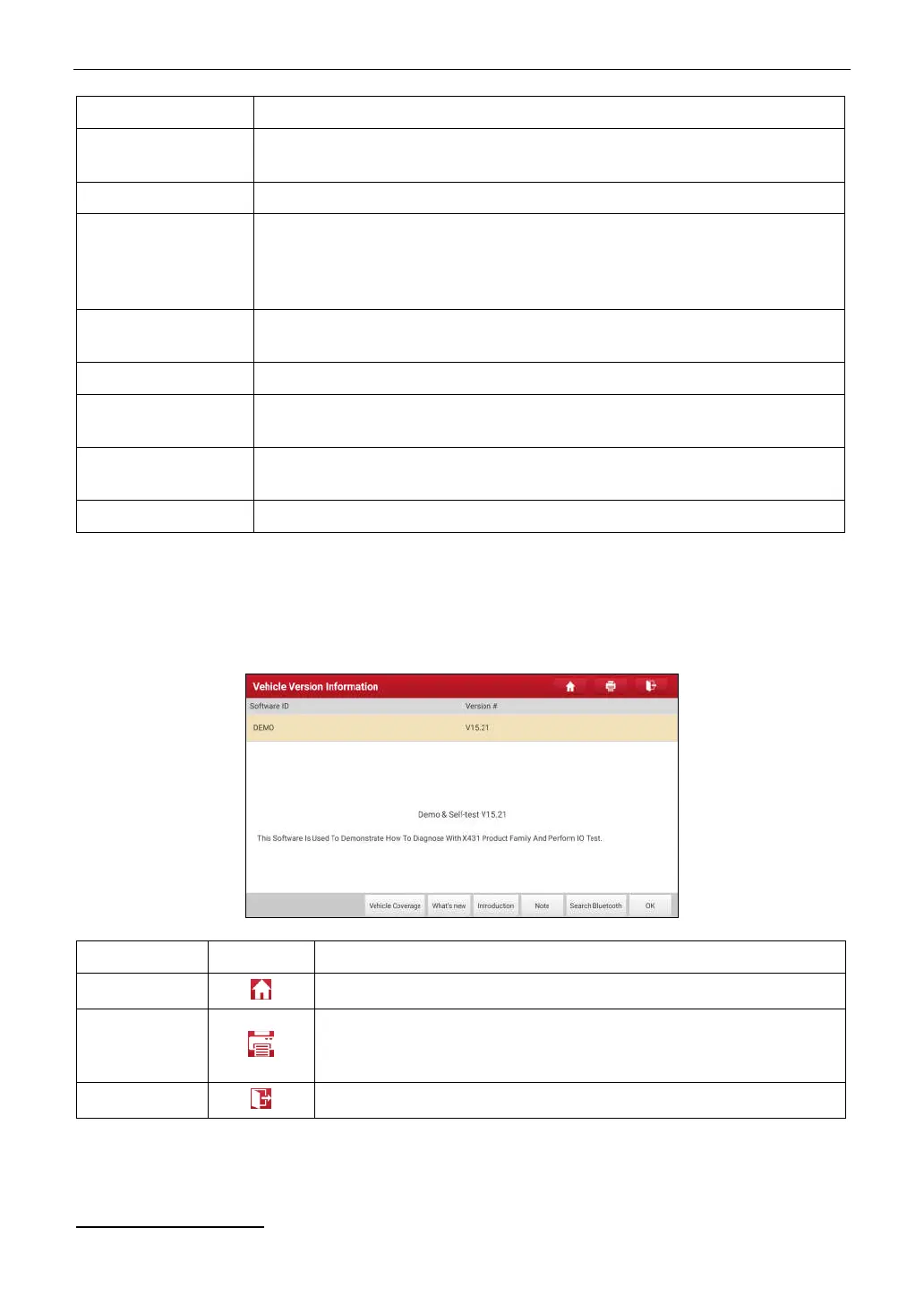
The diagnostics toolbar contains a number of buttons that allow you to print the displayed data or make other
controls. It is displayed on the upper right corner of the screen and goes through the whole diagnostic session. The
table below provides a brief description for the operations of the diagnostics toolbar buttons:
Name Button Description
Home
Returns to Job menu screen.
Print
Touch to print the selected screenshots out via external printer. The printer
needs to be configured separately. For details on printer setting, refer to
Chapter 10.12.3.
Exit
To exit the diagnostic application.
4.3 Connections
4.3.1 Preparation
Normal testing conditions



 To Next Page