LAUNCH
X-431 PRO5 User Manual
13
Once download is complete, the system will install the software package automatically.
*Note: In process of download, please make sure it is properly connected to the WLAN network. It may take several minutes
to finish it, please be patient to wait.
B. If you have registered to be a member, input your name and password, and then tap the
Login
button to enter
the main menu screen directly.
*
Note: After the username and password are entered the first time, the system’s auto-save function automatically stores it.
After initial setup it is no longer necessary to input the account information automatically to log in.
C. If you forgot the password, tap
Retrieve password
and then follow on-screen instructions to set a new
password.
4.2.2 Job menu
After logging in, the
Login
button will change into the button. It mainly includes the following items:
Name Description
Intelligent Diagnose
This module allows you to obtain vehicle data from the cloud server to perform quick
test via reading VIN, which provides a perfect solution to various defects resulting from
step-by-step menu selection. In addition, user can also check the historical repair
records online through this module.
Local Diagnose To diagnose a vehicle manually.
Reset
To perform all kinds of common repair & maintenance items, including oil lamp reset,
electronic parking brake reset, steering angle calibration, ABS bleeding, tire pressure
monitor system reset, gear learning, IMMO service, injector coding, battery
maintenance system reset, diesel particulate filter regeneration, gearbox matching,
and electronic throttle position reset etc.
SmartLink
The SmartLink system is powerful remote diagnostics solution developed by LAUNCH.
The system consists of SmartLink C dongle, SmartLink Service Platform and
SmartLink B dongle.
• SmartLink C dongle: For technicians seeking technical assistance and additional
expertise on various vehicle issues.
• SmartLink Service Platform: For SmartLink C posting assistance request and
SmartLink B accepting order.
• SmartLink B dongle: For service provider or master technician providing technical
assistance service.
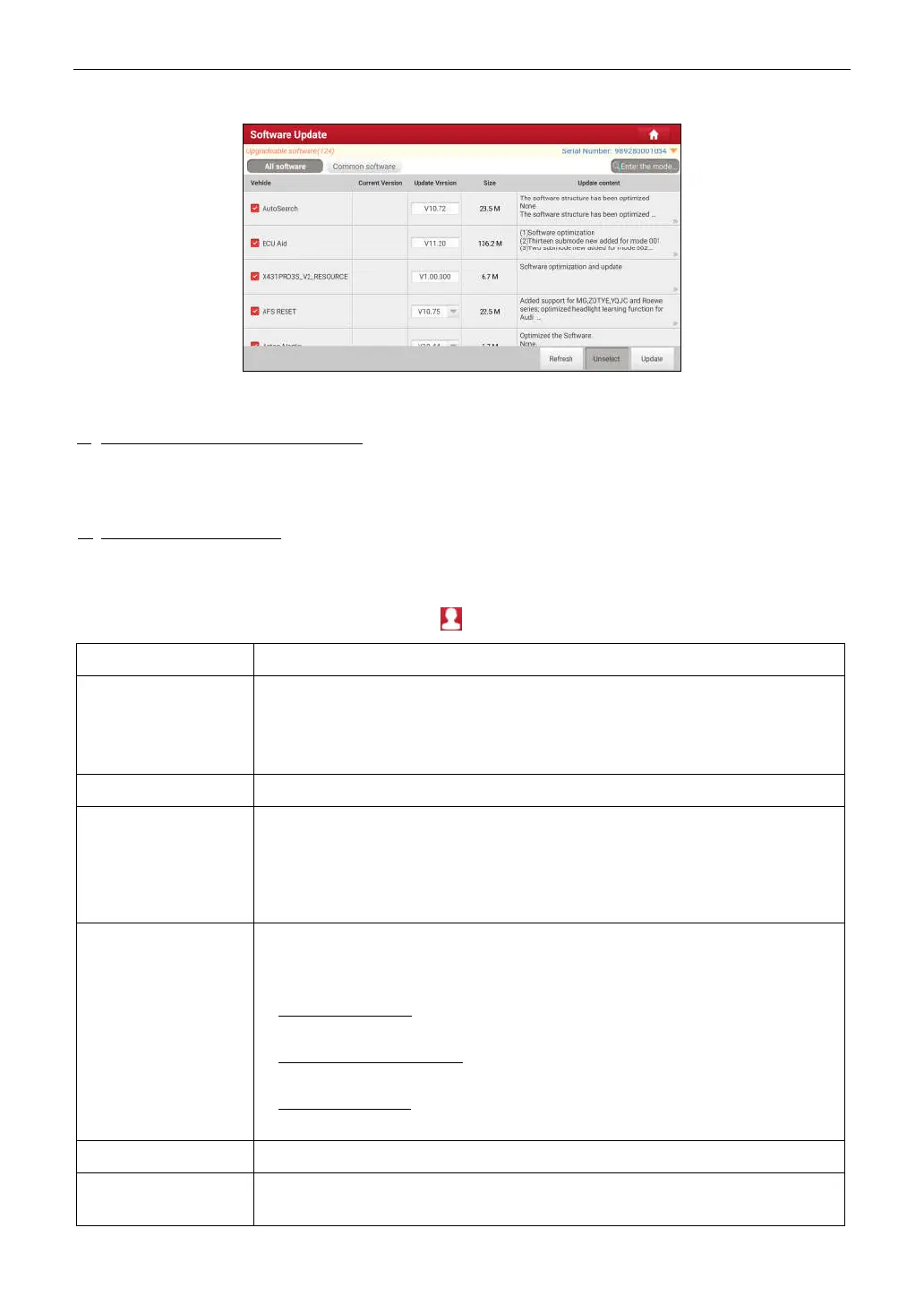
Software Update To update vehicle diagnostic software and APK.
Diagnostic History
When a vehicle diagnosis is performed, the tablet records the detailed diagnostic
information. The History function allows access to previously tested vehicle records.



 To Next Page