LAUNCH
X-431 PRO5 User Manual
27
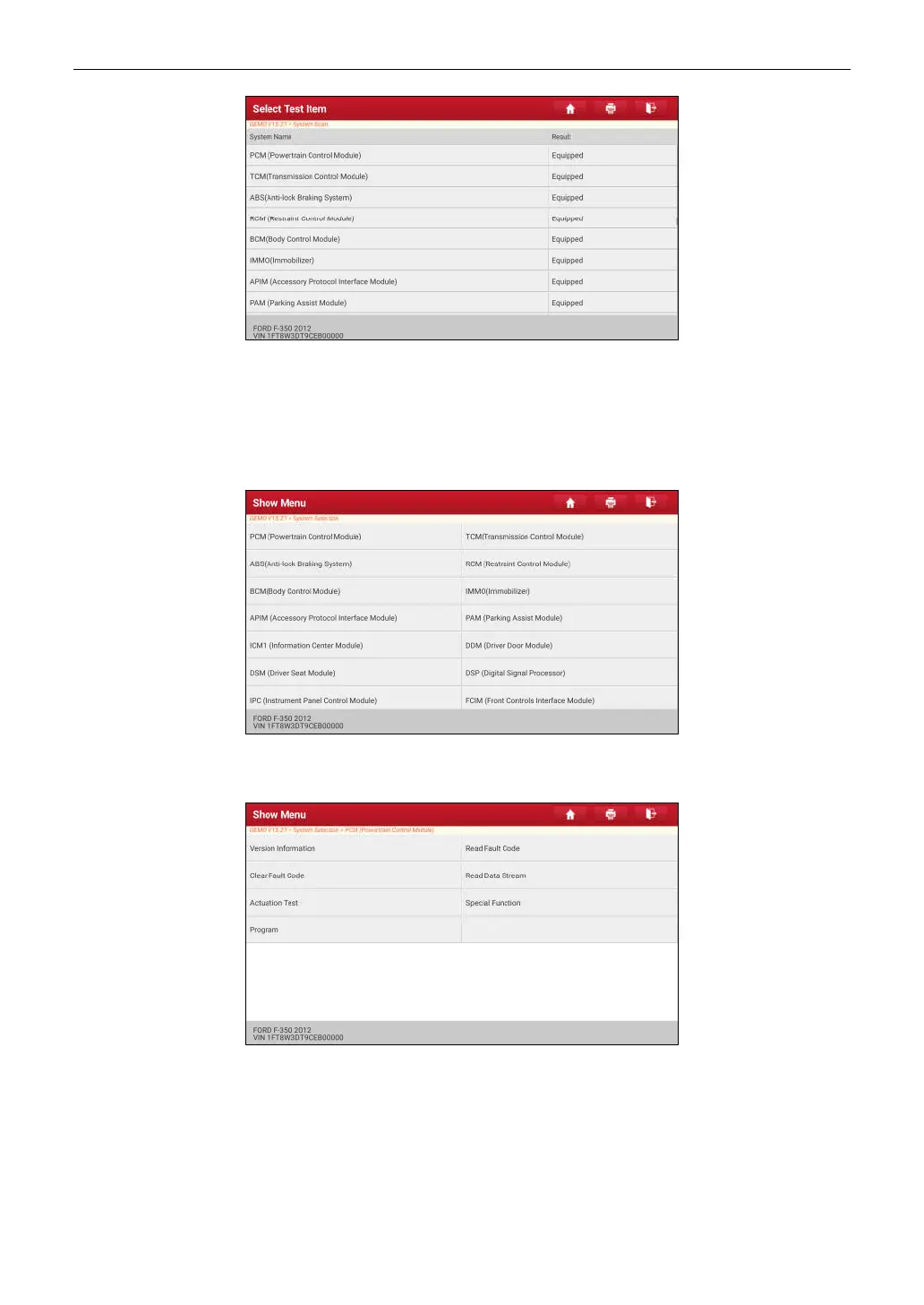
Tap the desired system to go to the diagnostic function selection screen. For detailed operations on diagnostic
function, please refer to Chapter 5.2.3.
5.2.3 System Selection
This option allows you to manually select the test system and function step by step.
On the test item selection screen, tap
System Selection
, the screen displays as follows:
Swipe the screen from the bottom to view the vehicle system on the next page.
Tap the target system (take
ECM
for example) to navigate to the diagnostic function selection screen.
Note: Different vehicle has different diagnostic menus.
A. Version Information
This function is used to read the version information of system mode, vehicle VIN, software and ECU.
B. Read Fault Code
This function displays the detailed information of DTC records retrieved from the vehicle’s control system.
*Note: Retrieving and using DTCs for troubleshooting vehicle operation is only one part of an overall diagnostic strategy.



 To Next Page