LAUNCH
X-431 PRO5 User Manual
21
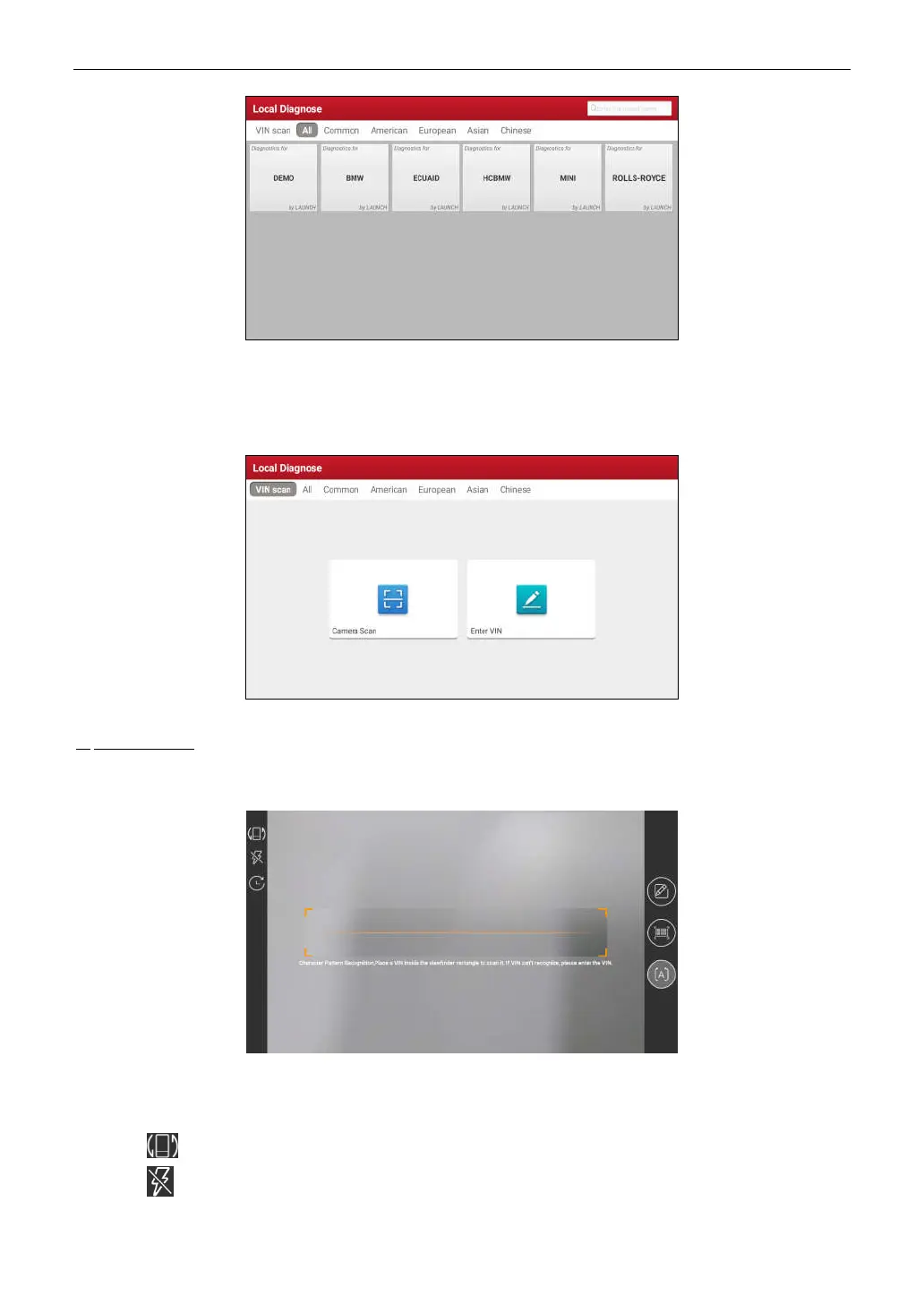
2 approaches are provided for you to access the vehicle diagnostic software. Choose any one of the following
ways:
1. VINSCAN enables you to access it more quickly.
Tap
VINScan
, the screen displays as follows:
In this case, camera scan and enter VIN are available.
A. Camera Scan: In this mode, the VCI should be connected to the vehicle’s DLC first, and then a Bluetooth
communication should be established between the tablet and the VCI.
Tap
Camera Scan
, a screen similar to the following appears:
Place the VIN inside the viewfinder rectangle to scan it. The most recognizable location for this number is in the
top left corner on the vehicle’s dashboard. Other locations include the driver’s door or post, and the firewall under
the hood.
• Tap to switch the display mode of the screen.
• Tap to turn the camera flash on.



 To Next Page