LAUNCH
X-431 PRO5 User Manual
47
•
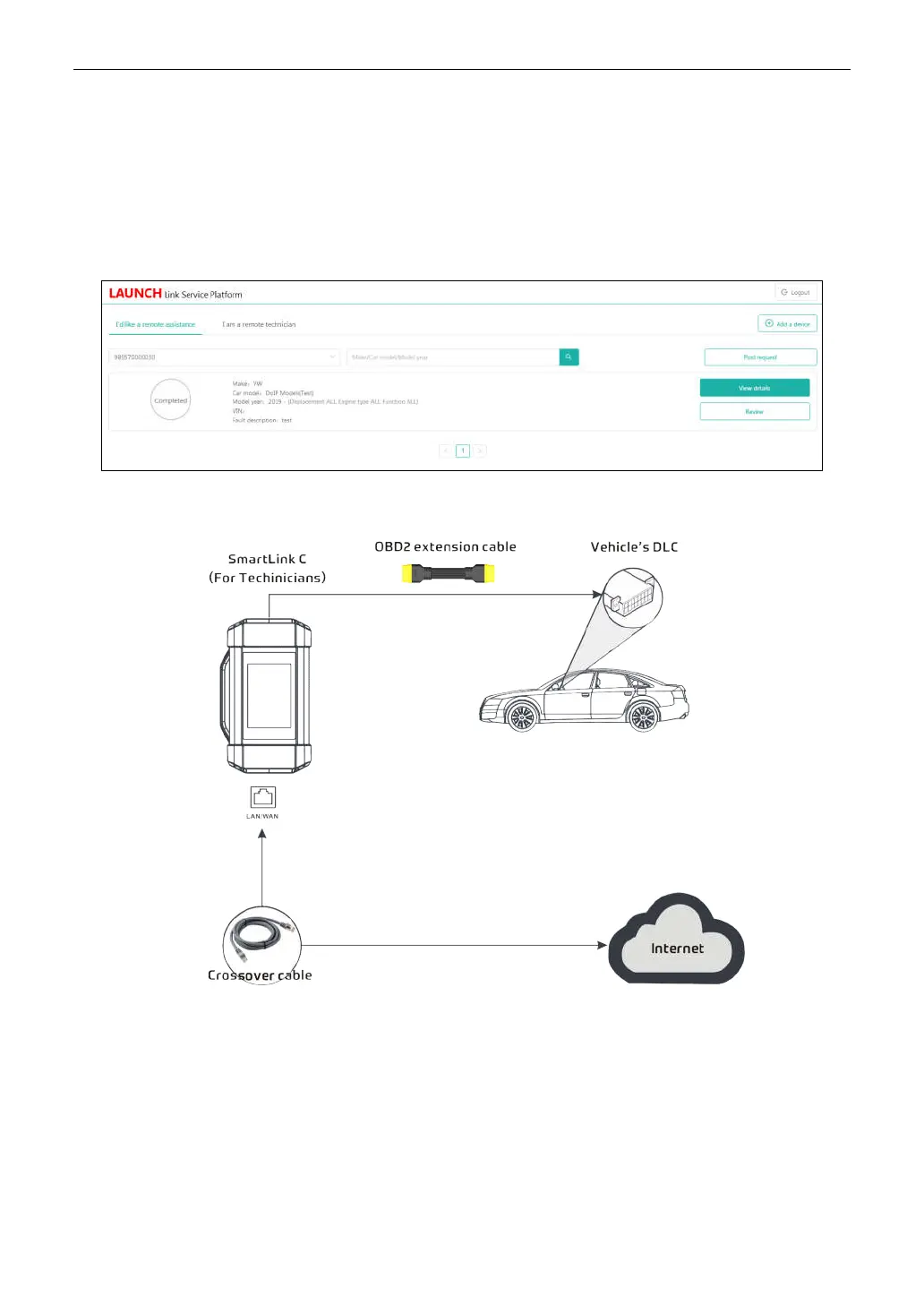
SmartLink Service Platform
– It can be accessed from the
SmartLink
module of the tablet. There are two
modules available on the link service platform:
I’d like a remote assistance
(for SmartLink C) and
I am a
remote technician
(for SmartLink B).
•
SmartLink C (Customer)
-
SmartLink Service Subscriber
. In the SmartLink system, the SmartLink A has an
I’d like a remote assistance
module on the SmartLink Service Platform for submitting remote repair orders plus
a SmartLink A dongle for accessing vehicle data. It supports remote diagnostic services for vehicles that meet
CAN / CAN FD / J2534 vehicle diagnostic standards.
1). Launch Service Link Platform: Binds SmartLink C dongles and submits remote repair orders.
2). SmartLink C Dongle: Connects to the vehicle’s DLC port for collecting the vehicle data and sends it to the
remote SmartLink B.
•
SmartLink B (Business)
-
SmartLink Service Provider
. In the SmartLink system, the SmartLink B has an
I am
a remote technician
module on the SmartLink Service Platform for accepting the orders from SmartLink C plus
a SmartLink B dongle for providing hardware support.
1). Launch Service Link Platform: Binds SmartLink B dongles and accepts orders from SmartLink C.
• If the SmartLink B dongle works with the LAUNCH-specific diagnostic tool equipped with SmartLink module,
tap SmartLink to add the SmartLink B device and accepts orders on the diagnostic tool.
• If the SmartLink B dongle works with the third-party diagnostic tool, open the browser and visit SmartLink
Service Platform website http://smartlink.x431.com (web client) to add the SmartLink B device and accepts
orders in the browser.



 To Next Page