6300 Rev H User’s Manual
125-9106A Page 48
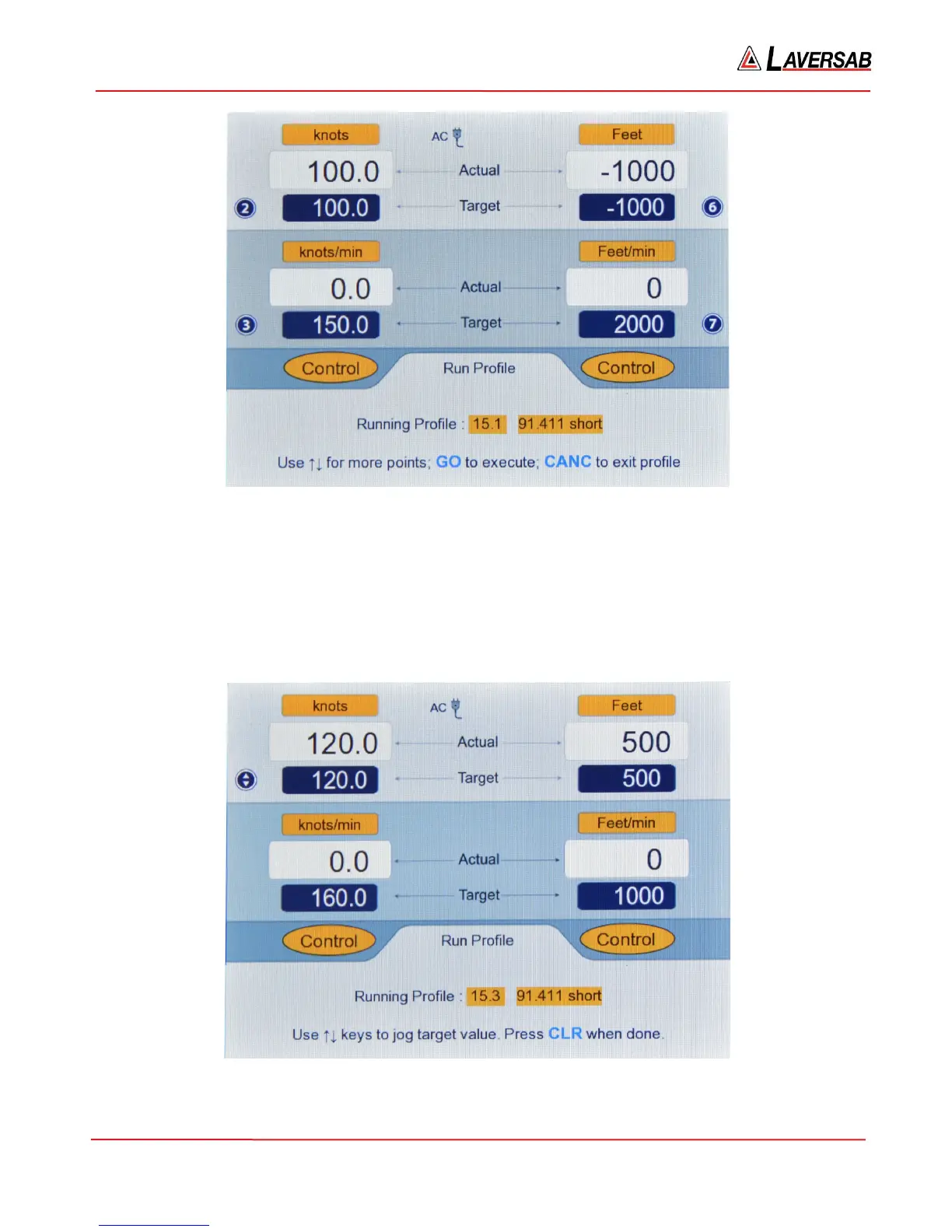
Figure 3.43 : Run Profile (15.1 Achieved)
Now press Up-Arrow to move to 15.2, which will be blinking. Press GO. Wait for targets to be achieved.
Then press Up-Arrow to move to 15.3 and wait for targets to be achieved.
Notice that the Upper section of the screen has key-number symbols 2, 3, 6 and 7 being displayed next to
the Target values. This means that these target values can be modified by jogging them with the arrow
keys. Press 2 to jog the Pitot Target value. The screen will appear as shown below.
Figure 3.44 : Run Profile (Jog Pitot Target at 15.3)



 To Next Page