6300 Rev H User’s Manual
125-9106A Page 47
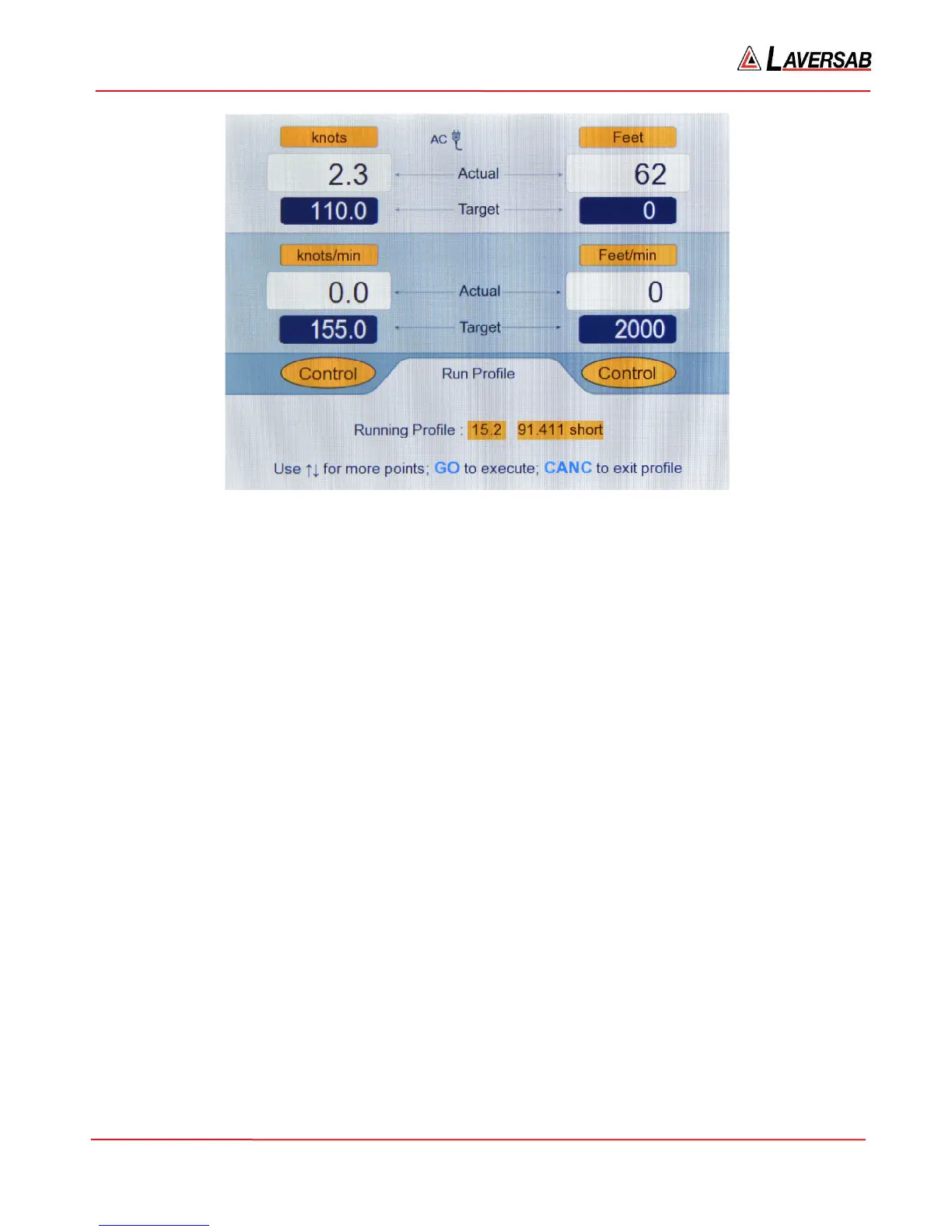
Figure 3.42 : Run Profile (15.2 Blinking)
For this point, units and modes remain the same as point 1, but three of the target values have changed.
In the Lower section, ’15.2’ is blinking. Keep pressing the Up-Arrow key to scroll through all the points
of the profile. Use the Down-Arrow key to go to the previous point. The last point of the profile is point
number 13.
You can cancel out of a profile at any time by pressing CANC. The last effective parameters will remain
valid even after you cancel out of the profile. You can enter a profile at any point (like 15.6).
Cancel out of Profile 15 by pressing CANC. Press FUNC and then ‘4’ to return to the ‘Run Profile’ screen
and then enter ’15.1’ followed by ENTER. Again, ’15.1’ will be blinking and all 8 parameters will be
setup. Now, press GO to execute the profile. (Before doing this, please ensure that both ports are closed
and both Vent valves are closed).
Wait for the 6300 to achieve the targets set in 15.1. The screen will appear as shown below.



 To Next Page