CS3E-E Series EtherCAT Closed Loop stepper drive User Manual
6 Common Functions
6.1 Saving Parameters and Resetting Drive
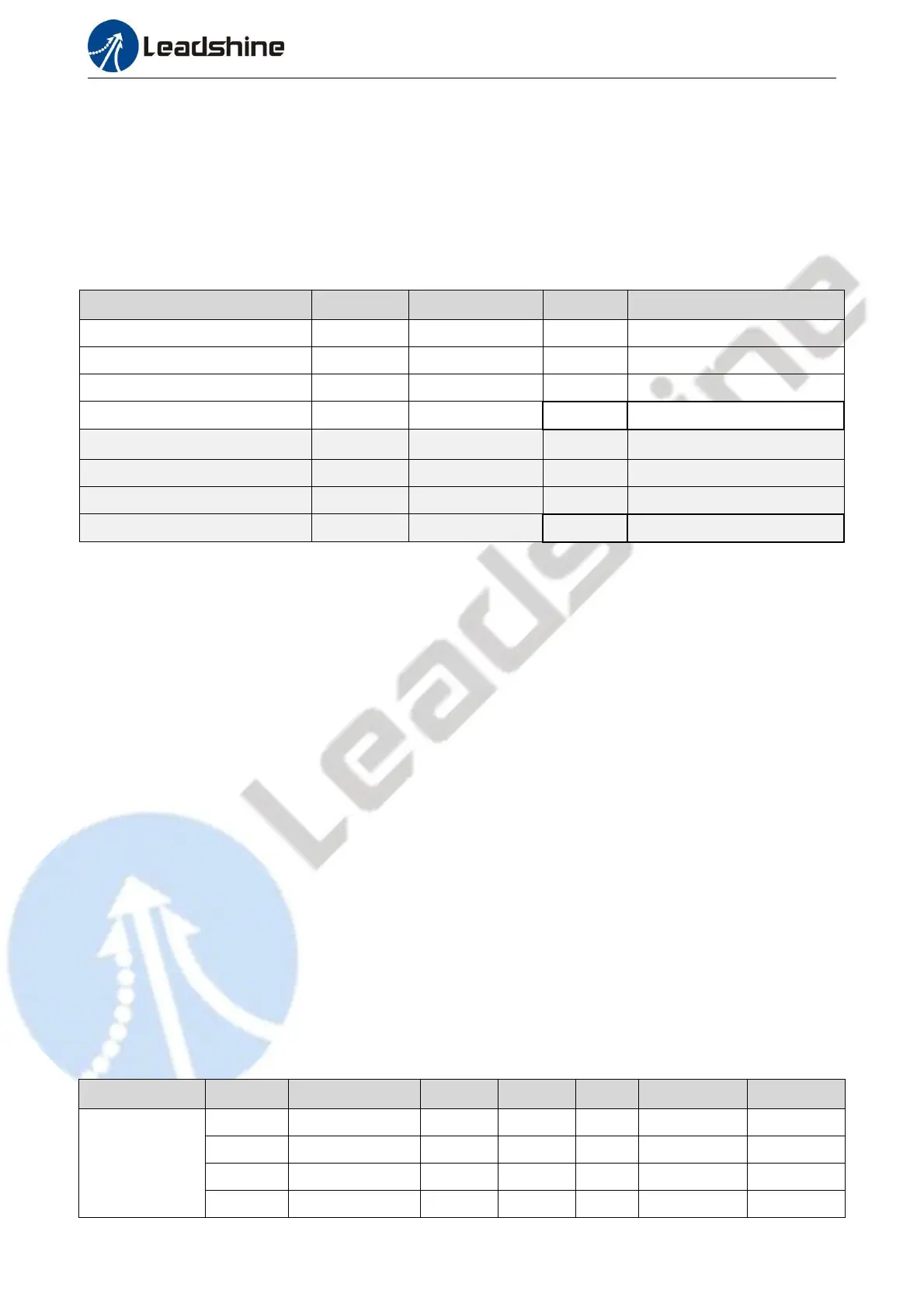
To save all storable parameters into EEPROM through Object 0x1010, need to write “0x65766173” into
sub-index 01h. To reset the drive to default parameters through Object 0x1011,need to write “0x64616F6C” into
sub-index 01h. After writing the save command, do not turn off the power immediately, wait around 10s to
ensure that all parameters have been saved successfully. The below table is the description of Object (1010h)
and Object (1011h).
Table 6.1: Object (1010h) and Object (1011h)
Save Objects (2000h-5000h)
Save Manufacture Specific Objects
Save Communication Objects
Restore Objects (2000h-5000h)
Reset Manufacture Specific
Objects
Reset Communication Objects
6.2 Control Word and Operation Modes
CS3E-E supports both synchronous mode and asynchronous mode. In the synchronous mode, master station
processes trajectory planning and outputs cyclical instructions. Drives follow the planning instructions given
by master station in synchronous cycle, making it suitable for synchronous motion of multiple axes. CS3E-E
synchronous motion mode supports CSP mode. In CSP mode, master station completes trajectory planning
and sends it to CS3E-E. The drive will execution the synchronous cyclic position instructions immediately
once they has arrived. The CS3E-E supports following synchronous cycles:250 us, 500 us, 750us, 1000 us, 2000
us,4000 us,8000 us.
In asynchronous motion mode, master station is only responsible for sending motion parameters and control
commands. CS3E-E drives will process trajectory planning according to the motion parameters after receives
control command from master station and the movements between each axis are asynchronous. CS3E-E
asynchronous mode includes Profile Position mode(PP),Profile Velocity mode(PV)and Homing mode(HM).
In both control modes, EtherCAT data transmission between master and slave station is achieved through
object dictionary. The transmission types contain PDO and SDO and only one can be chosen in general cases.
According to control needs, it is classified in three levels by data transmission real time capability and
importance:
Must> Recommend > Can.
“Must” indicates under this mode,the object dictionary has to be PDO mode;
“Recommend” indicates under the set mode, the object dictionary is suggested to be configured as
PDO mode to achieve real-time capability but SDO transmission can be allowed if the controlling is
not quite demanding;
”Can” indicates under this mode, object dictionary data transmission is generally through SDO mode
and PDO communication mode won’t be necessary.
The object dictionary of each control mode are shown as below:
Table 6.2: Objects Dictionary related to each operation mode


 To Next Page