24
Instructions for Use V 1.9 RevC - 06/2013
5. Operation
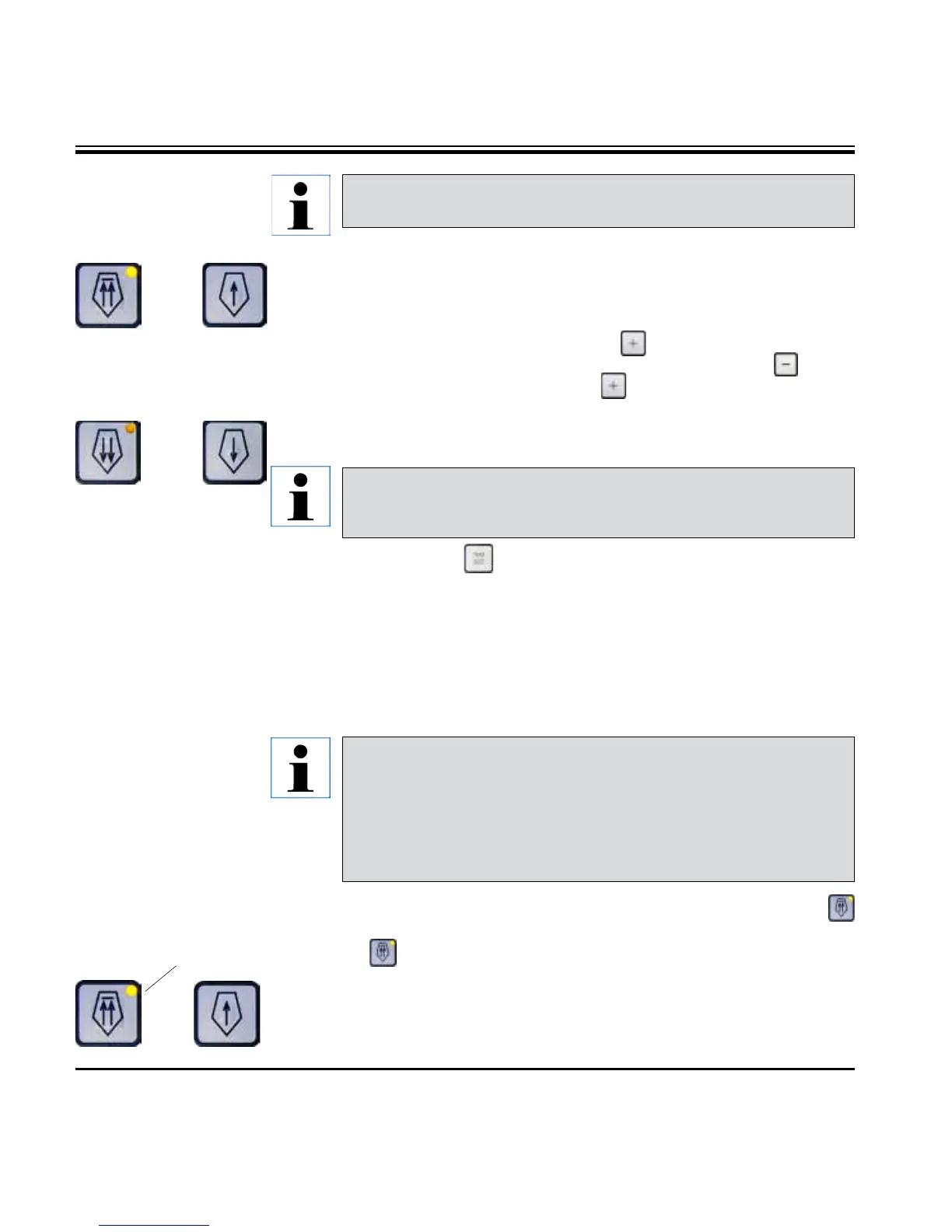
Multiple
step
backward
Multiple
step
forward
Single
step
backward
Single
step
forward
Sectioning mode
Button functions in STEP
mode
In sectioning mode the user can select between STEP function (step-
by-step specimen feed) and continuous specimen feed.
This feature is only available in sectioning mode in version 2.1 or
higher. For software versions older than 2.1, contact Leica Technical
Service.
When continuous feed is selected, the coarse feed buttons have the same func-
tions as in trimming mode. The STEP function is useful for careful step-by-step
approximation of the specimen towards the blade.
How to activate the STEP function:
• Switch the instrument on while holding the button on the control panel.
(Likewise, to deactivate switch the instrument on while pressing the button.)
While the instrument is initializing, hold the button until the software version
number is no longer displayed (ensure that version number 2.1 was displayed).
• Pressthe
TRIM/SECT button and select sectioning mode (LED SECT lit)
.
• Whenpressingthebutton(withanarrow)forslow-speedcoarsefeed,adefined,
incremental feed takes place (STEP) at the value indicated on the display in the
respective direction (simple step).
• Byshortactivationofthequickcoarsefeedbuttons,asinglestepisalsoeffected
in the appropriate direction.
• Longeractivationofthedouble-arrowcoarsefeedbuttoneffectsarepeated
feed motion for as long as the button is pressed.
40
Backwards coarse feed
Trimming mode
• Tostarttherapidbackwardsmovement(awayfromtheblade)pressthe
key.
After the button is pressed, the specimen head is moved to the rear end
position.
• Tostopthemovement,pressanyofthefourcoarsefeedbuttons.
• TheyellowLED(40) in the button flashes while the specimen head is in mo-
tion, and remains lit continuously when the rear end position is reached.
In the trimming mode, the coarse feed buttons operate a continu-
ous movement as long as the button is held down. The double-arrow
button for rapid coarse feed backward movements has a lock-in
function.
Do not put your fingers between the specimen clamp and microtome
to prevent pinching them.


 To Next Page