25
Leica RM2245
5. Operation
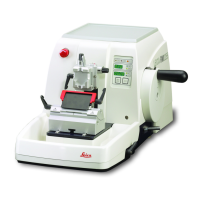
• Tochange the display mode, pushMENU MODE until the LED of the
desired mode is illuminated.
• PressCLEAR to reset section thickness sum or section number.
• Thiswillonlyresetthecurrentlydisplayedvalue.
Four-digit display on the instrument
The four-digit display is adjustable.
When the Σ µm LED is lit, the display shows
the sum of the section thicknesses in µm for all
sections completed since the instrument was
switched on.
(Section thickness sum)
When the Σ n LED is lit, the display shows the
number of all previously completed sections.
Fig. 17
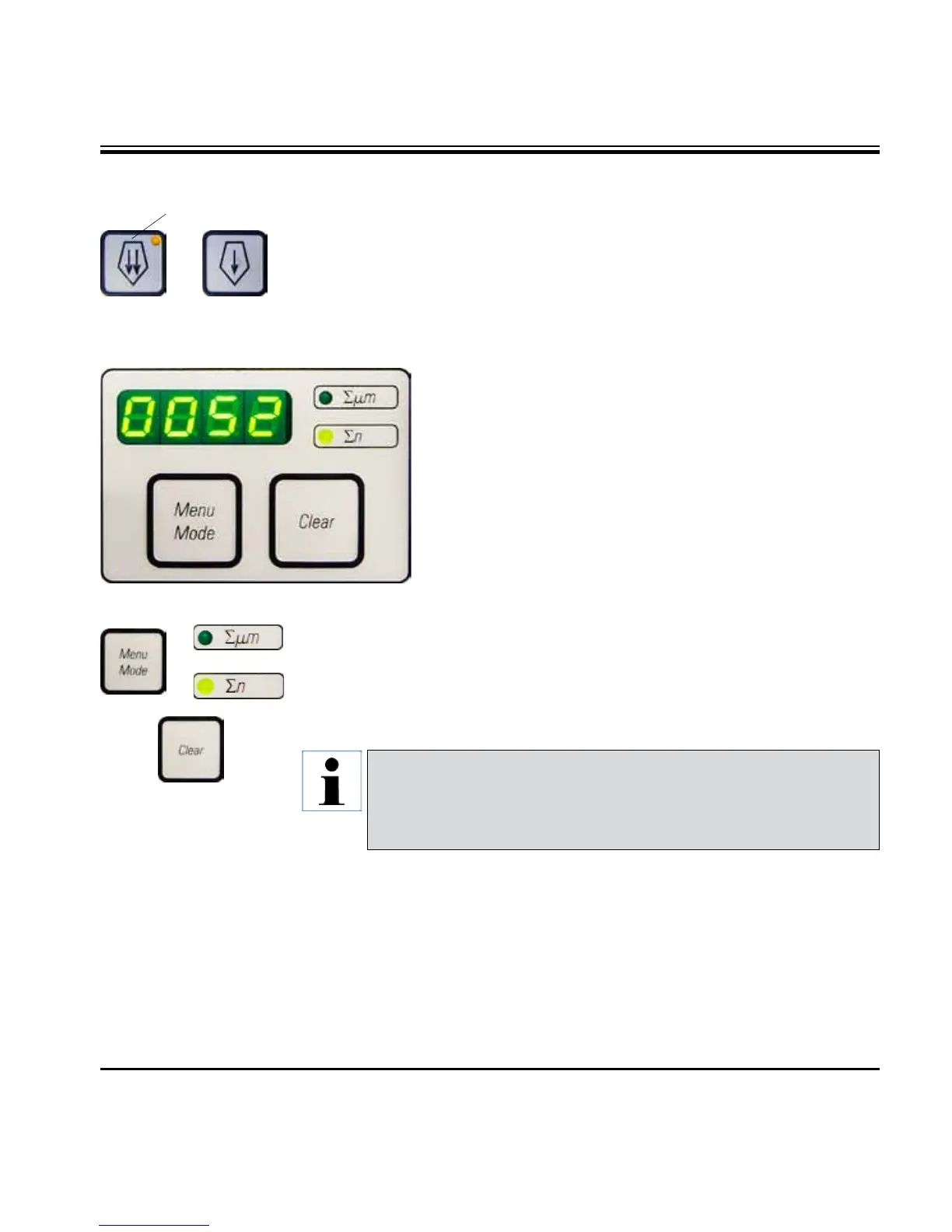
• Press thebuttontostartthe slow backwards movement. The travel
continues as long as the button is held depressed.
• Presstheappropriatebuttontostartarapidorslowforwardmovement.
The travel continues as long as the button is held depressed.
• Duringtheforwardsmovement,theyellowLED(41) in the button flashes.
When the front end position is reached, an acoustic signal is heard and
the LED stops flashing and remains lit.
41
Forward coarse feed
Specimen retraction
To prevent damage to the blade and specimen, the specimen is moved away
from the blade during the return motion to the upper home position.
The retraction value can be selected in 5 µm increments between 5 and
100 µm. Specimen retraction is set to 10 µm at the factory.
Specimen retraction can be disabled if required.
The selected setting is maintained when the instrument is turned off.
Caution!
When the instrument is switched off using the main power switch,
both values (section thickness sum and section number) are erased
from memory.


 To Next Page