12
Adjusting the input signal
Setting the input signal of a digital unit is particularly important, much more than with an analog unit, as
any saturation of the A/D converters caused by excessively high input signals cause a typical particu-
larly distinct noise (high level square wave).
Proceed as follows:
☞ Keep the DX 24 outputs in MUTE status (LEDs lit).
☞ Feed a signal in on the DX 24’s input and watch the INPUT LEVEL A-B LED ladders.
To obtain a good signal/noise ratio, i.e. an up-front distortion-free signal, keep the signal quite high, but
make certain the red CLIP LED doesn’t light up continually.
☞ First of all, find the output level setting for your mixer (or other unit) connected to the input of the DX 24
☞ Then adjust the DX 24 input gain if necessary:
Press the MODE key until the EDIT menu LED lights up.
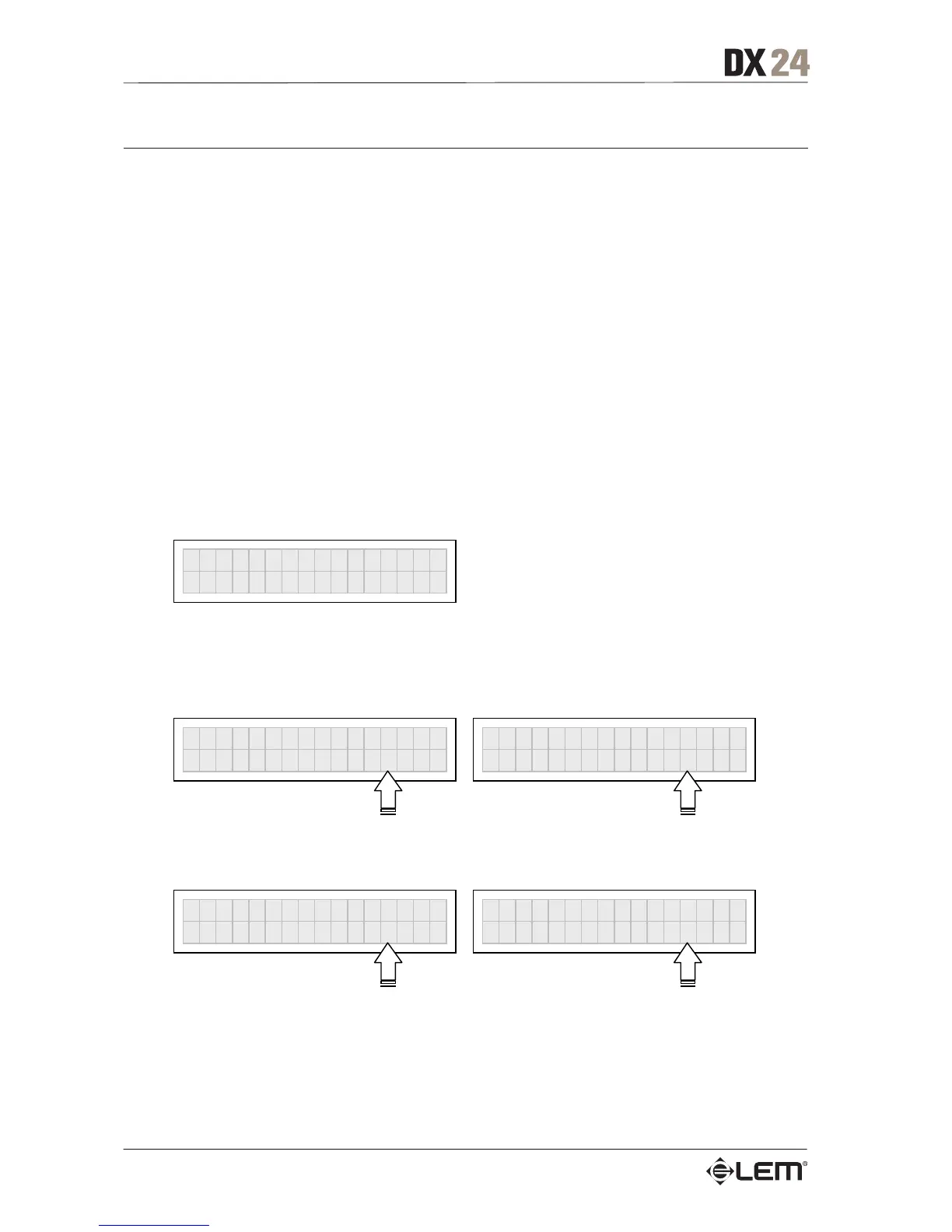
Use the PREV and NEXT keys to go to the Input Gain page:
Ò
In
ut Gain
Press ENTER. The display shows the INA Gain or INA&B Gain page (according to the configuration
and other utilities loaded in the memory):
INA GAIN
0.0dB
INA&B GAIN
0.0dB
Use the DIAL to change the gain value and watch the level of the signal on the LED ladders until the
ideal values are reached.
INA GAIN
-2.5dB
INA&B GAIN
+6.0dB
Then use the PREV and NEXT keys to access the INB Gain page (if there is one – this depends on the
configuration and the other utilities loaded in the memory).
Repeat the settings as explained above.
Getting Started



 To Next Page