ut Gain
Editing values are between +6dB ÷ -30dB, with 0.5dB steps.
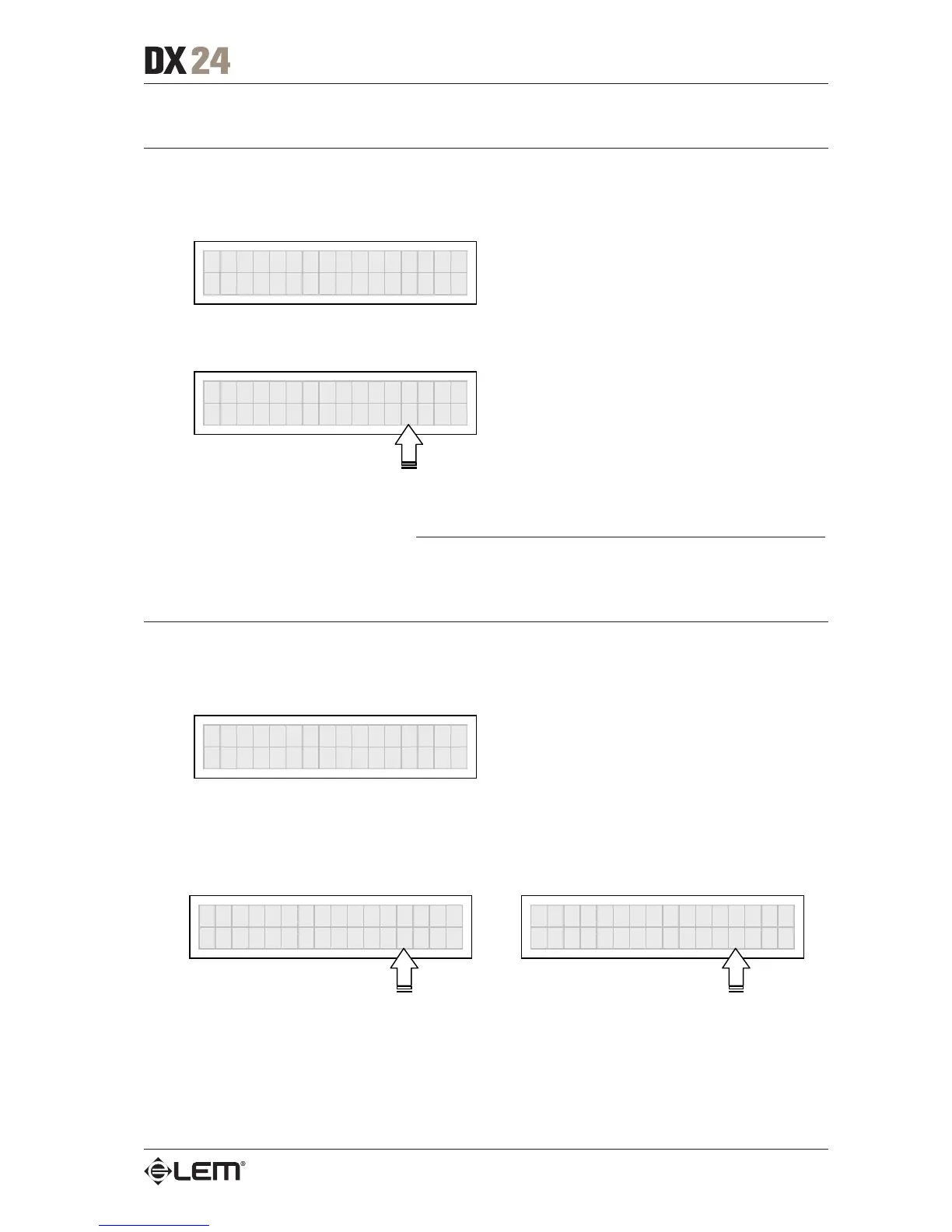
OP1 GAIN
-6.5dB
N.B.: the level of each output is shown by the respective OUTPUT LEVEL LED ladder. To avoid distortion, don’t let
the red CLIP LED light up. As automatic protection, you can also enable the LIMITER (EDIT menu) on the outputs
that require it. In this case, remember that enabling the LIMITER changes the display mode on the relative LED ladder:
in fact, the level shown is no longer the “absolute” output level, but the level of the signal in relation to the LIMITER
threshold.
Output Pol.
Controls the outputs’ polarity.
Allows to invert the phase of the signal of individual outputs.
Ò
Out
ut Pol.
Editing values are:
Normal: leaves the phase unchanged Reverse: shifts the phase through 180°, inverting it.
OP1 POLARITY
Normal
OP1 POLARITY
Reverse
The effect of this control is summed with that of the
ΦΦ
ΦΦ
Φ parameter of the LPF filter (Xover - EDIT menu),
which operates with 5° steps in a range of between 0° and 180°.
In this way it’s possible to set the phase of each individual output with 5° steps within a complete 360°
revolution, a very useful function when assembling arrays of speaker enclosures, in the control of the
interpolation between various enclosures or between sections of the same system.
EDIT menu



 To Next Page