43
LOCK SUBMENU
Lock Lock
Allows to enable or disable the protection of the system against accidental or unauthorized changes.
Ò
Lock
This function is very useful whenever even temporary changes or tampering with the settings stored in
the system must be prevented. For example: fixed installations used by several operators (discotheques,
clubs, conference halls, etc.), sound system rental, etc.
How to enable protection
☞ First of all, choose the
protection mode:
Two modes are available:
Total: Partial:
all editing functions are blocked and only the parameters relative to the Inputs
access to the PRESET menu is disabled can be edited (Delay, Gain, EQ),
all other editing functions are blocked
and access to the PRESET menu disabled
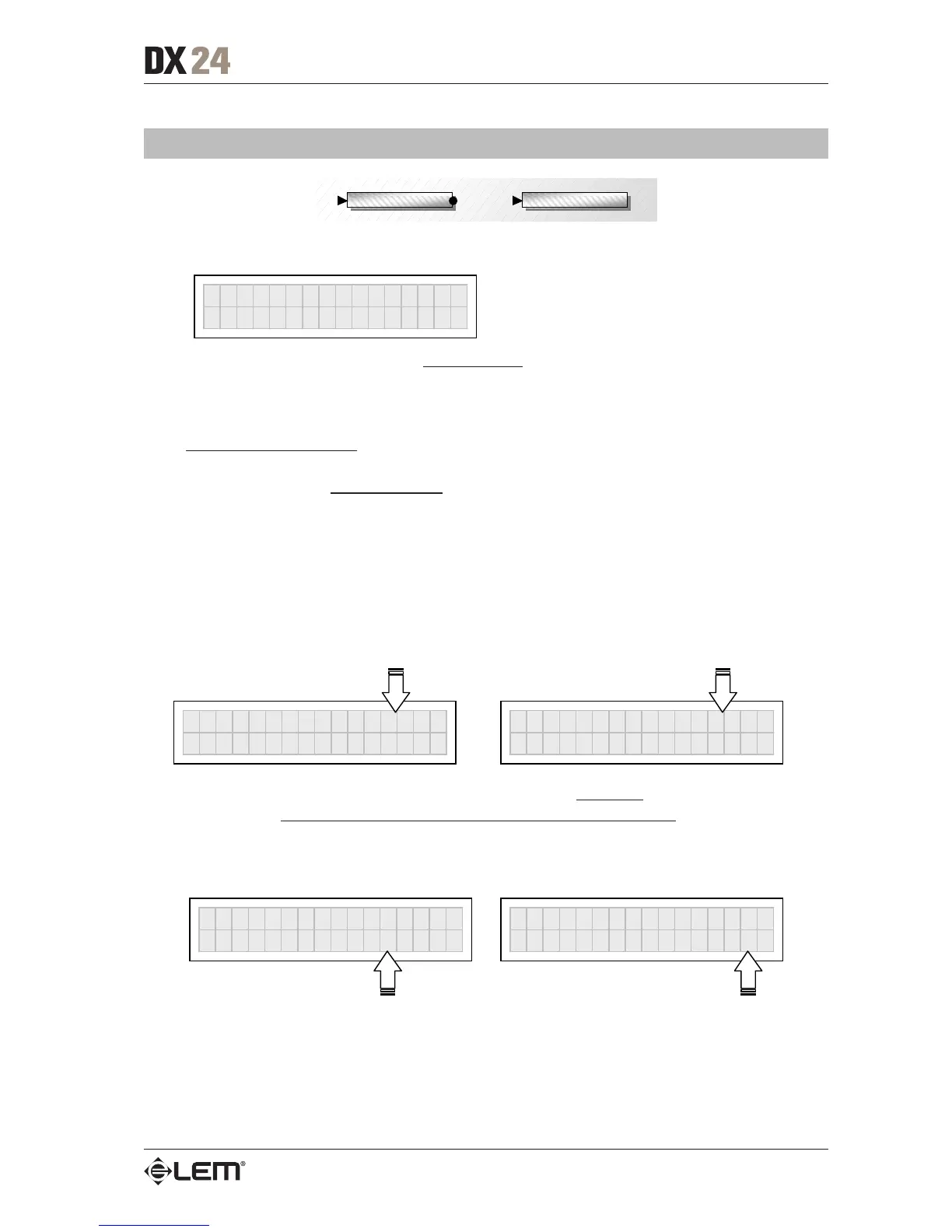
LOCK Total
Password
[
NICK
]
LOCK Partial
Password
[
NICK
]
☞ Then use the t and u keys to access the area in which the password is entered.
IMPORTANT!
The protection cannot be unlocked without the password!
So write it down or at least choose a word that is easily remembered.
The password is made up of four alphanumerical characters, obtainable using the t and u keys and
editable with the DIAL
LOCK Partial
Password
[
NICK
]
LOCK Partial
Password
[
WOLF
]
☞ After entering the password, press ENTER.
N.B.: confirmation is only accepted if the cursor is positioned on one of the password’s four characters. This allows to
avoid accidental enabling, without having seen the password.
Protection is enabled and the system takes up default status.
UTILITY menu



 To Next Page