46
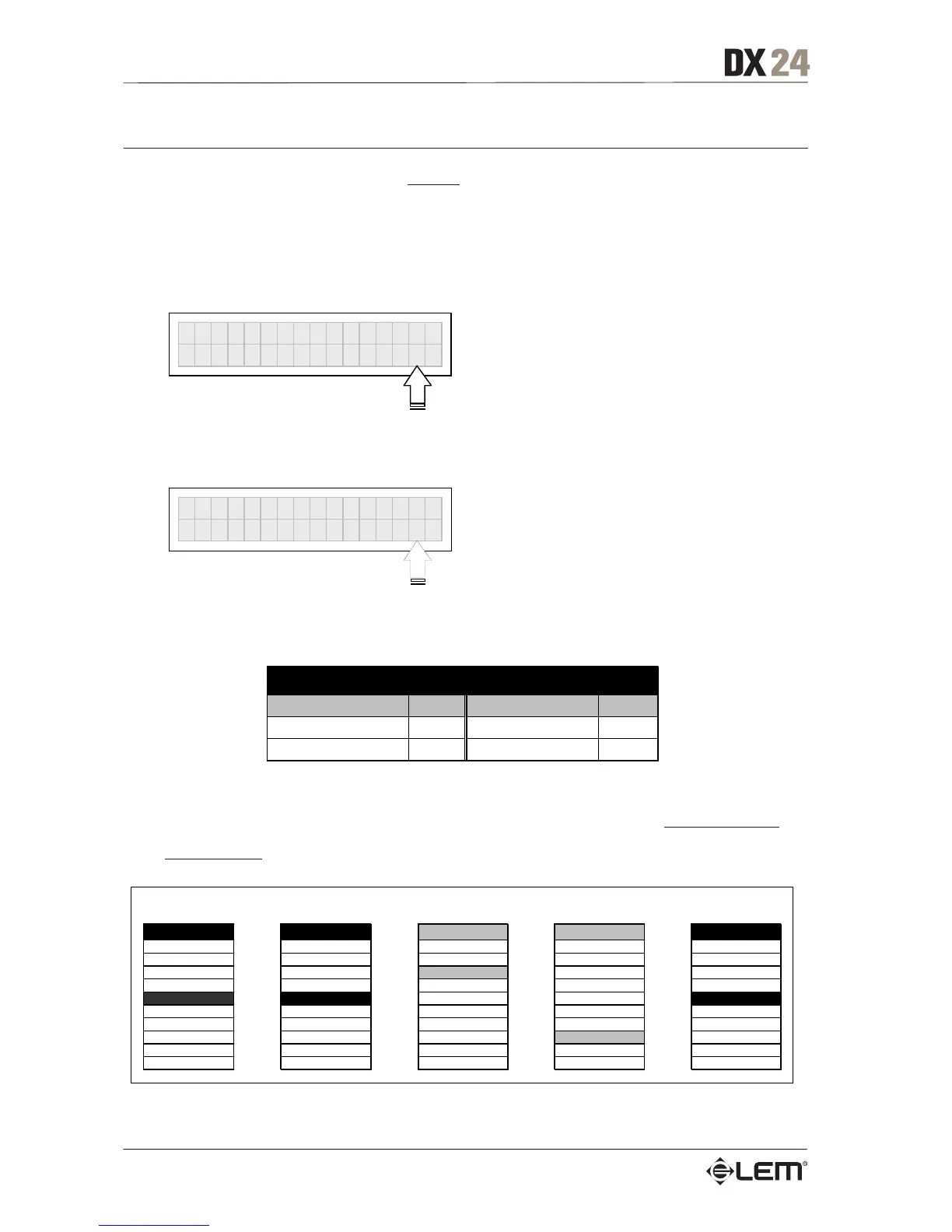
MIDI PrgCh Out
Allows to set the MIDI channel on which to send Program Change commands to other units (e.g. a
computer or another DX 24) when loading the Presets.
Settings can be:
Off: no Program Change command sent.
MIDI Pr
Ch Out
Channel Off
1÷16: specifies a MIDI channel on which to send
a Program Change command when a Preset is loaded.
MIDI Pr
Ch In
Channel 12
The Program Change number corresponds to the number of the Preset loaded as follows:
Preset Number Message
Value
FACTORY PRESETs 1 .. 17
Pro
e0 …16
USER PRESETs 1 .. 32
Pro
e
N.B.: The transmitting unit sends a MIDI Program Change containing a Preset number to load and, if able to accept
the command, each of the receiving units loads the Preset with the corresponding number
from its own memory. In a
MIDI chain of DX 24 units, this means that all the units set to accept this command on the same MIDI Channel load
the same number of Preset, even if on the various units this number corresponds to Presets with different contents.
The Preset Dump function is used to transmit the same contents.
DX 24 #1 DX 24 #2 DX 24 #3 DX 24 #4 DX 24 #5
MIDI PrgCh Out =CH7 MIDI PrgCh In =CH7 MIDI PrgCh In =CH4 MIDI PrgCh In =OFF MIDI PrgCh In =Omni
SEND ACCEPT IGNORE IGNORE ACCEPT
.. .. .. .. ..
Preset #2 #2 M
Setup #2 SideField #2 LO Sta
e #2 Default
Preset #3 #3 M
e #3 Default
Preset #4 #4 LiveSet1 #4 Concert2 #4 FullRan
e1 #4 Default
Preset #5 #5 LiveSet2 #5 Concert3 #5 FullRan
e2 #5 Default
Preset #6 #6 Monitor #6 Concert4 #6 SmallS
s #6 Default
Preset #7 #7 Monitor2 #7 Remote1 #7 Bi
s #7 Default
Preset #8 #8 Monitor3 #8 Remote2 #8 Small Club #8 Default
Preset #9 #9 Side #9 Remote2 #9 Mid Club #9 Default
.. .. .. .. ..
MIDI OUT
MIDI IN
MIDI THRU
MIDI IN
MIDI THRU
MIDI IN
MIDI THRU
MIDI IN
UTILITY menu



 To Next Page